26 StorageSync User’s Guide
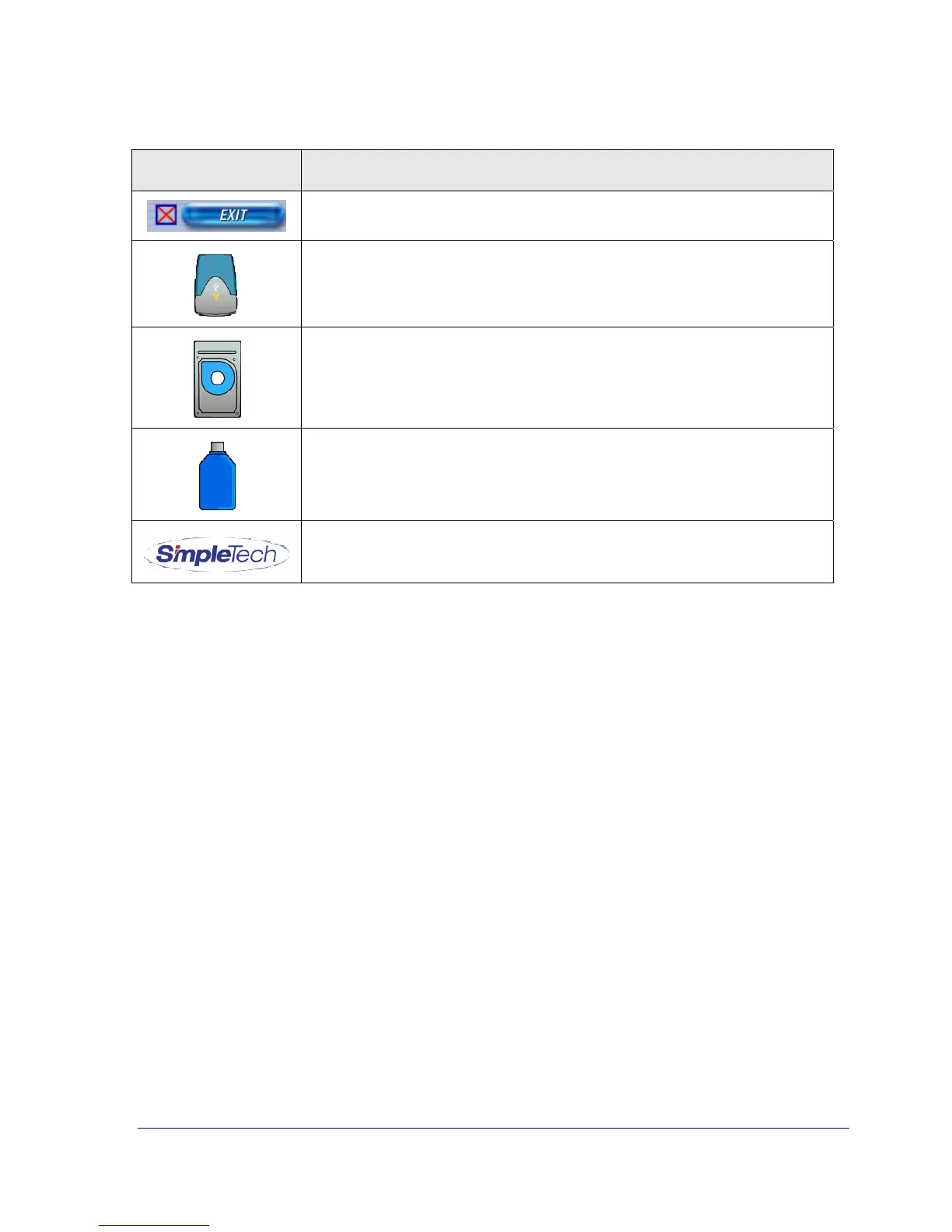
Table 2. Welcome Window Buttons
Button Description
Exits you from the program. See “Exiting StorageSync” on page 31.
Takes you to the SimpleDrive Web page.
Takes you to the SimpleTech Flash Card Web page.
Takes you to the SimpleTech Bonzai Web page.
Takes you to the SimpleTech Web site.
For your convenience, balloon help appears when you move the pointer over these buttons,
informing you of the button’s function. Figure 10 shows an example of the balloon help that
appears when the pointer is over the BACKUP button.



 To Next Page