StorageSync User’s Guide 77
Auto-Open Backup Window
Activity: Backup operation
Settings: Disabled
Enabled (default)
If Auto-Open Backup Window is checked and Auto-Launch is also checked, connecting a
SimpleTech removable media drive to your computer tells StorageSync to open the Backup
window automatically. By default, this option is turned on.
Reminder
Activities: Backup and restore
operations
Settings: Disabled (default)
Enabled
Reminder allows StorageSync to automatically remind you to back up your data. If you
enable this option, you can specify how often you would like StorageSync to remind you
about backing up your data, from 1 day to 31 days.
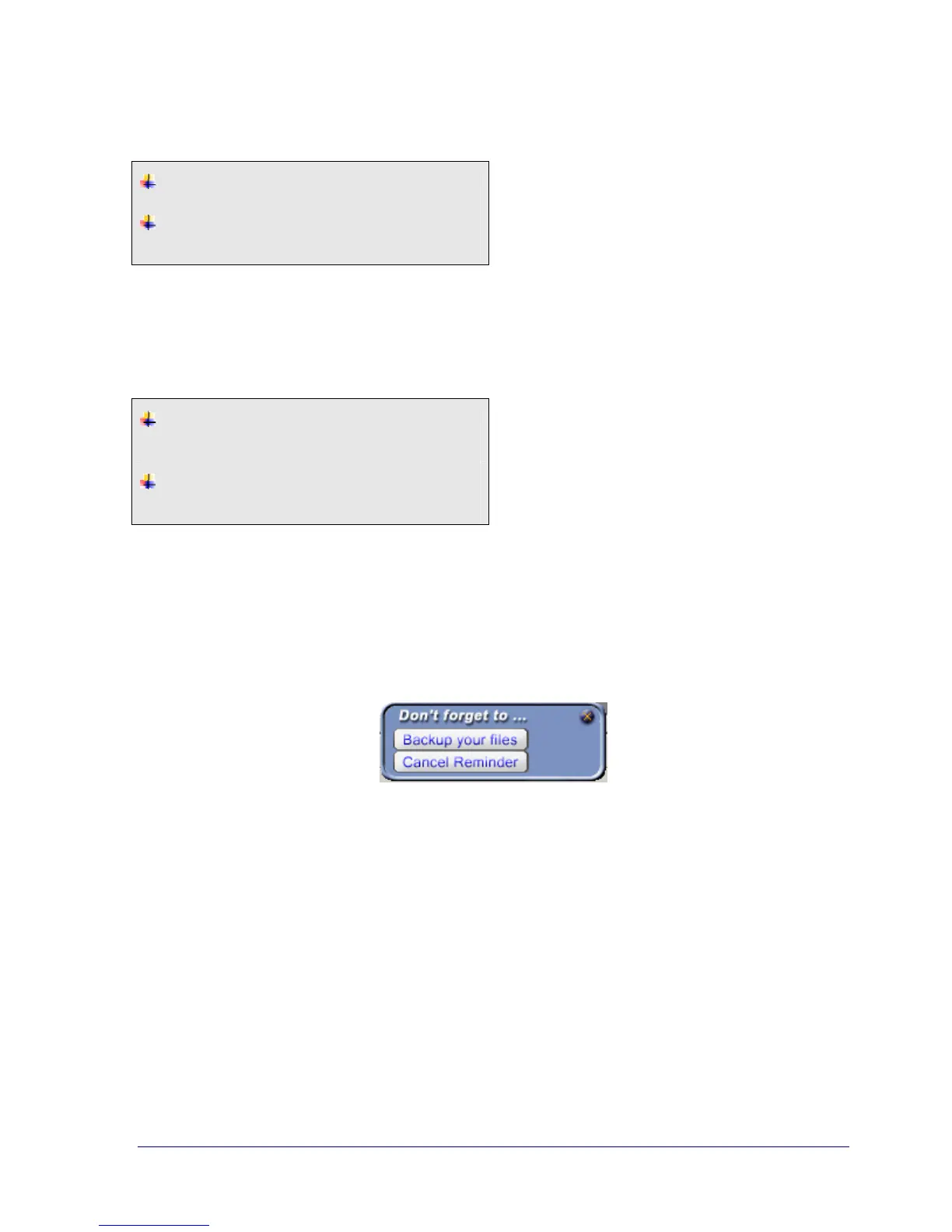
Figure 38 shows an example of the StorageSync reminder. When this reminder appears, you
can click Backup your files to go to the Backup window, or Cancel Reminder to remove the
reminder.
Figure 38. Backup Reminder



 To Next Page