StorageSync User’s Guide 15
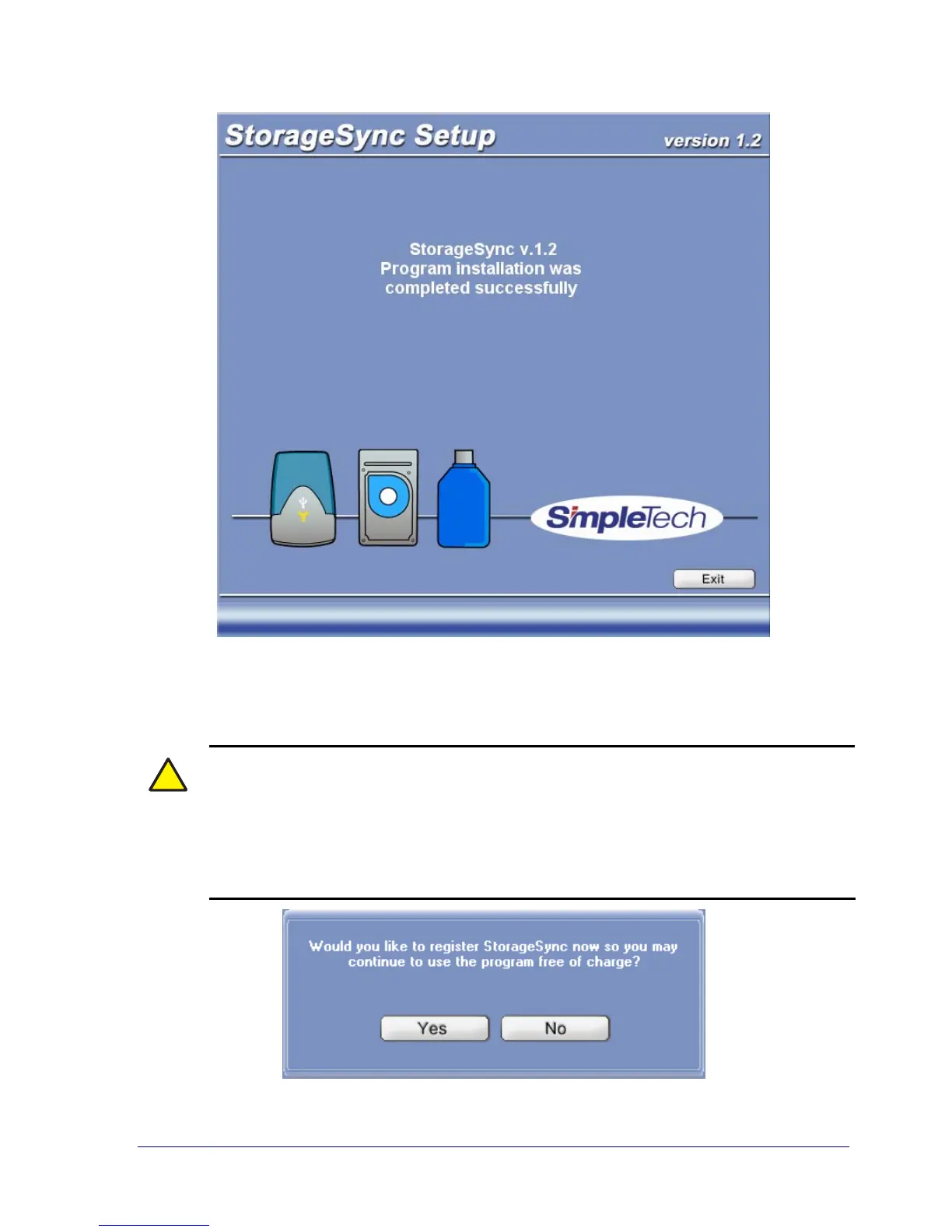
Figure 3. Setup Screen: Installation Complete
9. Click Exit to complete the installation procedure. StorageSync prompts you to register the
program (see Figure 4). We recommend that you register StorageSync at this time.
!
You can use StorageSync for 60 days without registering it; however, StorageSync
will remind you every seven days that you need to register the product. If you
prefer, you can register StorageSync later by clicking the Register button on a
secondary window or by clicking the Start button, pointing to Programs, pointing
to StorageSync, and clicking StorageSync Registration. You must have Internet
access to register StorageSync online.
Figure 4. Prompt to Register StorageSync



 To Next Page