StorageSync User’s Guide 29
A button at the lower-right of the window initiates the task. In Figure 11, for example,
clicking Backup starts the backup operation.
!
Like the Welcome window, secondary windows have balloon help that appears
when you move the pointer over the components in the window.
Accessing StorageSync’s Online Help
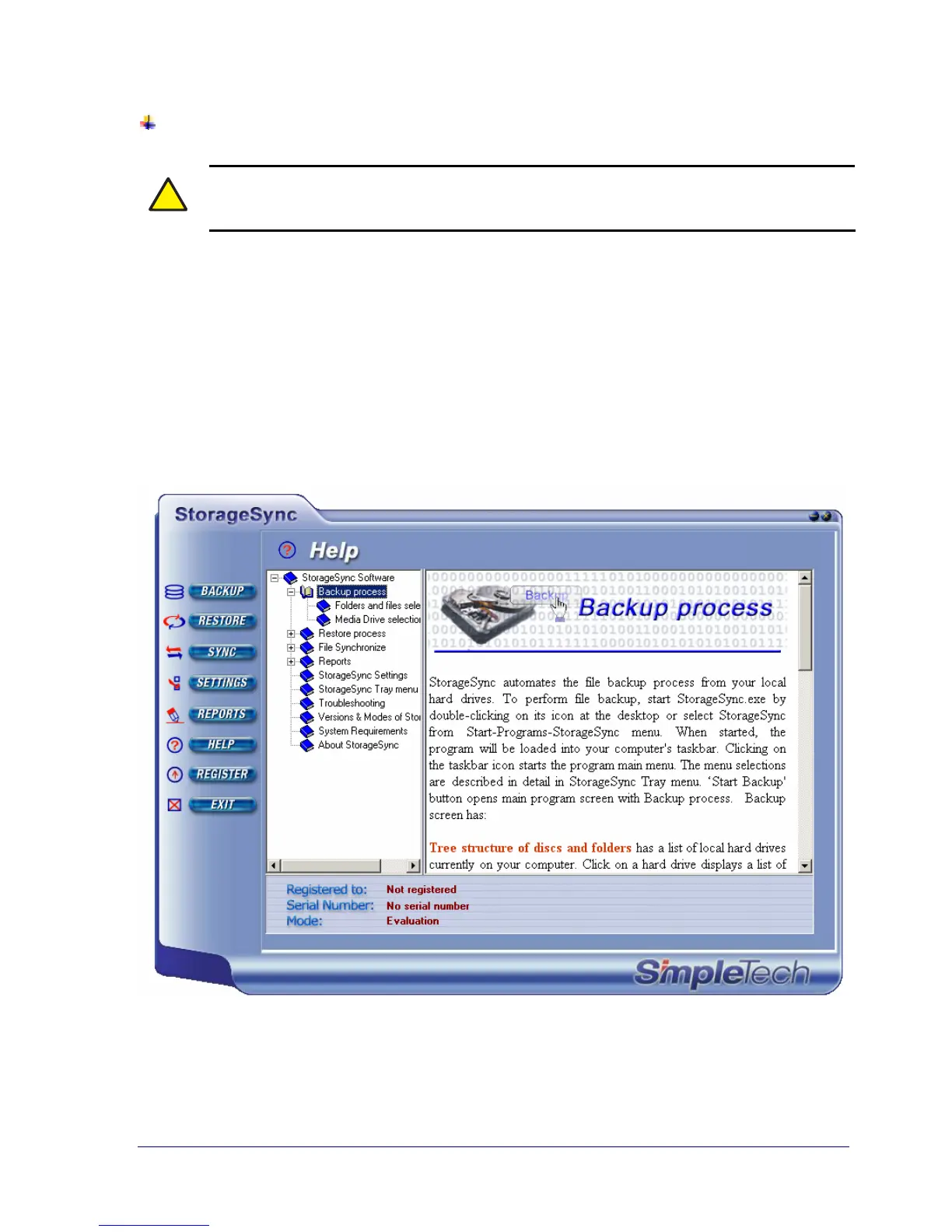
For your convenience, StorageSync provides a comprehensive online help facility that is
geared to all levels of users. To access the online help, click the HELP button on the
Welcome window or on any secondary window.
Figure 12 shows an example of StorageSync’s online help. Topics appear in the pane on the
right. Clicking a topic displays the information in the area to the right of the topics pane.
Figure 12. Example of Online Help



 To Next Page