86 StorageSync User’s Guide
This appendix presents frequently asked questions about backing up, restoring, and
synchronizing data.
?
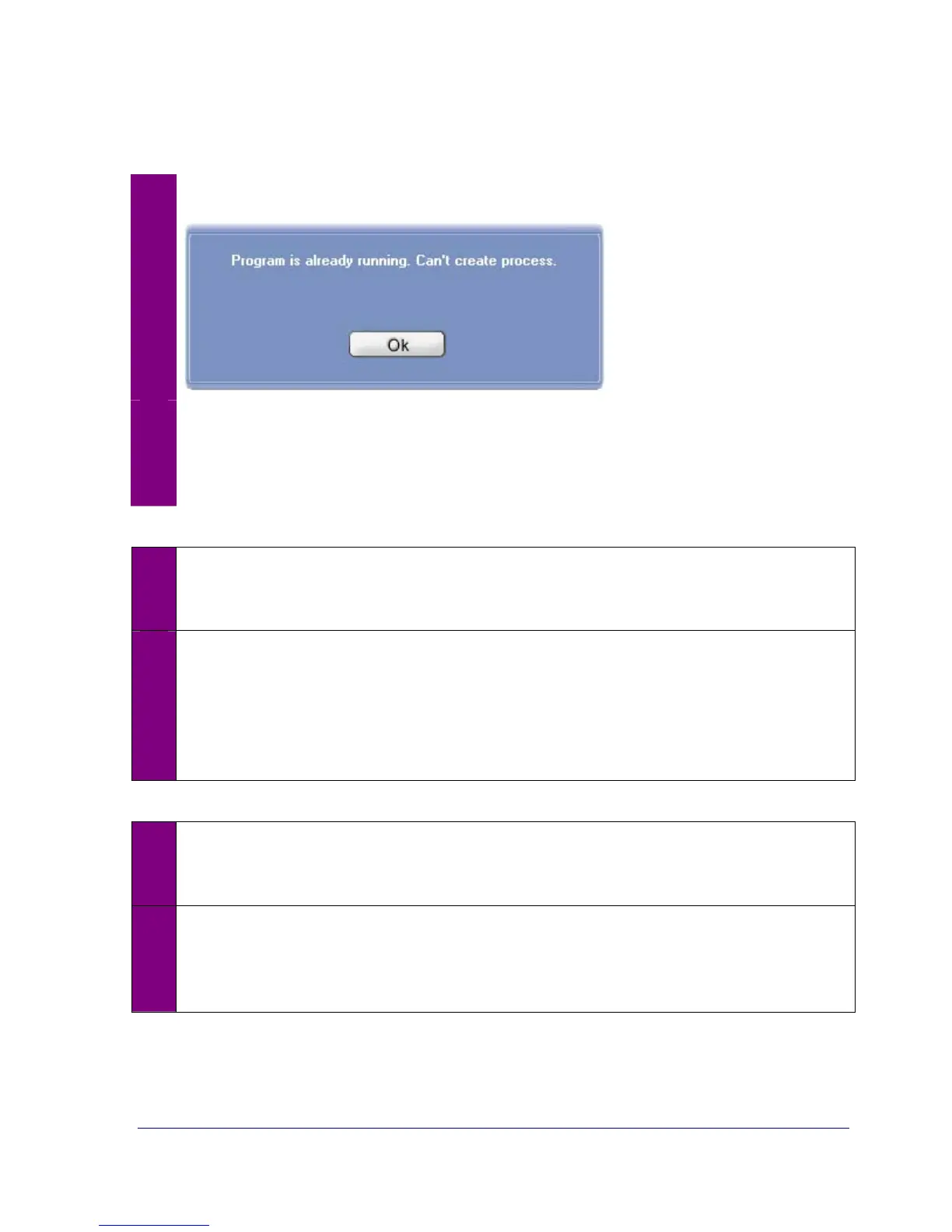
Why does the following message appear when I try to start StorageSync?
!
This message shows that StorageSync is already running. Click OK to remove the
message. If you cannot see the Welcome or secondary window, access StorageSync
through the System tray menu (see “Accessing StorageSync through the System Tray”
on page 23).
?
Which compression quality should I use when backing up data?
!
Using a higher compression quality consumes less space for backed up files on the
removable media drive, but increases the time required to back up files. Using a lower
compression quality consumes more space on the media drive, but takes less time to
perform backup operations. Determine whether space or time is more important and
select the appropriate setting. If you backup frequently, use the lower compression rate.
Otherwise, use the higher setting for maximum compression.
?
Which encryption key should I use?
!
Like compression, using a higher encryption key may provide greater protection, but
requires more time to back up files. Using a lower encryption key takes less time to
perform backup operations. Determine whether data protection or time is more
important and select the appropriate setting.



 To Next Page