1. Machine Cleaning
1.1 Cleaning Case Maintenance
1 On the LCD, if a message requesting for the cleaning of the cleaning case pops up, detach the cleaning
case and clean all the filament residue inside the case.
-
If in need for further cleaning, on the menu, under settings, select cleaning case. The cleaning case can be
detached.
1.2 Printer Interior Cleaning
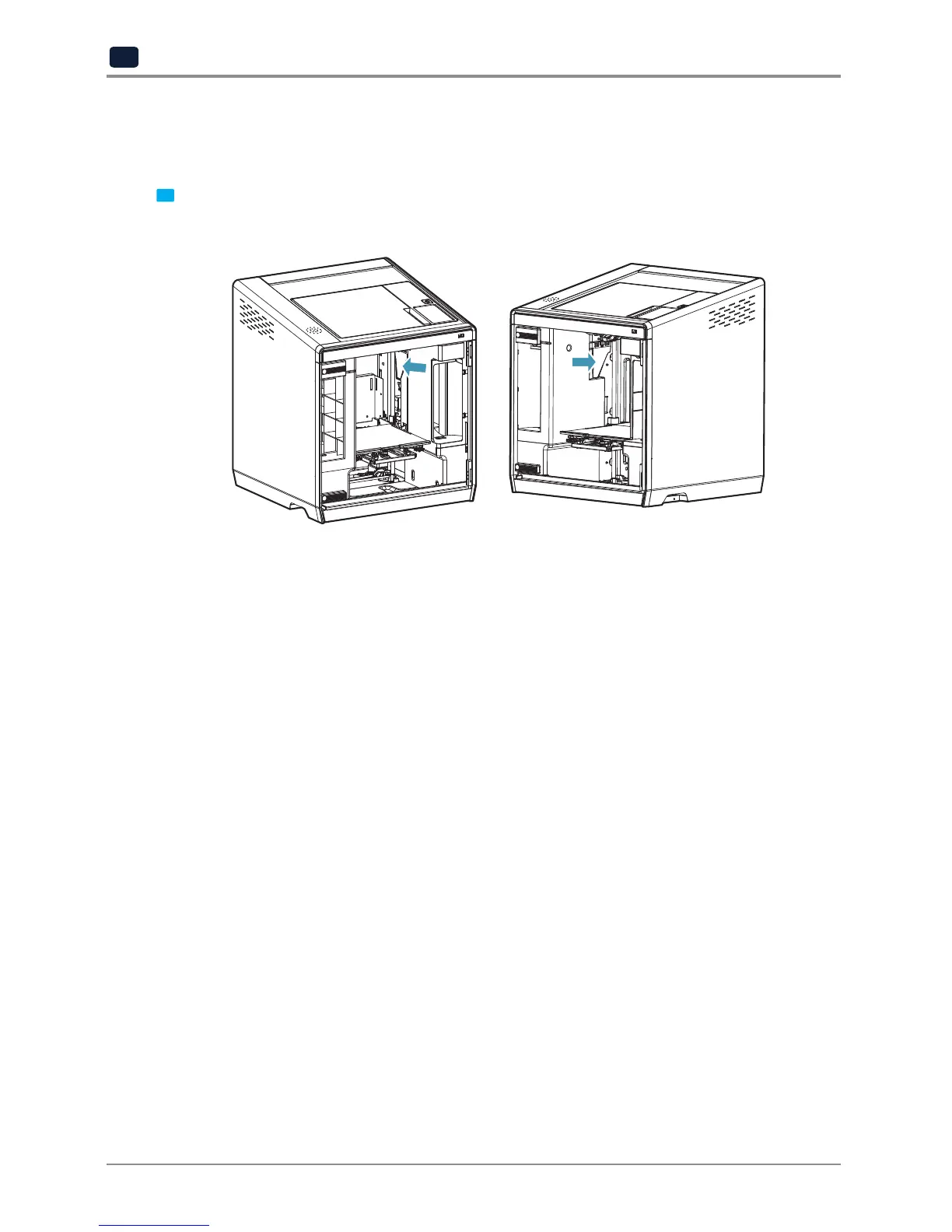
Over time, there will be a build up of filament residue within the printer.
If the residue goes into conveyor belt or fan wings, it can cause printer malfunction.
Please clean the inside of the printer regularly or right after a print job.
1.3 Periodical Inspection
Oil/Grease Inspection
During manufacturing grease/oil is applied to the gears.
After a period of time, grease and oil can dry and cause printer noises during operation.
At least once a month inspect the condition of grease and oil.
Especially, If printer begins to make noises during operation, immediately check if oil and grease are applied
properly. If necessary contact service center for inspection.
1.4 Flexible bed and Nozzle Cleaning
If there are filament residue or foreign matter on the exposed surface of the metal on the bed or on the end of the
nozzle tip, Bed leveling may not work properly and the output quality may be affected due to foreign matter.
Regularly clean the metal exposed surface of the bed and the tip of nozzle.



 To Next Page