Z OFFSET
※After bed leveling, it is highly recommended to check the z-offset.
This Menu allows user to control the GAP in between Nozzle and BED. Standard is 0.25mm and can be customi
zed. [+] button widens the GAP, [-] button shortens the GAP.
※For higher adhesive strength between the print output and the bed, shorten the distance of the z-offset.
For less adhesive strength, widen the distance of the z-offset.
1
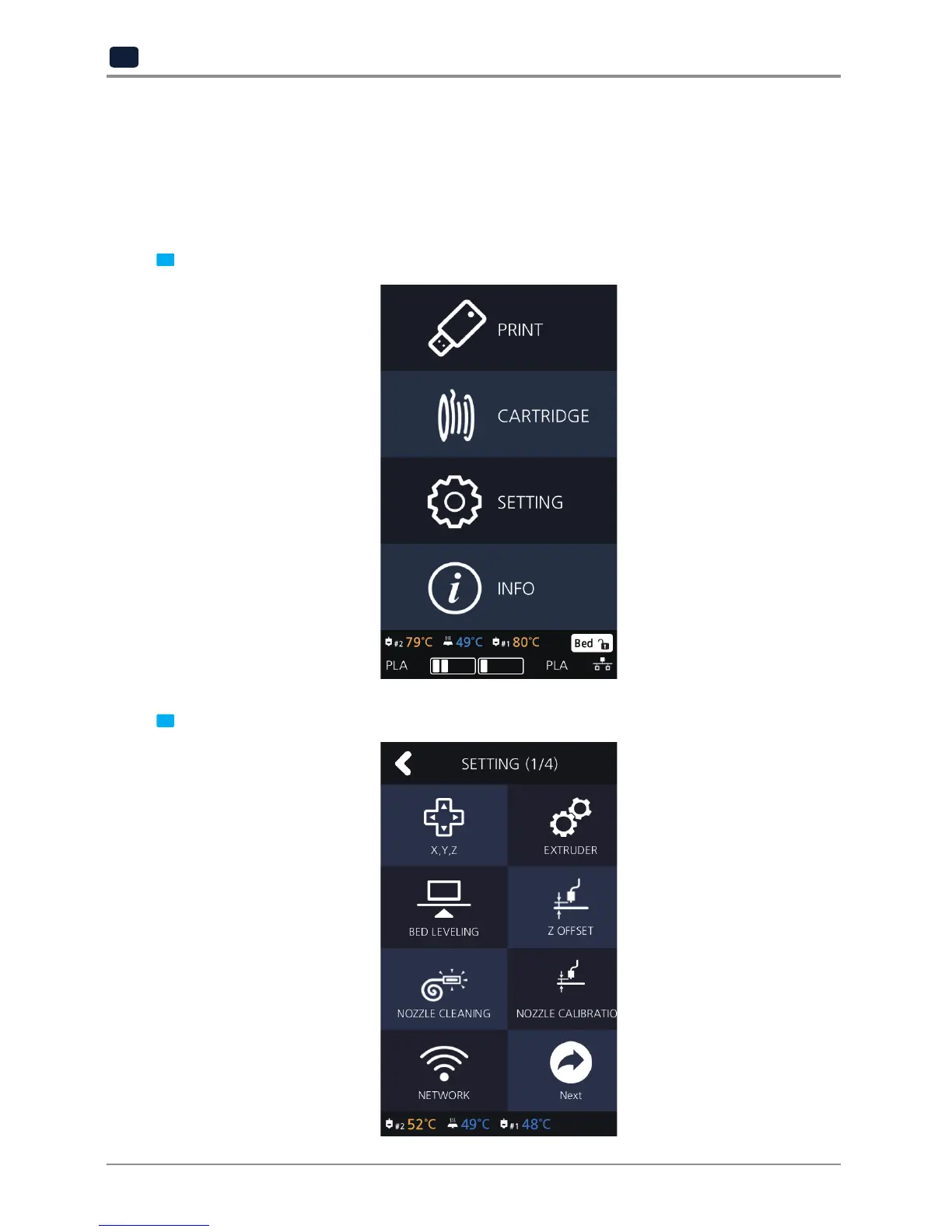
From home screen press
[SETTING]
.
2 Press the [Z OFFSET] button to access Z Offset screen.



 To Next Page