3.4 If the bed leveling does not operate normally
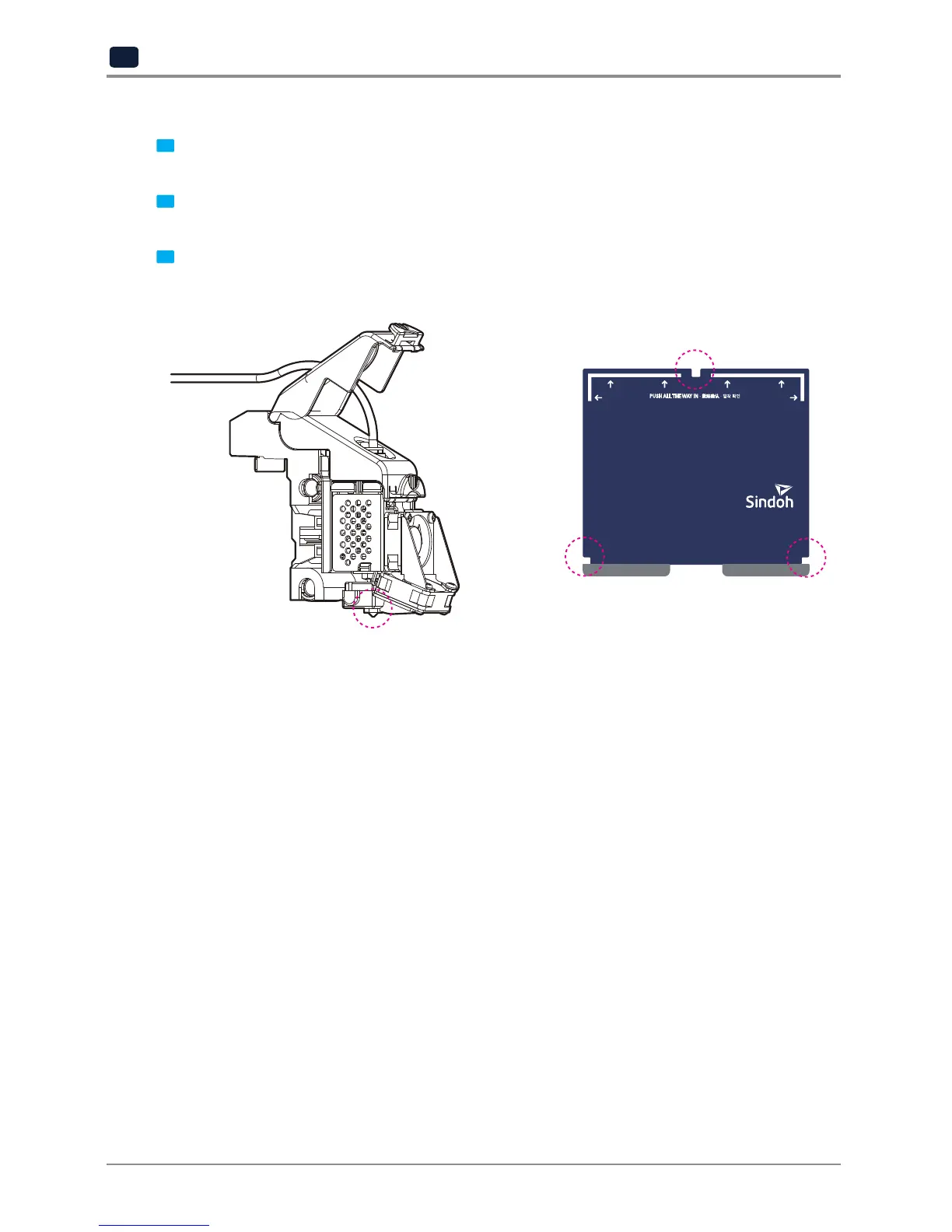
1 Make sure the bed is not tilted at an angle. According to the bed installation method (Chapter 4. Printed
Output 2 Check) adjust to match the base.
2 Check the filament residue or foreign matter on the metal exposed surface of the bed and remove it.
- Clean the area 4 or 5 times with 800 grit sandpaper or so.
3 Check the filament residue or foreign matter on the Nozzle tip and remove with a cleaning tool.
- After lowering the bed, enther the extrude mode and wipe it with cotion or leather cloth.
- Since the tip of the nozzle is very hot, fold the cloth and use it to avoid getting burns.
3.5 Solution for EC 401
The EC 401 error code occurs if the filament was not correctly transferred.
There are many possible reasons why the filament was not properly transferred. To solve this issue, follow the
instructions below.



 To Next Page