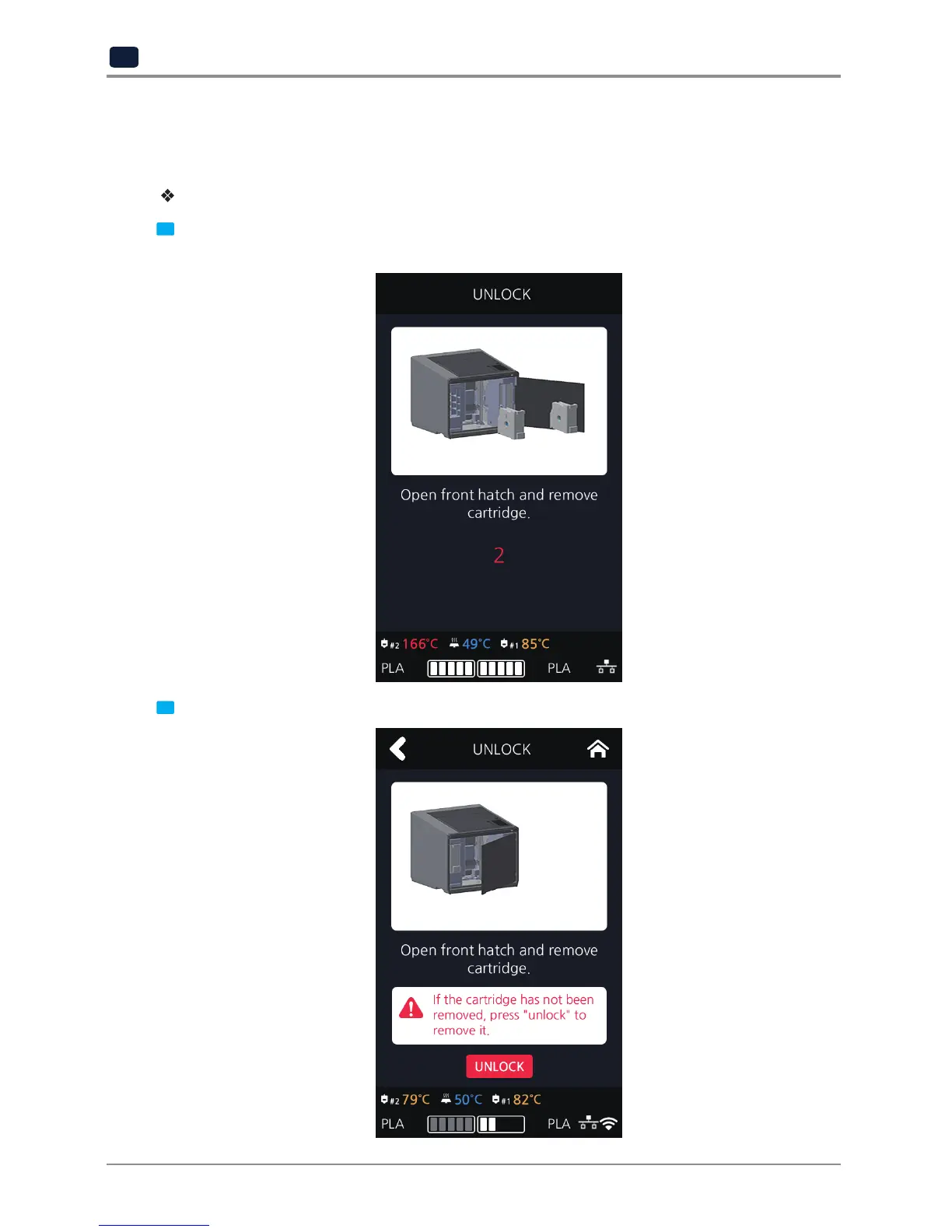
UNLOCK
This Function is to remove the cartridge out of the printer. Cartridge unlock automatically initiates when
filament unload is finished. Cartridge unlock can also be manually done by the user.
When unlock screen automatically appears after cartridge unload.
1 For 10 seconds [LOCK] state is deactivated and the user can detach cartridge from printer. If the cartridge
can’t be pulled out even after “unlock”, gently push it forward and then try to pull out again.
2 After 10 seconds printer will automatically change to [LOCK] state and [UNLOCK] appears.



 To Next Page