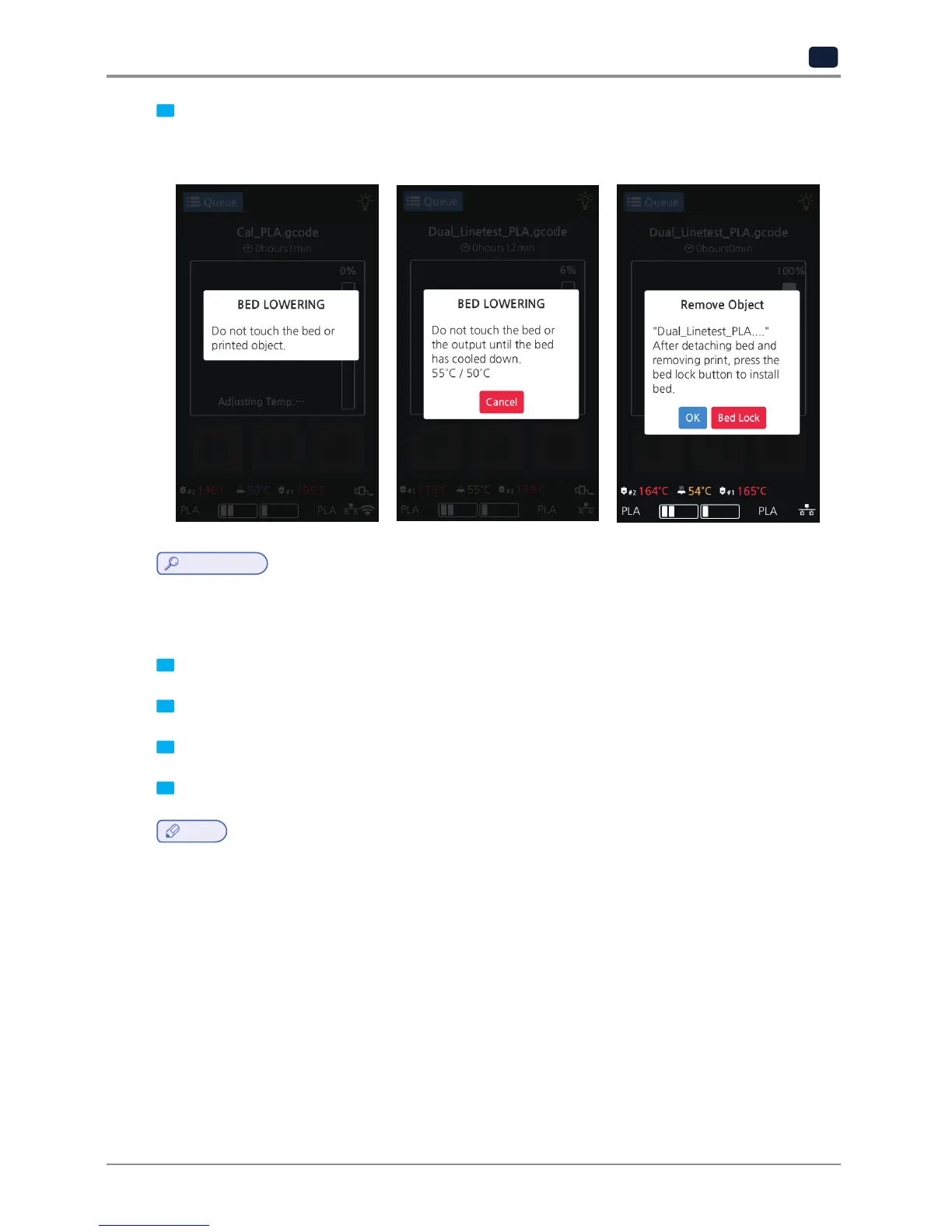
9 Printing Completion
After printing has completed, follow the instructions and remove the printed product. Press the [OK] to return to
home screen.
Reference
-
Methods of removing printables refer to P. 4-2 “1. Printed Output Check”.
1.2 Printing Via PC
1 Prepare PC connected to the same network where the printer is connected to.
2 Run 3DWOX Slicer program.
3 Press the “Print” button.
4 Following Steps (Same as steps 3~9 of printing via USB)
Note
-
Pause, print cancelation, please refer to "USB printing" section.



 To Next Page