▣Extruder
It functions just like the extruder operation in your printer’s settings.
▣Cartridge
The cartridge can be loaded, unloaded, or unlocked during printing.
7 Exchanging Cartridge during print
Press [Change] to switch the currently using cartridge into a different cartridge.
8 Print Cancelation
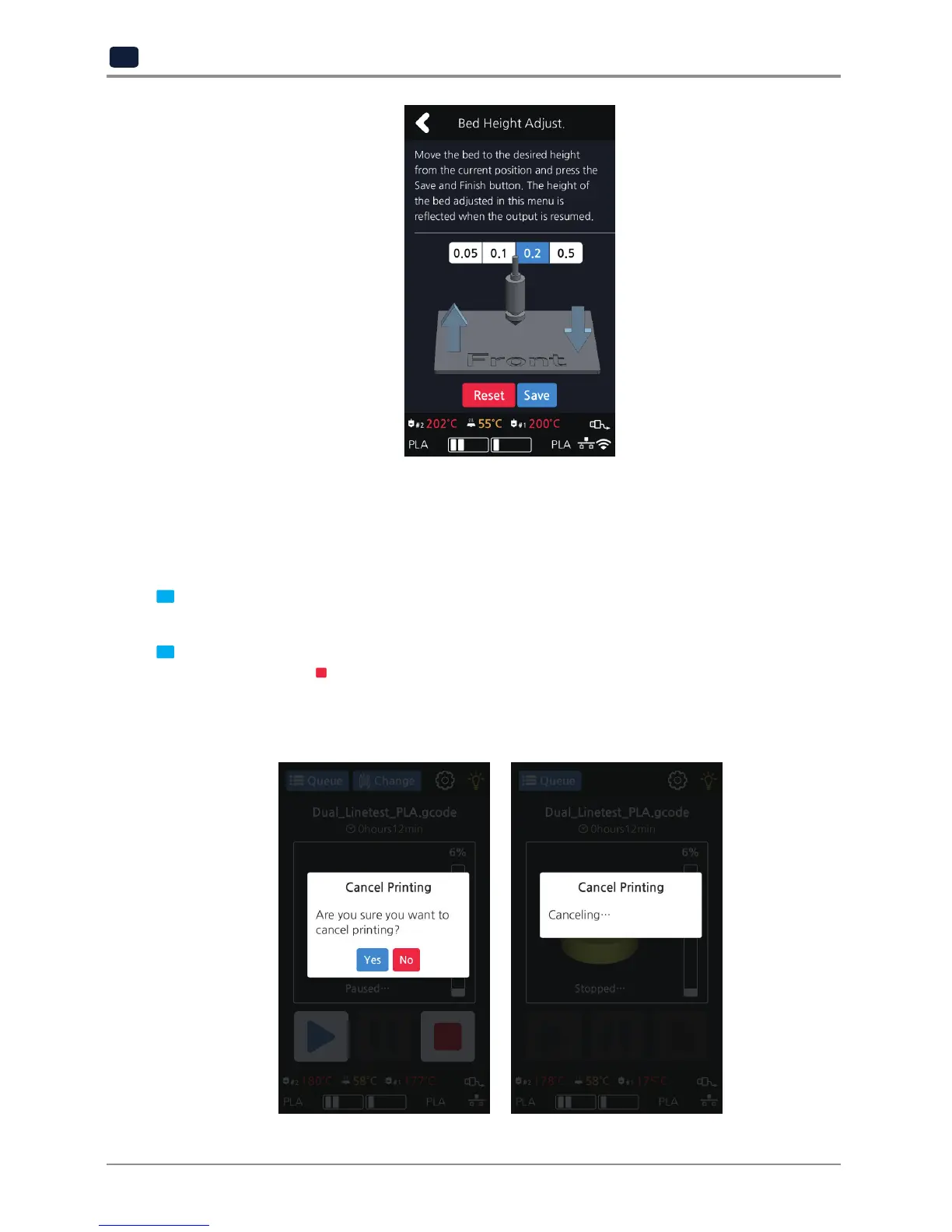
During print pressing [
] button a message pops up and asks for confirmation on the print canceling.
When confirmed, the rest printing job is canceled.
Another message requesting the removable of left print will popup press [OK] and screen will return to home
screen.



 To Next Page