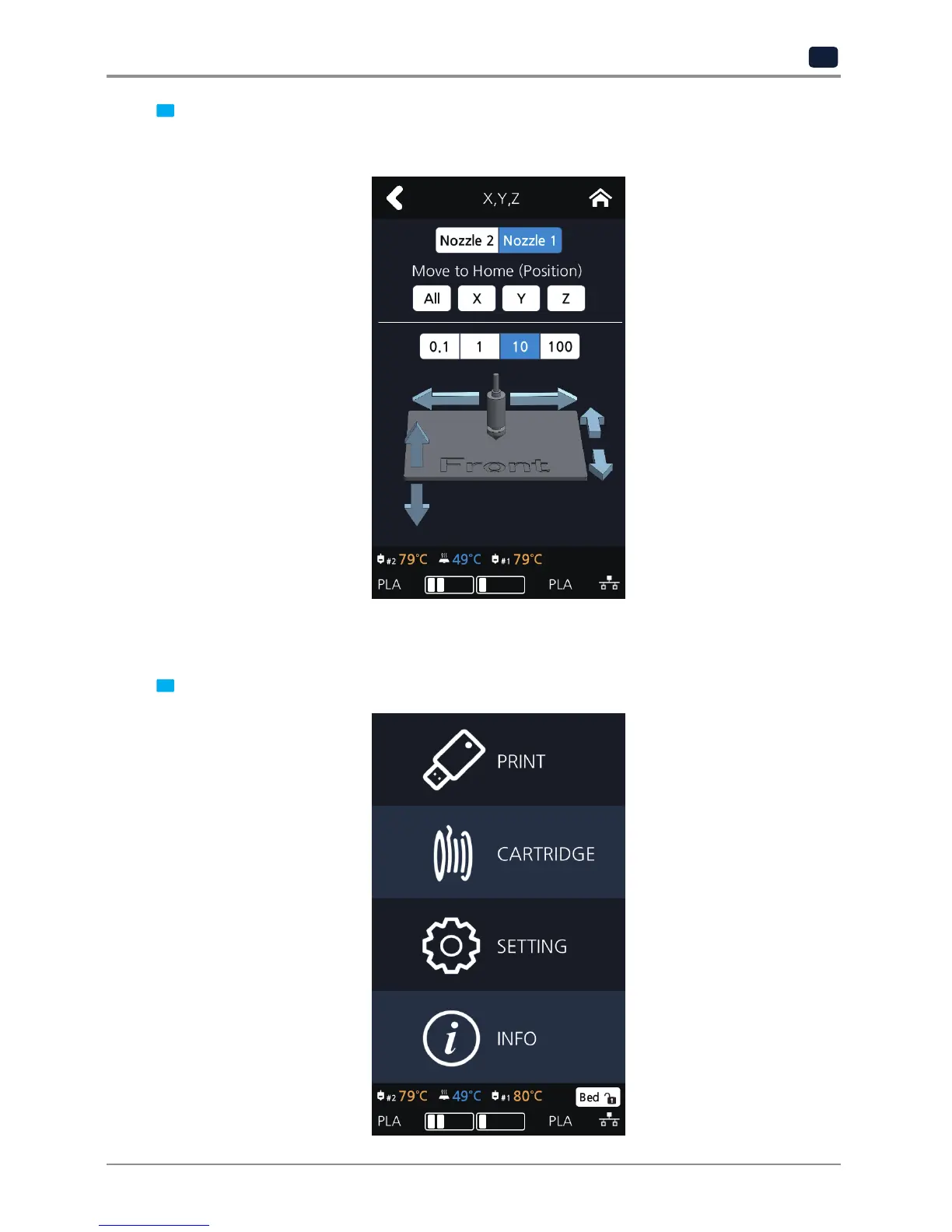
3 Press either [0.1], [1], [10], or [100] to select the length of trasnfer, and press the arrows to move the Bed and
the Nozzle in the respective position.
To move to each axis' home location, press [All], [X], [Y] or [Z].
EXTRUDER
This function is used to fine control the filament to its position.
1 From home screen press [SETTING].



 To Next Page