1. Printing
User can print printables via USB flash drive, USB cable, or over the network.
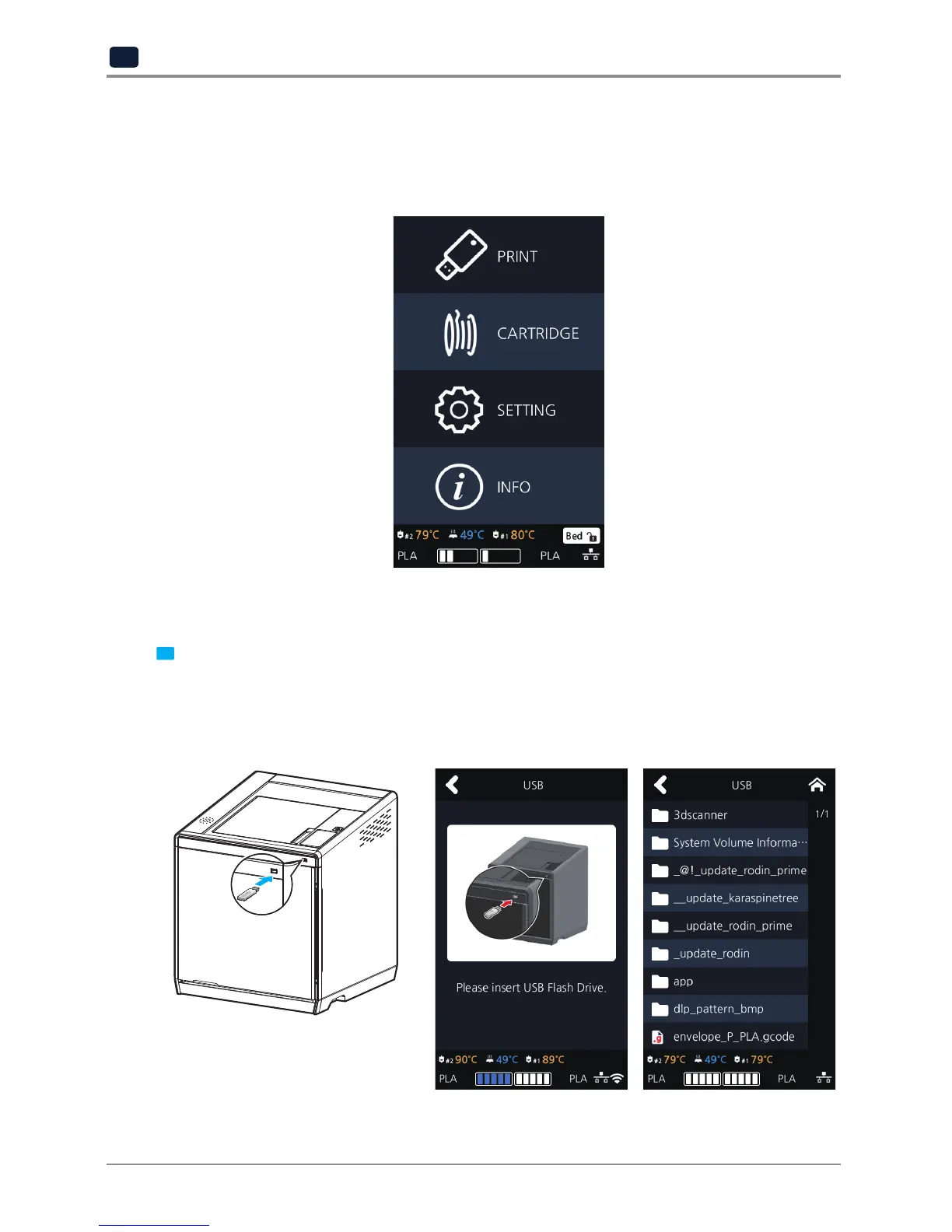
The following on the printer means it is ready to start print.
1.1 Printing from USB Flash Drive
1 Connecting USB flash drive to the printer.
In order to print using an USB flash drive, insert the flash drive into the USB port.
When the USB flash drive is connected while in the home screen, a list of files in the USB appears.
When [PRINT] is selected without the USB flash drive connected, a message requesting for USB connection
will pop up and once USB flash drive is connected a list of the USB files will emerge.



 To Next Page