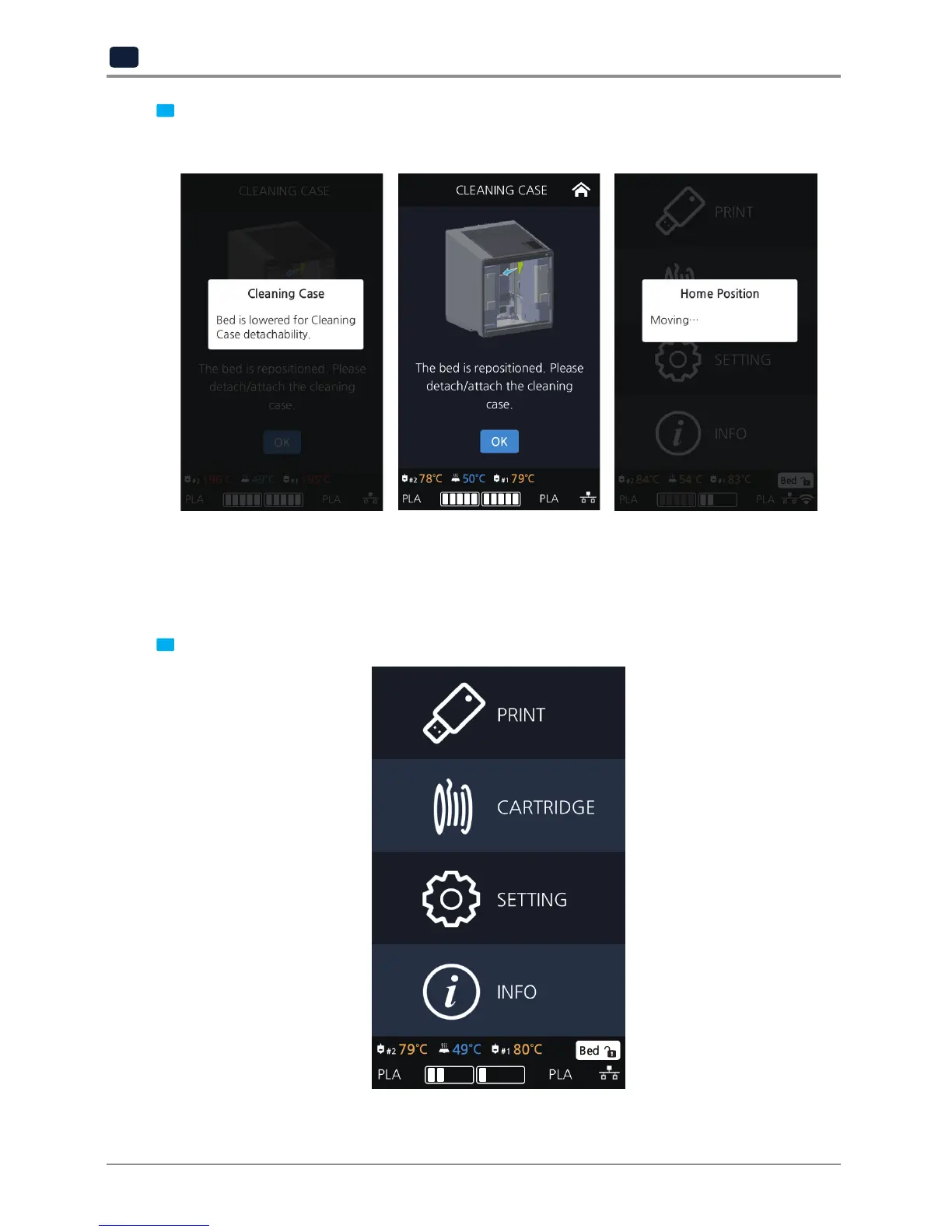
3 Entering Cleaning Case, the nozzle will automatically position itself to the left side to be visible and
accessible. Like shown in the image, empty the CASE, press [OK] when done and user will be returned to
the settings screen.
BED LOWERING
Use this function, in times of moving printer to a different location.
Bed will be lowered to the bottom and will be locked into position.
1 Press [SETTING] from the home screen.



 To Next Page