4. Installation(Product connection, Cartridge Setup and
Software installation)
4.1 Device Connection
1 On the rear side of the machine, connect the power cable to the power socket.
Next, connect the power cable to the power outlet.
2 Press the power button, located on top of the machine.
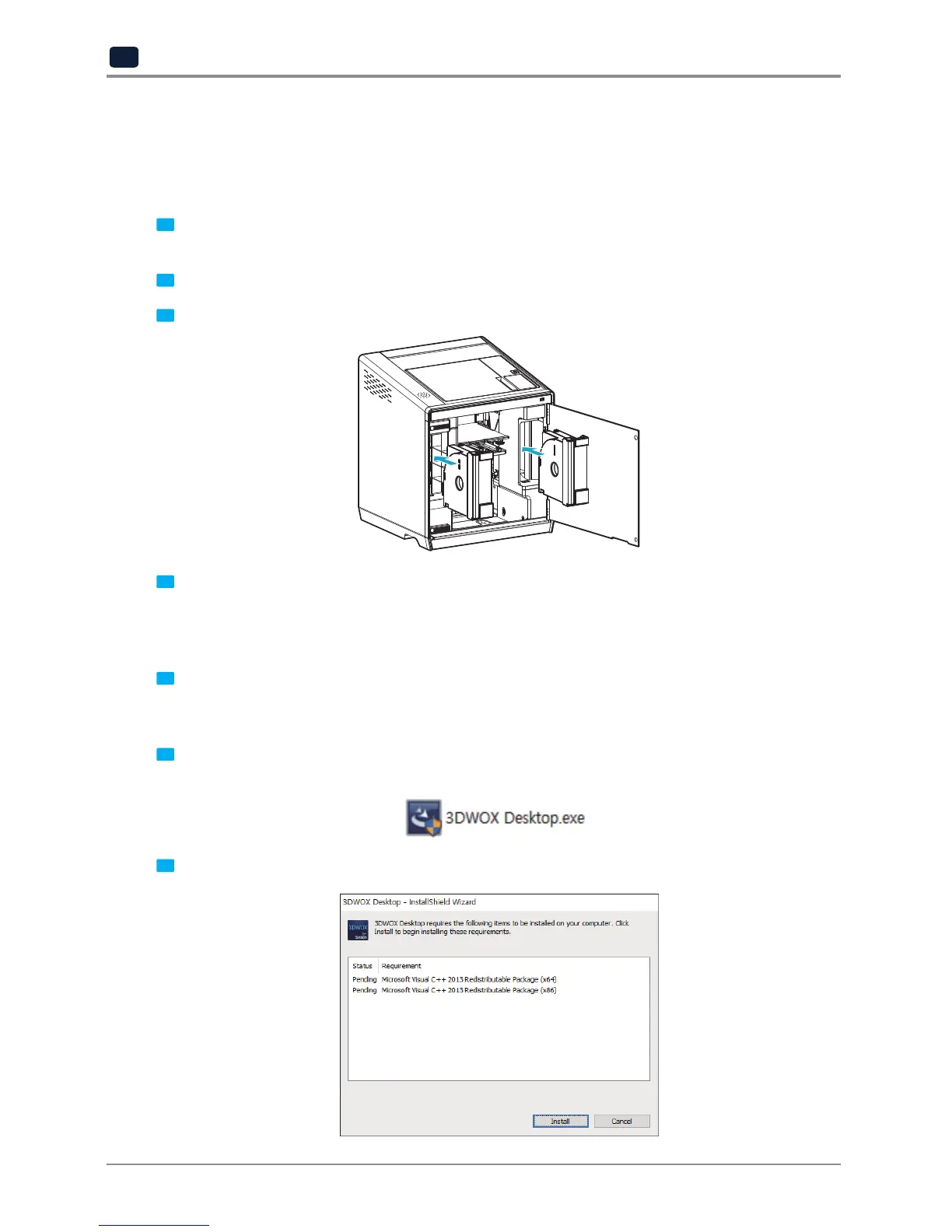
3 After main menu is displayed on the LCD screen, install the cartridge (Refer to UI manual “LOAD”).
4 Connection to PC
1) Direct Connection: Connect one end of the enclosed USB cable to the back of the 3DWOX and the other end
to the PC.
2) Network Connection: Refer to 2-26(Network) of the User Manual.
5 Plug USB flash drive in, and install machine drivers and Slicer program.
4.2 Program Installation
1 Start the installation of 3DWOX Desktop program by clicking on “3DWOX Desktop.exe” file in the enclosed
USB.
2 Install the additional files required by the software first.



 To Next Page