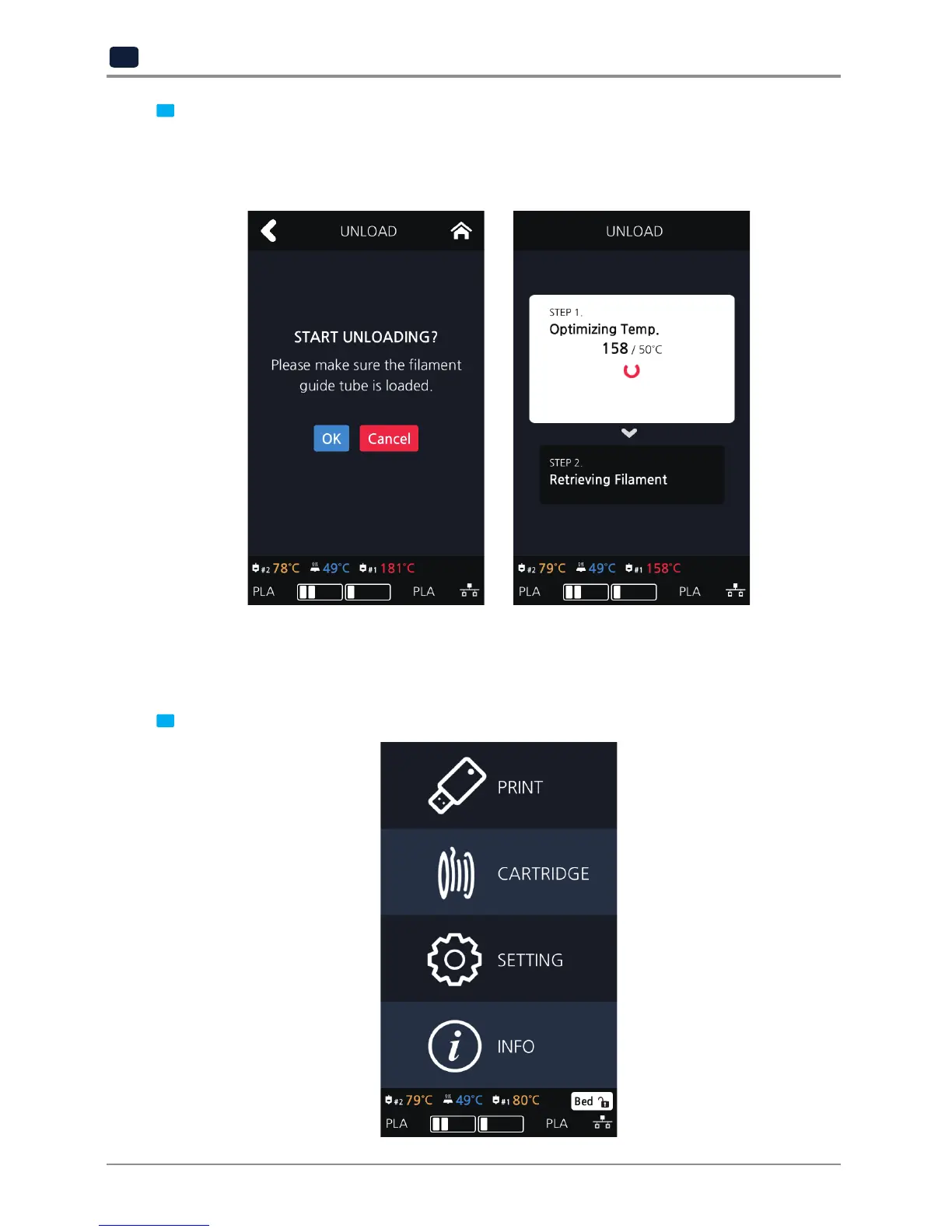
3 When [OK] is pressed at the cartridge unload confirming message, cartridge unloading will automatically
procceed. To remove filament, the nozzle is heated up to the specified temperature and the filament unload
starts.
After the filament has been removed, the screen will automatically turn to the [UNLOCK] screen to let the
user remove the cartridge.
Unload PVA, Flexible Filament.
Follow the instructions when you unload soft-materials such as PVA, Flexible.
1 From the HOME screen press [CARTRIDGE].



 To Next Page