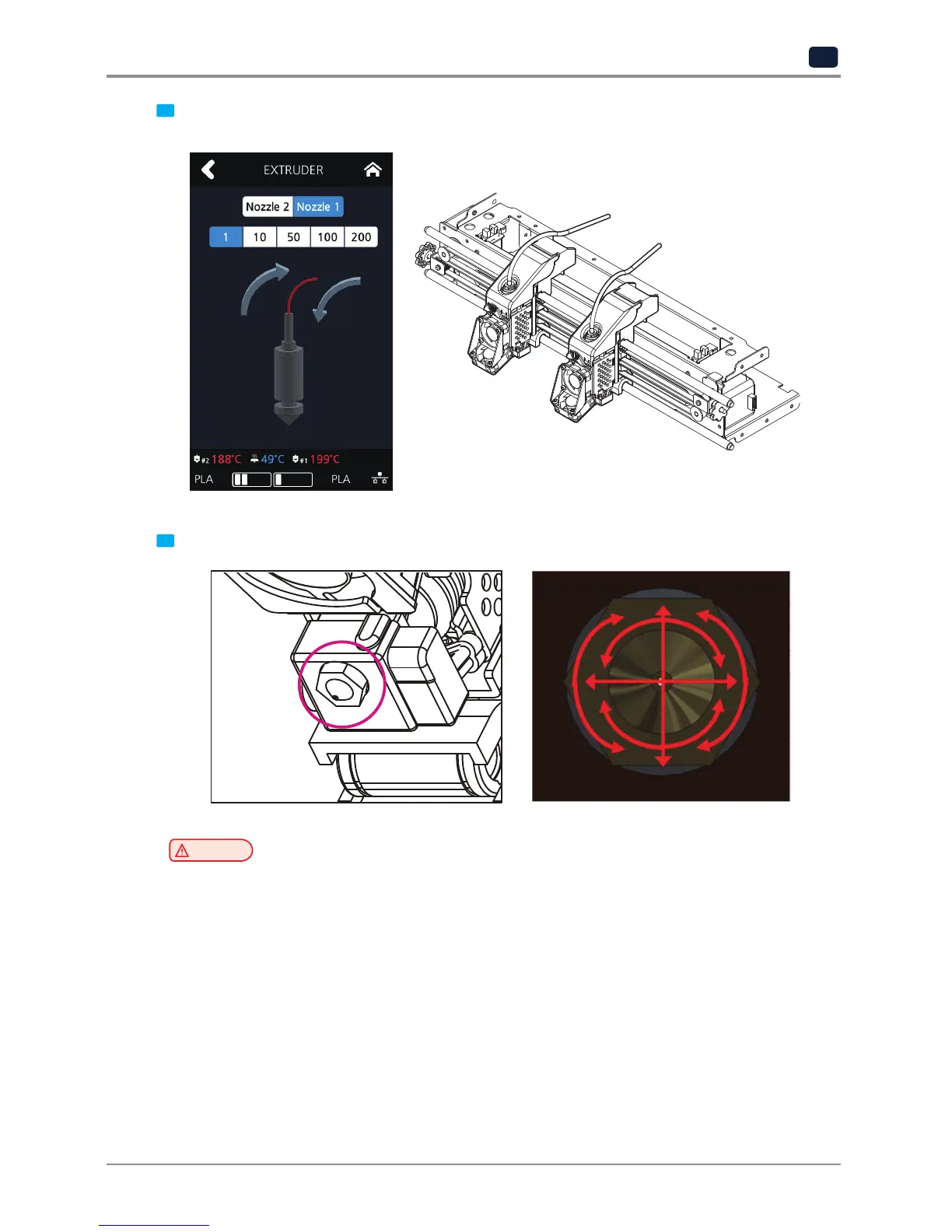
2 After reaching the target temperature in the Extruder mode, the UI screen appears as shown below.
Please move the nozzles to the center.
3 Wipe the tip of the nozzle with cotton or leather cloth in the direction shown below.
Caution
-
To prevent burns, wipe the nozzle tip by folding the cloth several times.
-
Be careful not to damage the silicone adhesive between the nozzle and the silicon cap.



 To Next Page