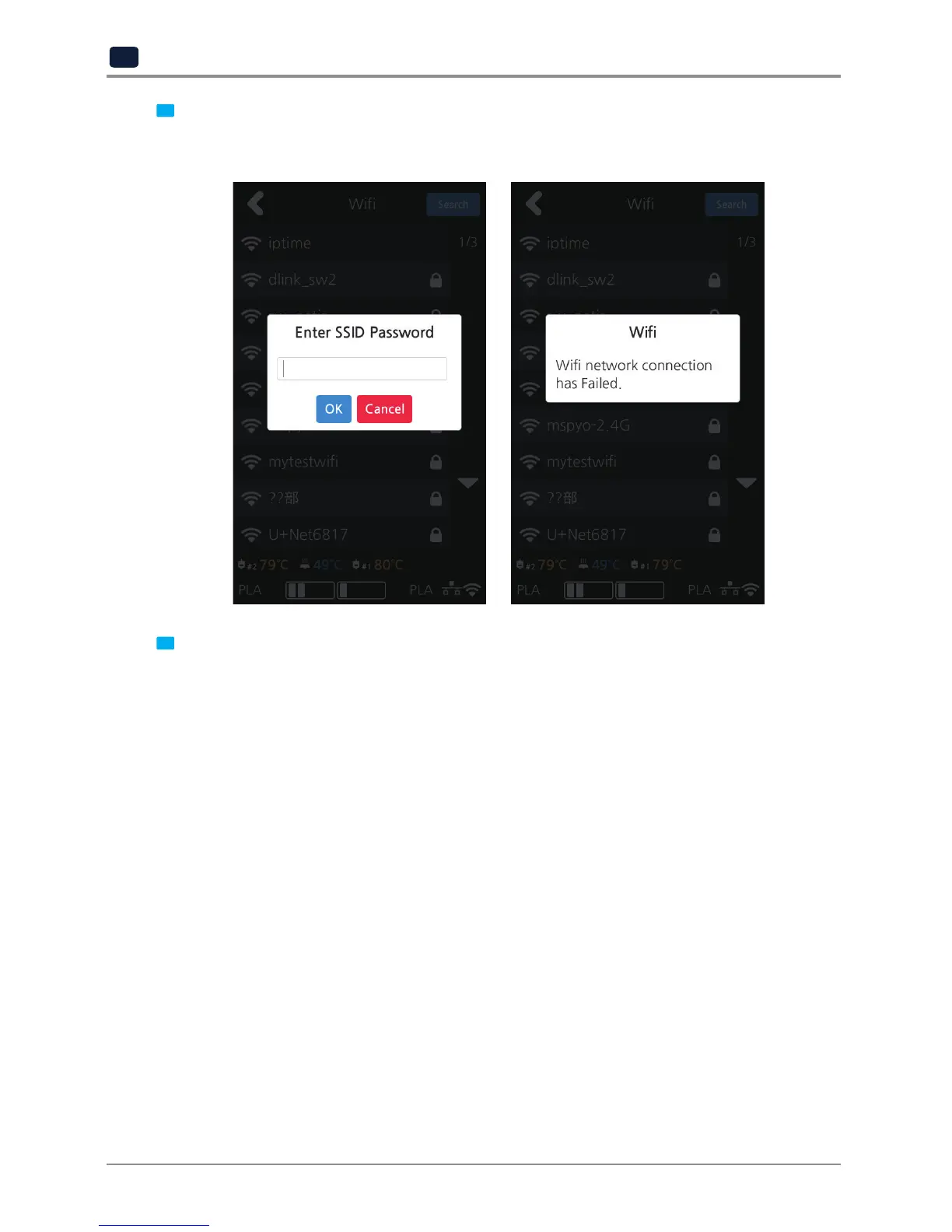
6 Select a wireless network from the list to connect to the network. For a password-protected network,
a dialog pops up and asks for the password.
You can refresh the network list by clicking [Search].
7 After successful connection printer may ask for [DHCP], [Static] similar to the WIRED setting.
When all settings are finalized press [Connect] to save settings.



 To Next Page