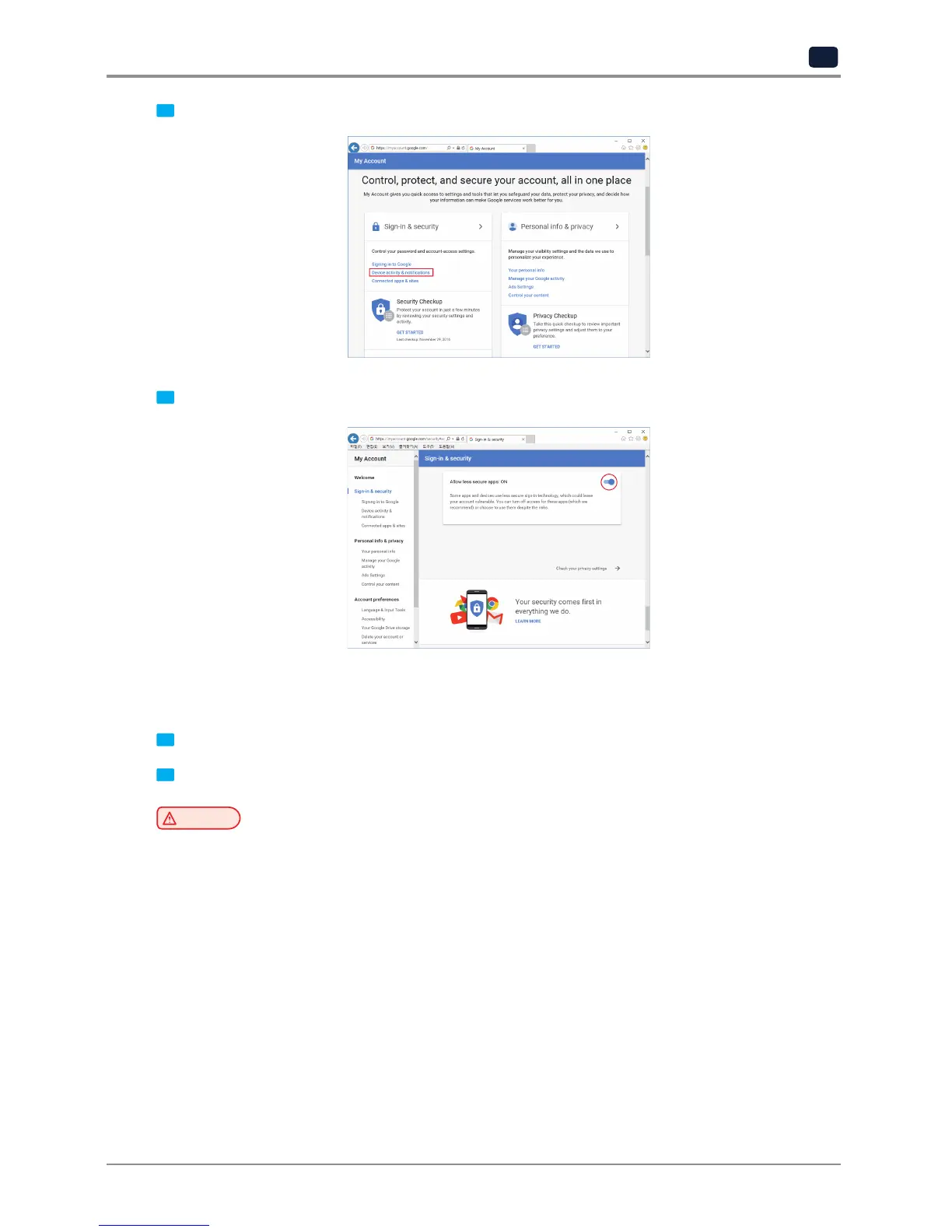
3 Under "Sign-In&Secruity" click "Device activity & notifications"
4 Scroll down and there is a "Allow less scure apps" criteria. Set it to "On" to enable the option.
▣
Printer Setting
1 Set "smtp.google.com" for the settings of the email address.
2 For Google, 25 and 587 ports are compatible.
Caution
-
According to the service provider, the email address and port number may be changed. For more
information please contact service administrator.



 To Next Page