41
After selecting stitches for a sequence, the sequence will sew
repeatedly.
SEWING
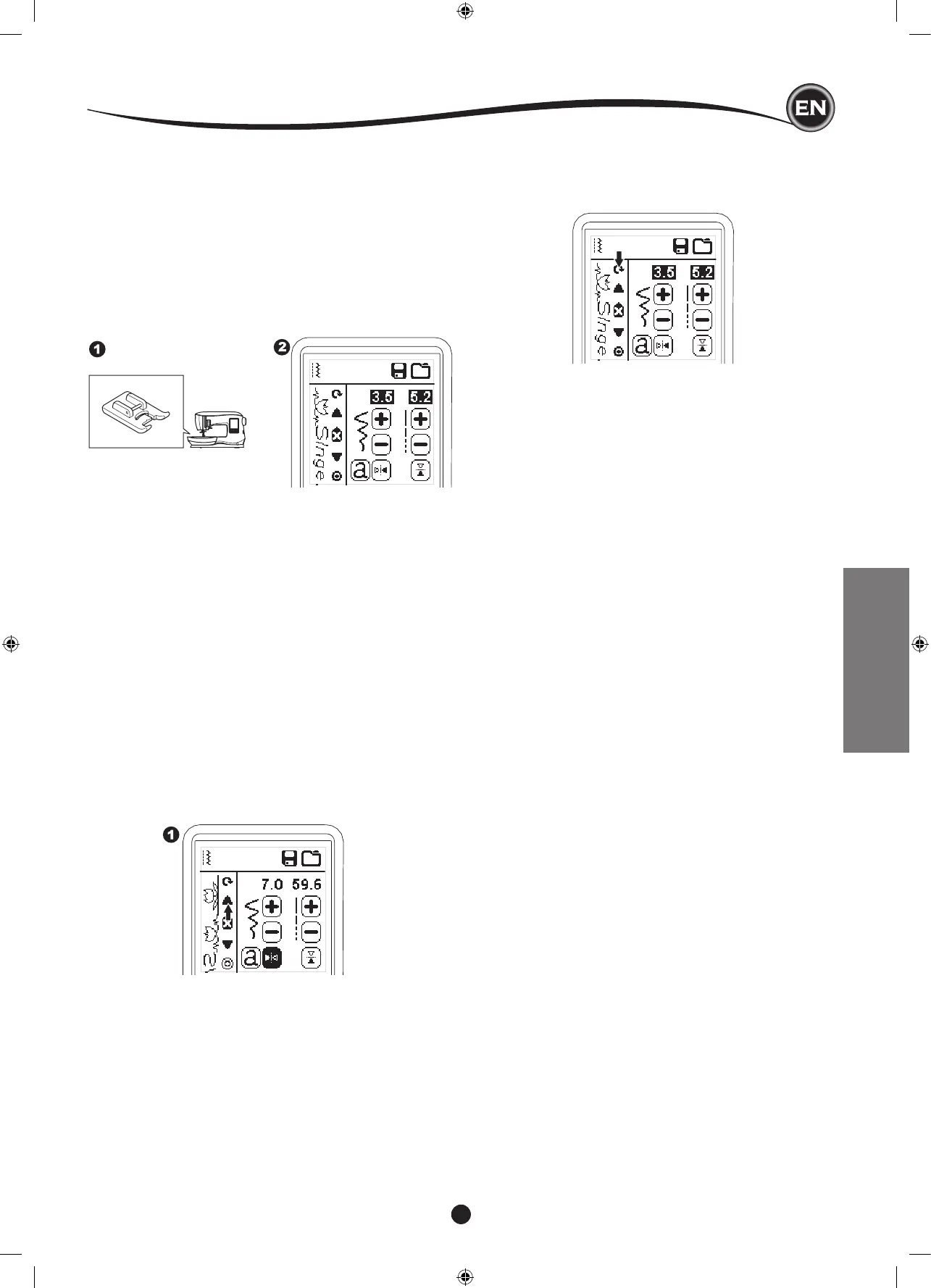
1. Attach the Satin Foot when sewing decorative & letter
stitches.
2. Lower the presser foot and start sewing.
Machine will start sewing from rst entered, and sew the
sequence repeatedly.
SewIng SeQuence from begInnIng
Whenever pressing the Restart button, machine will start
sewing sequence from beginning.
NOTE;
By pressing the Thread Cutter button while sewing, machine
will stop at the end of sequence and cut threads.
By pressing the Single Sequence button, the icon will change
to a circle and activate the Single Sequence mode. This mode
has two functions.
1. Adjustments as one stitch pattern. The value of stitch
length and width are now common for all stitch patterns in
the sequence. You can change the length/width and mirror/
reverse of all stitches as one stitch pattern.
2. Sewing in single time.
The stitch sequence will sew one time
and then stop at the end of the sequence.
NOTE:
In this mode, the Delete button is not activated. Press the
Single Sequence button again to activate.
SEQUENCING










 To Next Page