© Mar. 2022 6-12 1323RD&1623RD Operation Manual
PRE-OPERATION FUNCTION TEST
ENGINE SPEED SELECT SWITCH
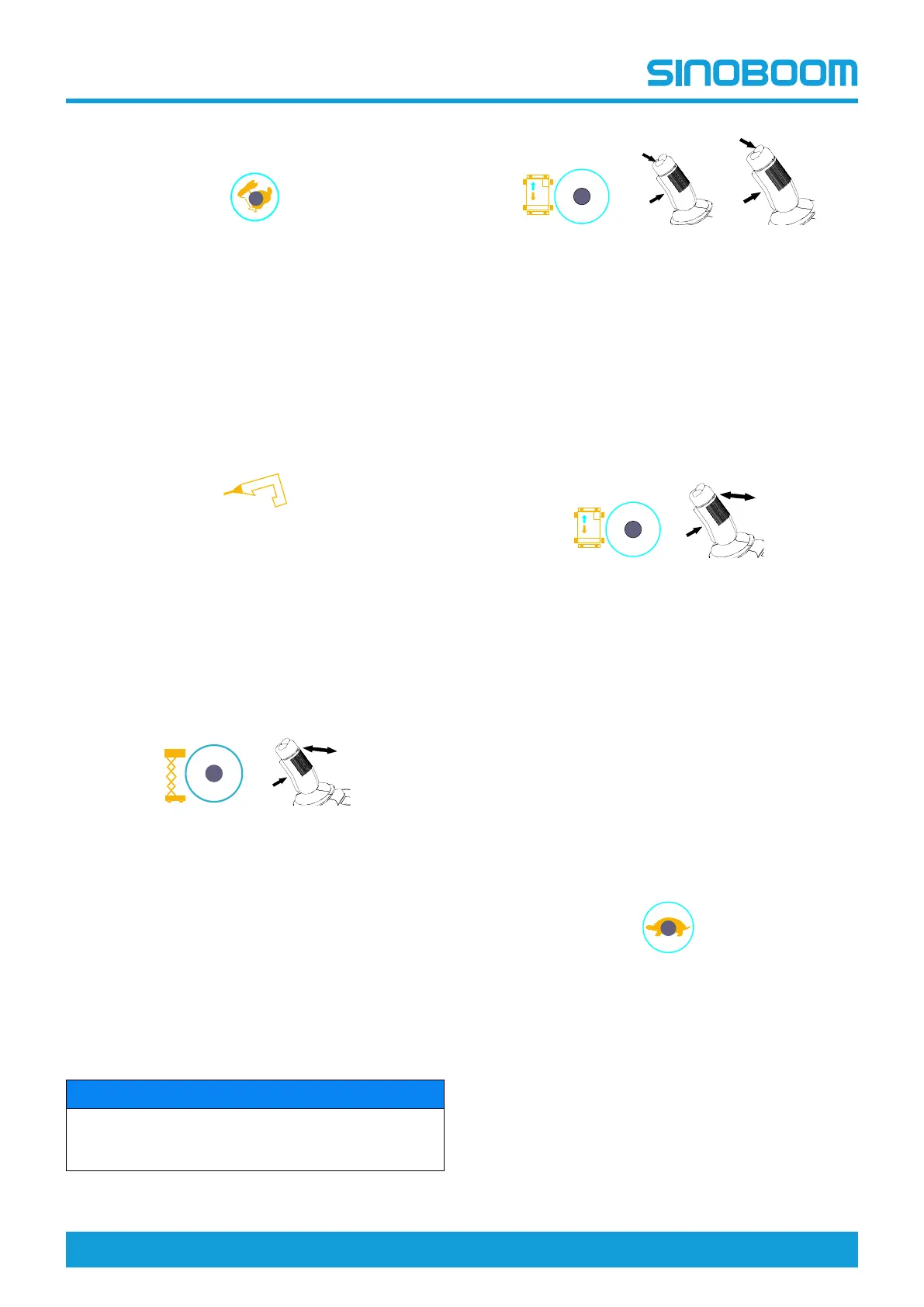
Press the engine speed select switch, the button
should be lit, indicating the engine is at high idle
speed; press the button again, the button light should
go off, indicating the engine is at low idle speed.
Note: The engine is running at low idle speed by
default.
HYDRAULIC GENERATOR SWITCH
(IF EQUIPPED)
Press the hydraulic generator switch, other functions
(including boom movement and travel) will be
inoperative, and the engine will be switched to high
speed. After the engine runs at high speed stably for
5s, the solenoid valve of the hydraulic generator will
be energized and the hydraulic generator will start to
generate power.
PLATFORM LIFT SWITCH
1. Start the engine.
2. Press the platform lift switch, the switch should be
lit.
3. Hold the joystick enable switch and slowly deflect
forward the joystick, the platform should rise.
4. Hold the joystick enable switch and slowly deflect
backward the joystick, the platform should
descend with the alarm sounding.
STEER THUMB ROCKER SWITCH
NOTICE
When testing the steer/drive functions, the operator
should stand on the platform facing towards the
machine steer direction.
1. Press the drive switch, the switch should be lit.
2. Hold the joystick enable switch and press the
steer thumb rocker switch on the left, the wheel
should steer left.
3. Hold the joystick enable switch and press the
steer thumb rocker switch on the right, the wheel
should steer right.
DRIVE SWITCH
1. Press the drive switch, the switch should be lit.
2. Hold the joystick enable switch and slowly deflect
forward the joystick, the machine should drive
forward.
3. Release the joystick, the machine should come to
an immediate stop.
4. Hold the joystick enable switch and slowly deflect
backward the joystick, the machine should drive
reverse.
5. Release the joystick, the machine should come to
an immediate stop.
DRIVE SPEED SELECT SWITCH
Press the drive speed select switch, the switch
should be lit and the low drive speed is selected;
press the switch again, the switch light goes out and
the high drive speed is selected.
Note: The machine is running at low drive speed by
default.








 To Next Page