63 22 726 D3561
136 D3561.201.01.03.02 05.2012
4 Operation Sirona Dental Systems GmbH
4.7 Water unit Operating Instructions SINIUS / SINIUS CS
Manually sani tize water supply, self-sufficient, treatment center
Water supply, self-sufficient, no drinking water
The desired mode of operation is set using the touchscreen.
Start program with or withou t instrument functions
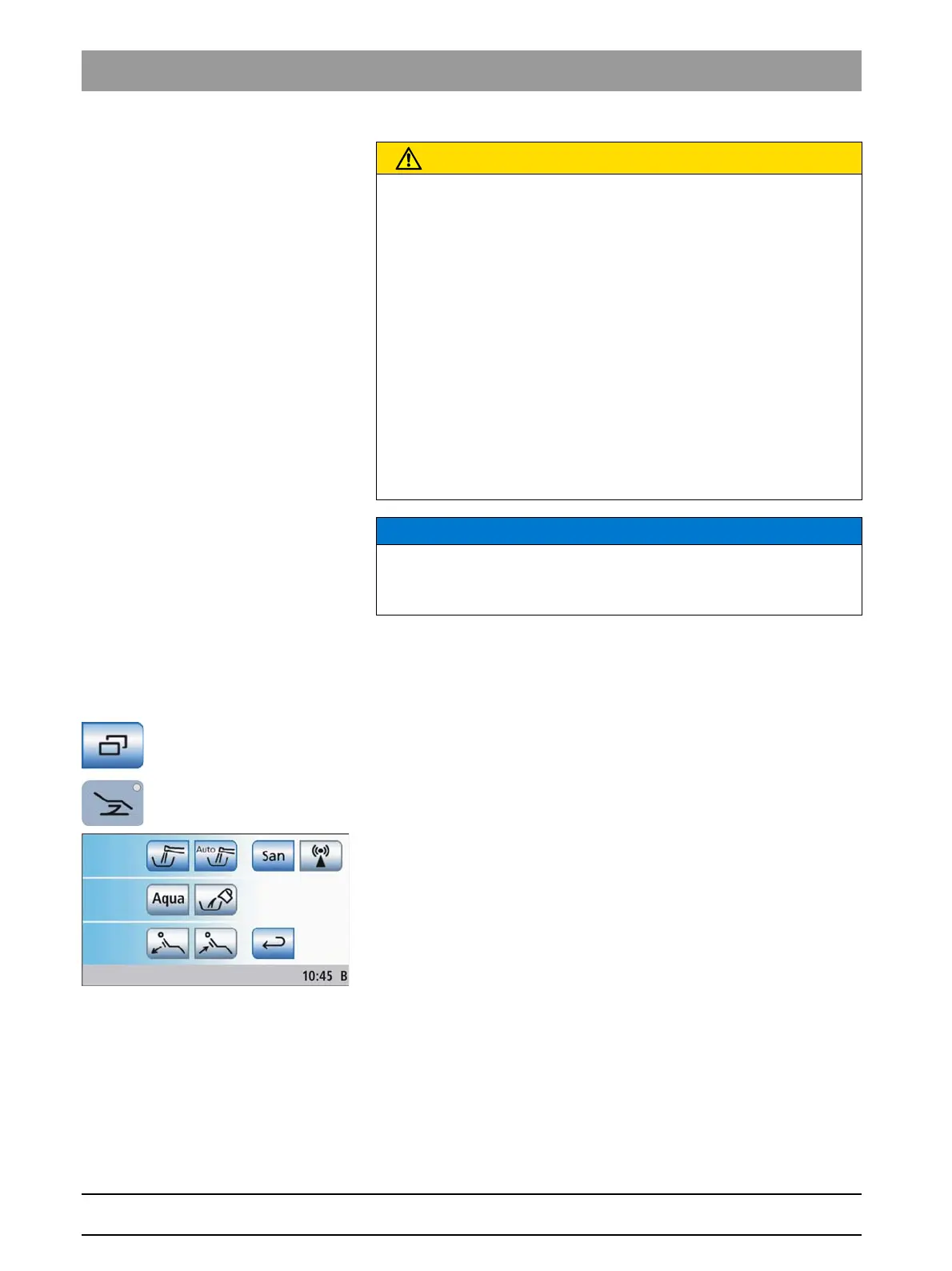
Opening Start sub-screen
✔ The
Start program
is displayed on the touchscreen.
➢ In the
Start program without instrument functions
: Touch the
Sub-
screen
key.
In the
Start program with instrument functions
: Press the
Chair
program change key.
The
Start
sub-screen is displayed.
Changing disinfection system to self-sufficient water supply
If the
Aqua
key is displayed gray in the
Start
sub-screen, the treatment
center obtains water from the public water supply (municipal water). If the
key is highlighted orange, the treatment center will change to self-
sufficient water supply. To change the mode of operation, proceed as
follows:
CAUTION
Sanitizing the treatment center manually
If the self-sufficient water supply takes more than 28 days, in
exceptional cases, the treatment center is to be sanitized manually.
➢ Switch the treatment center on via the user interface.
➢ Fill approx. 0.5 l DENTOSEPT P into the disinfectant tank.
➢ Switch the treatment center on via the user interface.
➢ Activate each instrument and the tumbler filling.
➢ Switch the treatment center on via the user interface.
➢ Leave the disinfectant for 24 hours to react.
➢ Switch the treatment center back on after the reaction time.
➢ Fill distilled water with DENTOSEPT P (see above) into the
disinfectant tank.
➢ Thoroughly rinse all instruments.
➢ Press the tumbler filling several times.
NOTICE
Always fill distilled water in food-grade (< 100 colony forming units / ml),
but never drinking water, e.g. from beverage bottles.
Aqua purificata or aqua destillata can be used as distilled water.















 To Next Page