63 22 726 D3561
180 D3561.201.01.03.02 05.2012
5 Care, cleaning and maintenance by the practice team Sirona Dental Systems GmbH
5.3 Instruments and instrument hoses Operating Instructions SINIUS / SINIUS CS
2. Touch the
Purge function
key.
The
Purge
screen is displayed on the touchscreen.
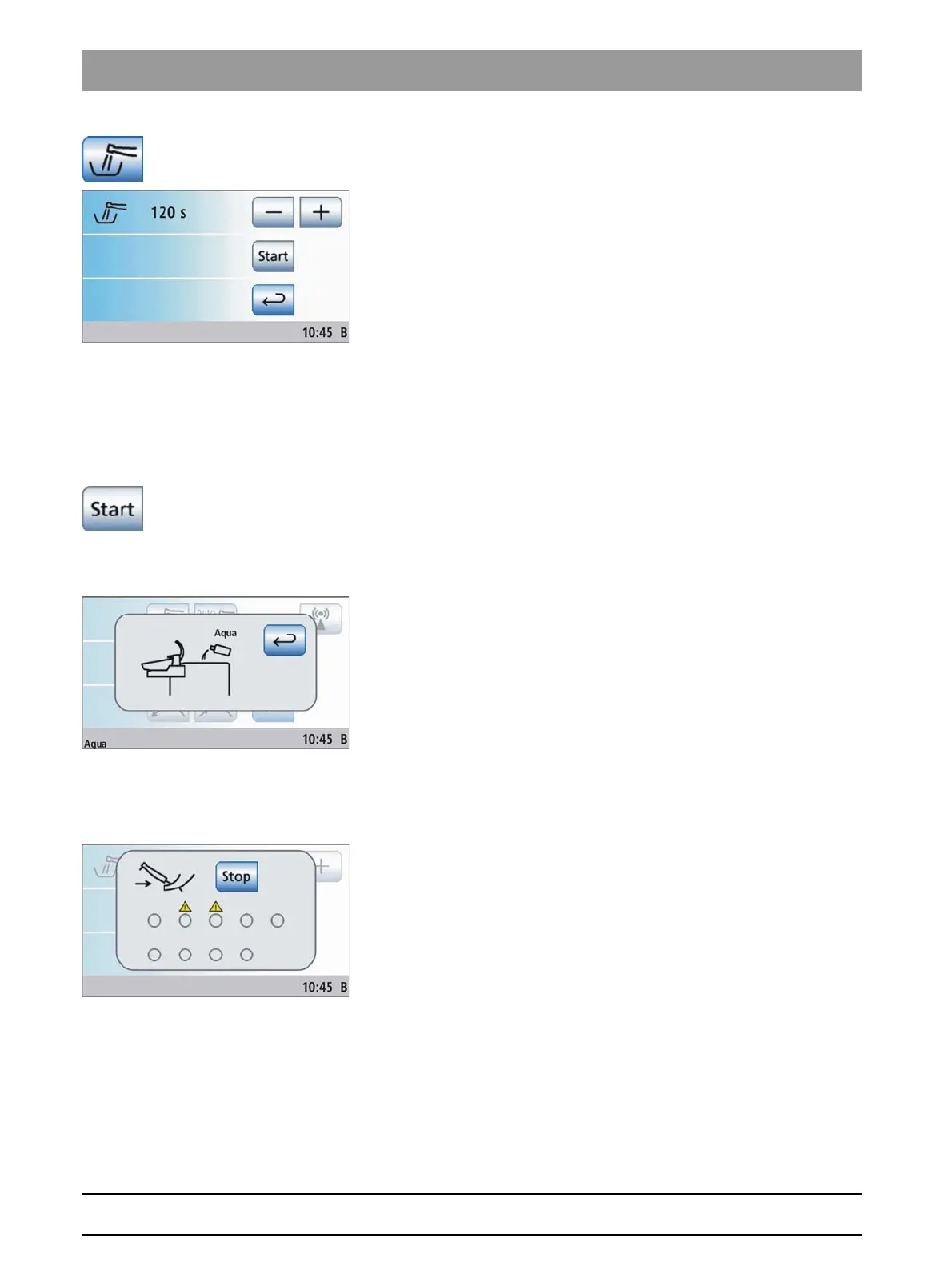
Setting the purge time and starting the purge function
The purge time of the removed instruments can be set between 20 and
120 seconds.
✔ The
Purge
screen is displayed on the touchscreen.
1. Use the – and + keys to set the purge time.
2. Touch the
Start
key.
Please note that changes made during the purge procedure take effect
only after the next purge procedure is started.
Error message: Refilling water (only for self-sufficient water supply)
If the
Refilling water
display appears after the purge function has been
started, there is not sufficient water to purge the water lines in the
disinfection tank of the water unit. The purge function cannot be started
with insufficient water.
➢ Mixing distilled water with the DENTOSEPT P disinfectant in a 100:1
ratio (1 liter of water, 10 ml DENTOSEPT P) and fill this into the
disinfectant tank of the water unit. For further information please refer
to the chapter "Self-sufficient water supply" [ → 135].
When sufficient water has been refilled, the purge program
continues.
Error message: Depositing instruments
If the
Deposit instruments
display appears after the purge function has
been started, the treatment center has detected that not all of the
instruments have been placed in their holders.
➢ Check the instruments marked with a warning triangle on the
touchscreen.
When all of the instruments have been deposited, the purge
program continues.















 To Next Page