63 22 726 D3561
228 D3561.201.01.03.02 05.2012
10 Overview of all function keys Sirona Dental Systems GmbH
10.2 Start program Operating Instructions SINIUS / SINIUS CS
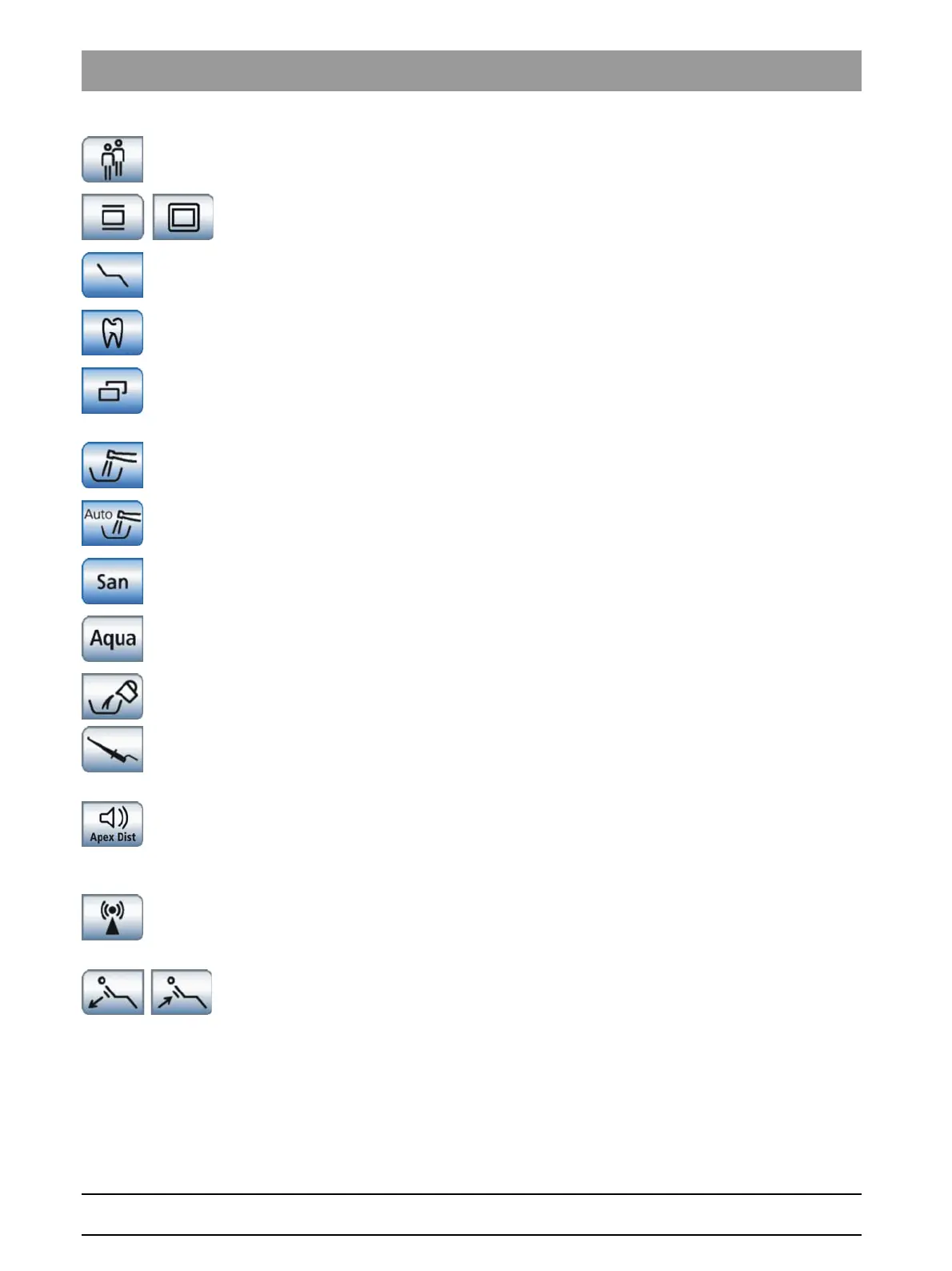
Selecting a user profile
A stored user profile can be selected for up to six different users (A to F).
X-ray viewer
Also white screen on SIVISION monitor for SIVISION digital
Open manual chair setting screen
For the
Simple Start Program
operating mode only
Treatment function
Activation of the endodontics treatment function
Opening the sub-screen
Used to access additional subordinate functions; see the following
function keys:
Purge water paths
Starts the purge function
Purge water paths automatically
Starts the autopurge function
Sanitation
Starts the treatment center sanitation program
Self-sufficient water supply
The disinfection system switches to self-sufficient water supply
Extract residual water
Extraction of residual water by wet suction before cleaning the filter
Apex keys
Apex measurement with file clamp
Activation of the ApexLocator for manual measurement with the file
clamp, showing the distance display
Apex distance signal tones
Activates the signal tones for the distance to the apex. The intervals
between the signal tones vary according to the measured distance to the
apex.
Using the external HF unit
Activation of the protection against interference caused by an external HF
unit
Active lumbar support
Adjustment of active lumbar support















 To Next Page