63 22 726 D3561
D3561.201.01.03.02 05.2012
233
Sirona Dental Systems GmbH 10 Overview of all function keys
Operating Instructions SINIUS / SINIUS CS 10.6 SIVISION program
båÖäáëÜ
10.5.5 Flushing settings screen
Flushing settings screen
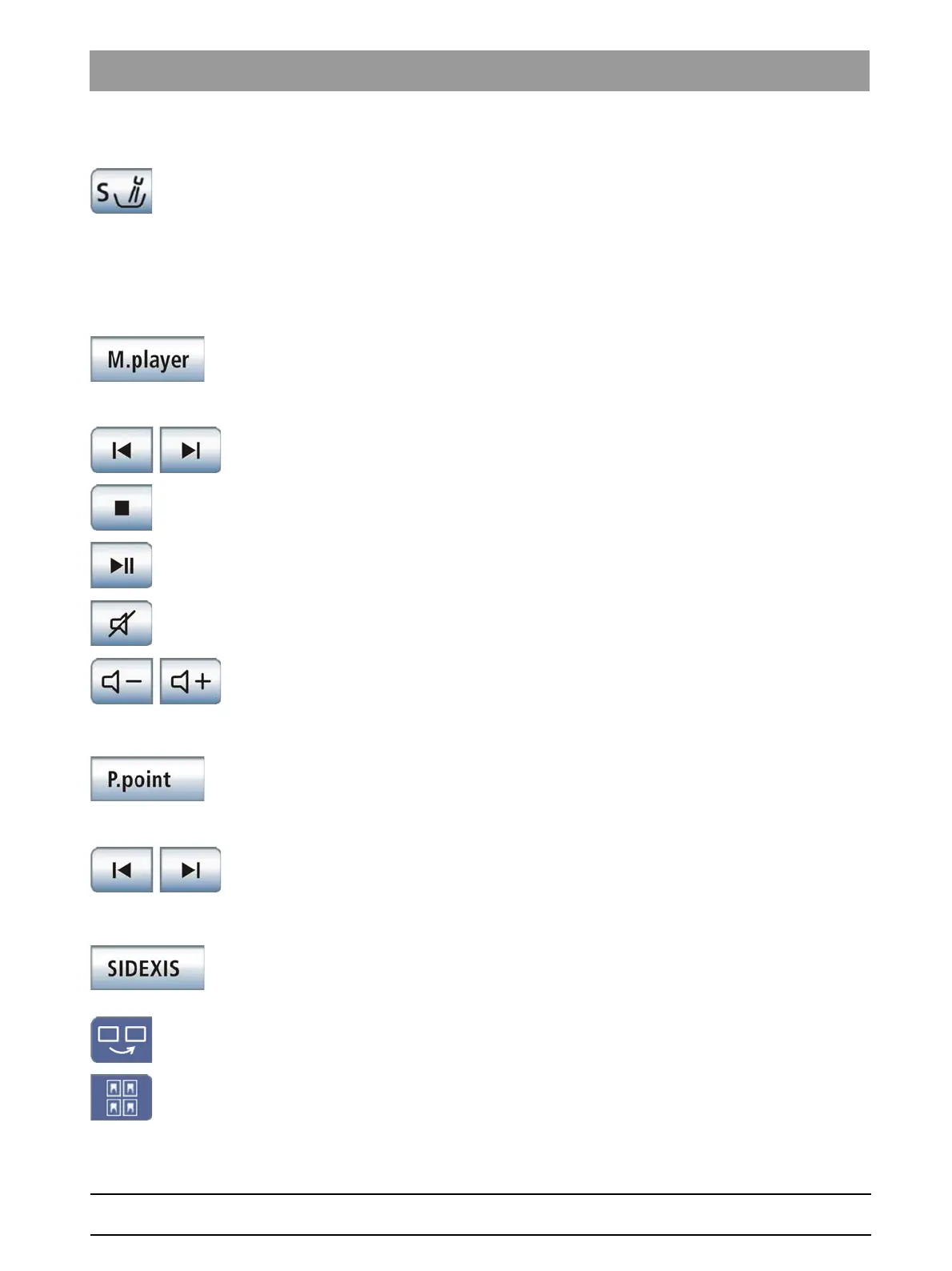
Link flushing to mouth rinsing position S
Following movement to mouth rinsing position S, the flushing function
automatically switches on for the duration of the set flushing time.
10.6
SIVISION program
SIVISION program
10.6.1 Media Player
Media Pla yer
Start Media Player
Media Player is started on the external PC. The keys corresponding to the
Media Player PC application are displayed on the right side of the
touchscreen after a file is selected:
Media Player control keys
Previous/next title
Stop playback
Start/interrupt playback
Mute
Adjust volume
10.6.2 Microsoft® PowerPoint®
Microsof t® PowerPoint®
Start PowerPoint
PowerPoint is started on the PC. The keys corresponding to the
PowerPoint PC application are displayed on the right side of the
touchscreen after a file is selected:
PowerPoint control keys
Previous/next slide
10.6.3 SIDEXIS
SIDEXIS
Start SIDEXIS
SIDEXIS is started on the PC. The keys belonging to the SIDEXIS PC
application are displayed on the right side of the touchscreen:
SIDEXIS control keys
Next image
The next image window is activated.
Tiled layout
All open image windows are scaled to a uniform size in the display area
and arranged without overlapping.















 To Next Page