63 22 726 D3561
232 D3561.201.01.03.02 05.2012
10 Overview of all function keys Sirona Dental Systems GmbH
10.5 Other dialogs Operating Instructions SINIUS / SINIUS CS
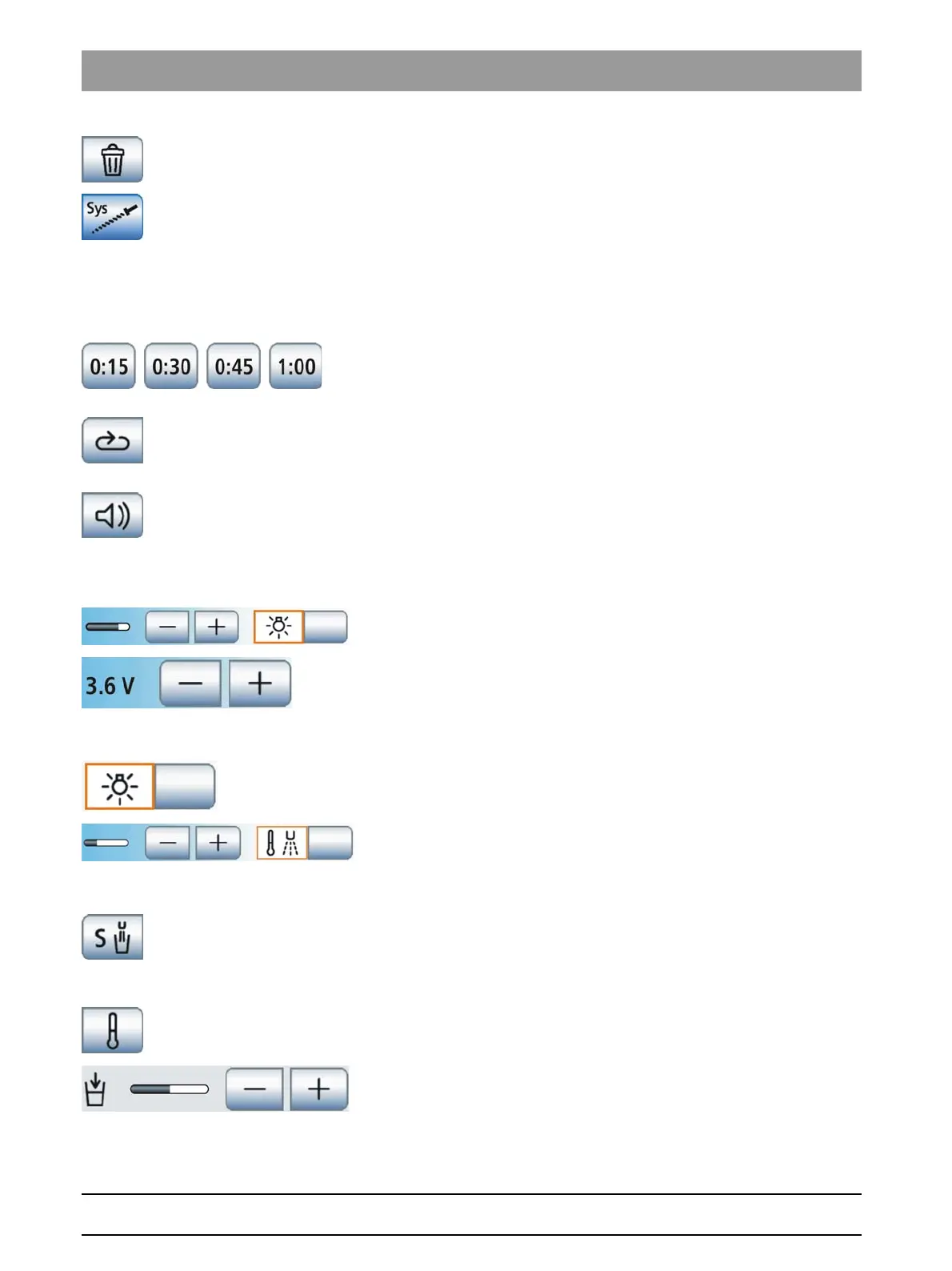
Delete endodontic treatment
Removes individual endodontic treatments from the treatment list.
Adding a file system
For importing stored file systems to the endodontic treatment list.
10.5
Other dialogs
Other dialogs
10.5.1 Timer screen
Timer screen
Timer keys
Up to four timers can be set. The maximum time setting is 9 minutes and
30 seconds.
Time loop
If the key is highlighted orange, the countdown will automatically be
restarted when the set time has expired.
Acoustic signal
If the key is highlighted orange, an acoustic signal will sound when the set
time has expired.
10.5.2 Instrument setup
Instrument setup
Switching the instrument light on/off and adjusting the brightness
Instrument light operating voltage
Used to preselect the operating voltage of the illuminant used
10.5.3 SPRAYVIT setup
SPRAYVIT setup
Switch instrument light on/off
Activating/deactivating and setting the water tempering
10.5.4 Tumbler filling settings screen
Tumbler filling settings screen
Link tumbler filling to mouth rinsing position
If the key is highlighted orange, the tumbler filling function will
automatically be switched on for the duration of the preset filling time
when the mouth rinsing position chair program (S) is activated.
Water tempering on/off
Set filling time















 To Next Page