63 22 726 D3561
236 D3561.201.01.03.02 05.2012
10 Overview of all function keys Sirona Dental Systems GmbH
10.7 Setup program Operating Instructions SINIUS / SINIUS CS
10.7
Setup program
Setup program
10.7.1 User interface
User inter face
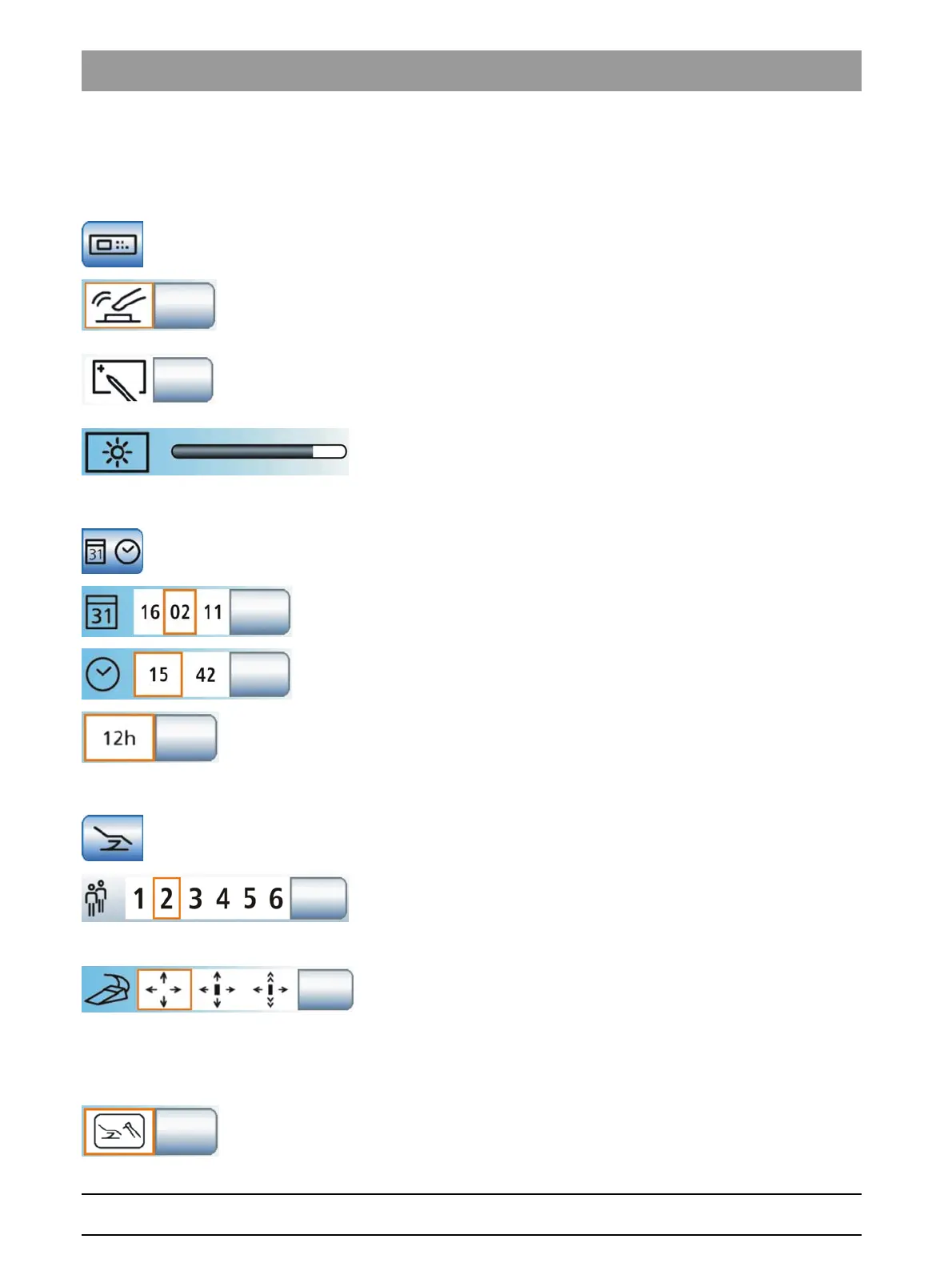
Configuring the user interface
Opens the
User Interface
setup program.
Key tone
A setting can be made to activate or deactivate an acoustic signal that
sounds when the operator touches a key on the touchscreen.
Calibrating the touchscreen
If the touchscreen is no longer able to precisely locate the position of a
contact, it must be recalibrated.
Touchscreen brightness
10.7.2 Date and time
Date and tim e
Date and time
Opens the
Date and Time
setup program.
Date
Time
12/24 hour display
10.7.3 Control options
Control options
Configuring control options
Opens the
Control Options
setup program.
Number of user profiles
If fewer user profiles are required, their number can be limited so that only
the specified users can be selected after the treatment center is switched
on.
Cursor control
The cursor control can be set as follows:
● Field 1: Cursor control switched off
● Field 2: Cursor control switched on, without screen change
● Field 3: Cursor control switched on, with program change
Instrument functions in the Start program
The
Start program
can run in two operating modes. The operating mode
Start program without instrument functions
displays the functions of the















 To Next Page