63 22 726 D3561
D3561.201.01.03.02 05.2012
237
Sirona Dental Systems GmbH 10 Overview of all function keys
Operating Instructions SINIUS / SINIUS CS 10.7 Setup program
båÖäáëÜ
patient chair and the instruments in a separate screen. The operating
mode
Start program with instrument functions
displays the functions of
the patient chair and the instruments which are most important for the
treatment in the same screen.
Open next program page
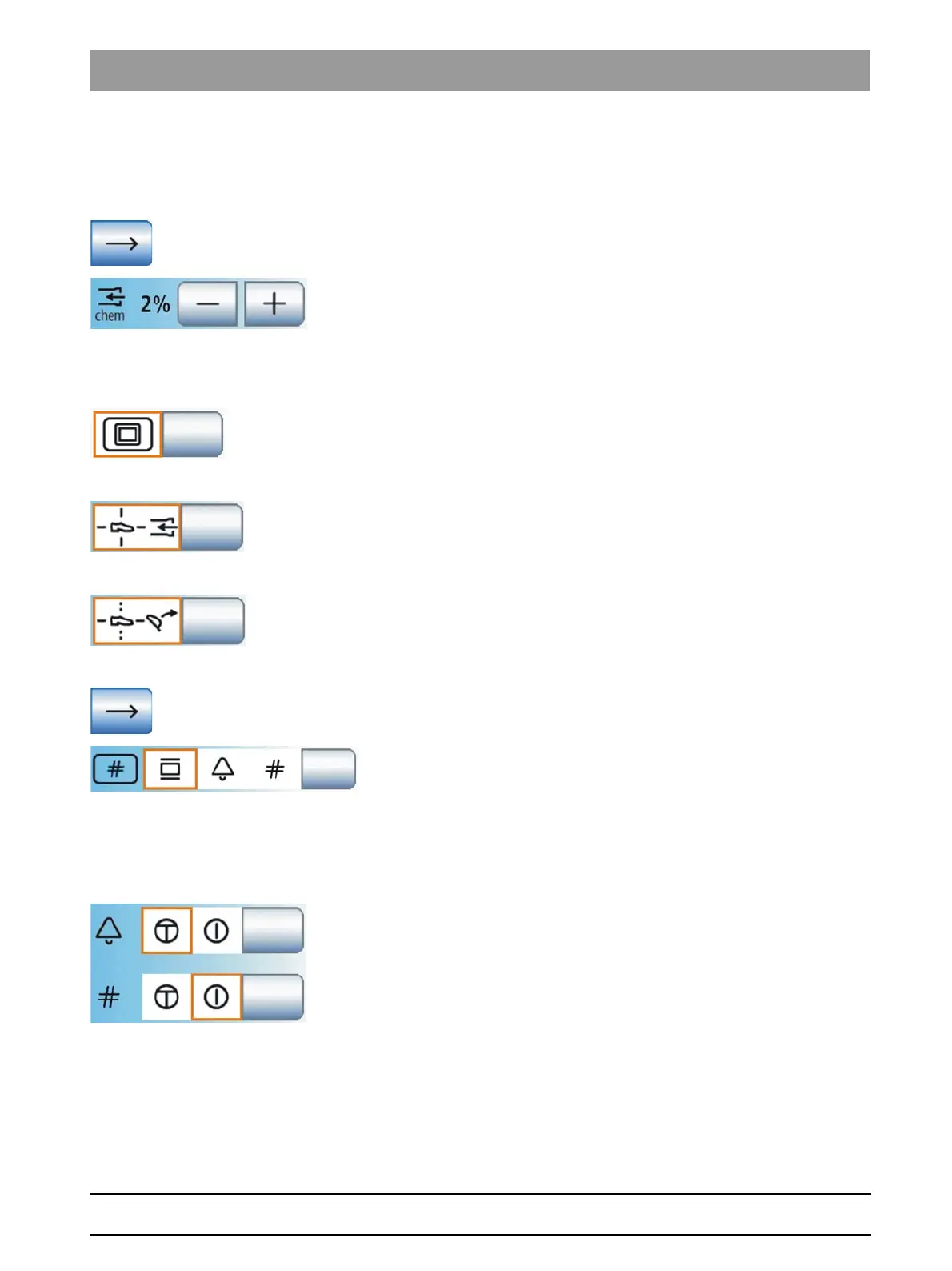
Cleaning agent mixture for chemical suction hose cleaning
The vacuum system can be cleaned by pumping water into the receptacle
of the suction hoses and extracting it from there. If the treatment center is
equipped with the chemical hose cleaning option, a cleaning agent is
automatically added to the water. It is possible to set how much cleaning
agent should be mixed with water for chemical suction hose cleaning.
White screen
If the treatment center has no X-ray viewer but is equipped with a
SIVISION monitor, the
X-ray viewer
key can change the SIVISION
monitor to the white screen mode.
Spray aspirator
Enables interruption and/or activation of the suction flow of the spray
aspirator via the 4-way foot switch on the base of the chair in any
direction.
Headrest inclination
If a motor-driven headrest is used, control of the tilt patient couch function
using the 4-way foot switch can be replaced by control of the headrest tilt
function.
Open next program page
Hash key on the assistant element
The
Hash key
on the assistant element can be assigned the X-ray viewer
function or, if the X-ray viewer function is set to the white screen on the
SIVISION monitor, it can be assigned the white screen function.
Alternatively, the
Hash key
on the assistant element can also be used to
activate the bell or hash key, e.g. if neither an X-ray viewer or a SIVISION
monitor is available.
Bell/hash (#) relay
The relay of the bell and hash (#) key can be actuated as a push button
or as a switch.
● Field 1: Push button
● Field 2: Switch















 To Next Page