Measurement and Calculation
8-26
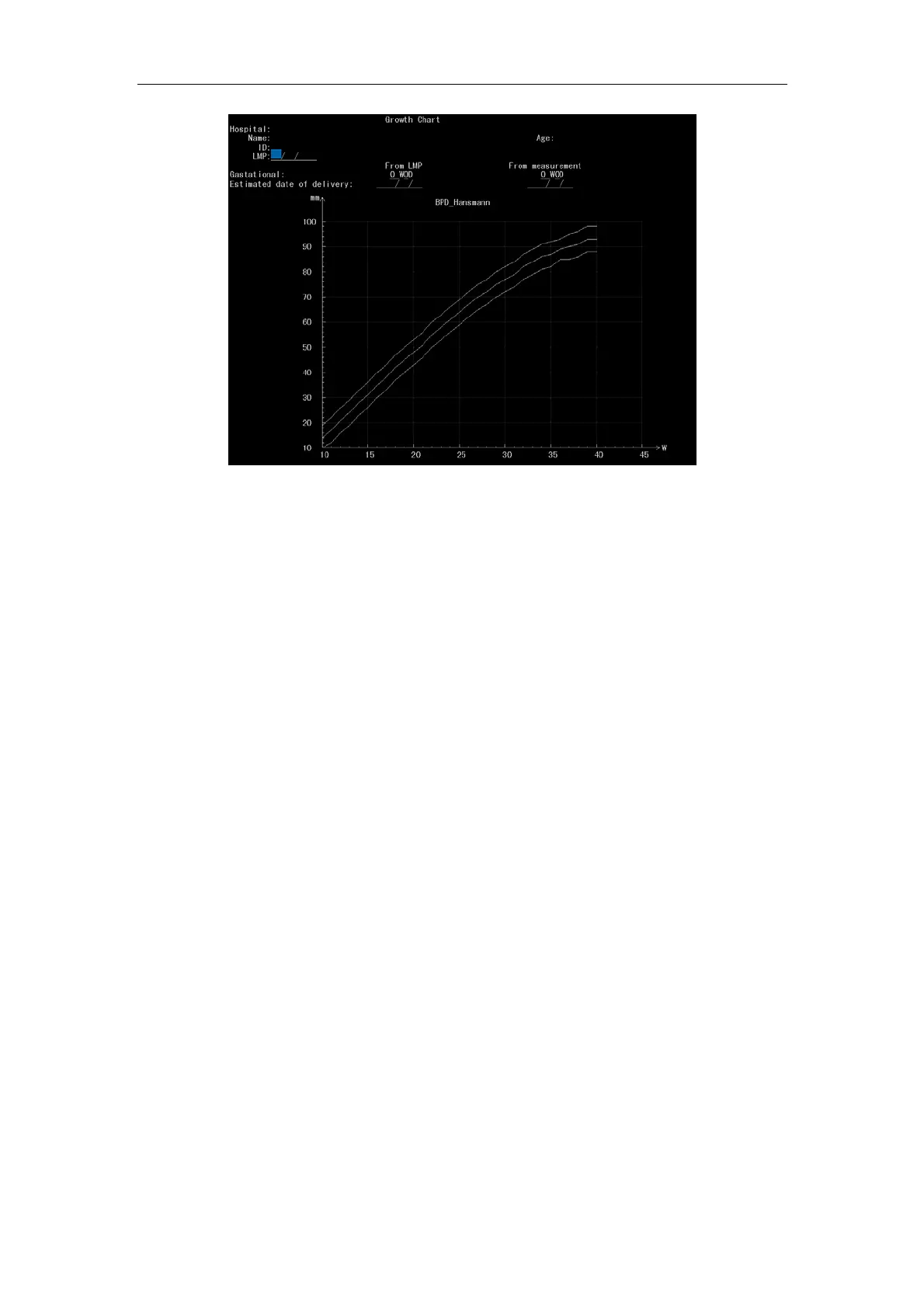
Fig. 8-10 Screen of Growth Chart
8.3.9.5 Biophy profile
When the exam type is Basic OB, Complete OB, Fetal Echo or Mult Gest, press
Calc
and select Biophy profile. Press Enter to enter biophy profile screen.
a) Move cursor: press
Value control key to shift the cursor up and down among
input boxes.
b) Data edit: when the cursor is in the input box, press numeric keys to input data
(max. input value 99). Press
Backspace key to delete data. The profile is
acquired by Mannig method from FBM result and so on.
c) Exit Biophy profile: press
Esc key.
d) The Biophy profile result is saved till the system is shut down or new patient
information is inputted.
8.3.10 Cardiology Calculation
8.3.10.1 AO Measurement
AO is aortic measurement in frozen state in M or B/M mode when the exam type is
Cardiology (the same exam type for the following sections). Press
Calc and select to
enter AO measurement. On the left of the image there is an AO test module figure. A
vertical dotted line and a + cursor are displayed in the screen center. Move the cursor
with the touchpad to the corresponding point A. Press
Enter key to input point A and the



 To Next Page