Measurement and Calculation
8-28
displayed in the measuring result area.
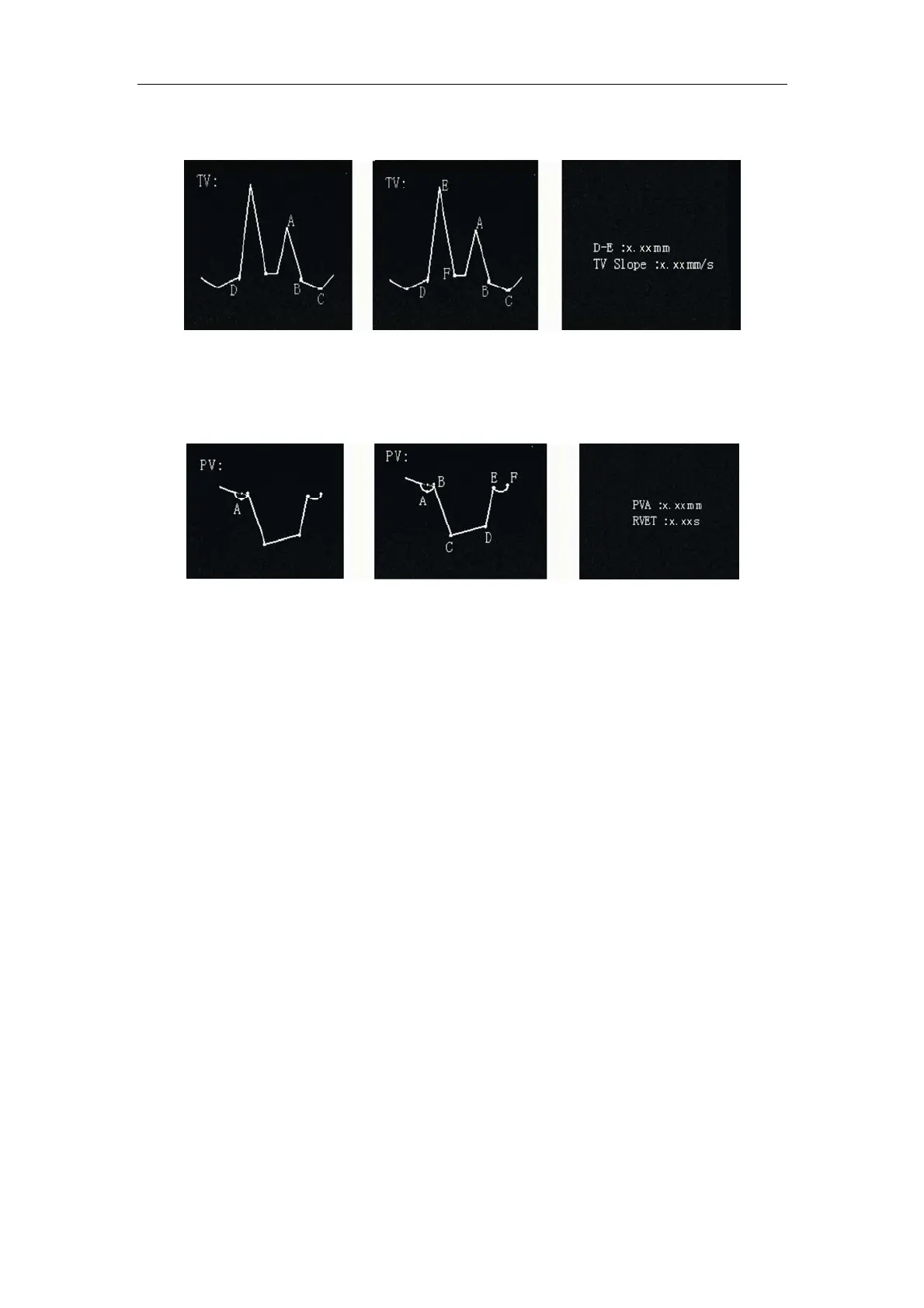
Fig. 8-13 Initial, Final and Result Page of TV measurement
8.3.10.4 PV measurement
Fig. 8-14 Initial, Final and Result Page of PV measurement
PV is Pulmonic Valve measurement in frozen state in M or B/M mode. Enter PV
measurement. On the left of the image there is a PV test module. A + cursor appears in
the screen center. Move the cursor with the touchpad to point A. Press
Enter key to
input point A and the + cursor is fixed. Points B, C, D and F will be shown. Operate the
touchpad to move the + cursor to point B and E in M mode in the same way. The PV
Meas/Calc result will be displayed in the measuring result area.
8.3.10.5 LV measurement
LV is Left Ventricle measurement in frozen state in M or B/M mode. Enter LV
measurement and an LV test module appears on the left of the image. A vertical dotted
line and a + cursor are displayed in the screen center. Move the cursor with the touchpad
to the position corresponding to point C. Press
Enter key to input point C, and point D
will be displayed. Operate the touchpad to move the + cursor to the point on M mode
image corresponding to point D, in the same way as that for point C. Enter other points in
order. When the + cursor is placed on corresponding point L, the LV Meas/Calc result will
be displayed in the measuring result area. As points C~F and G~J lie on the vertical dot
lines A and B, the cursor can be moved up or down (rather than left or right) along the



 To Next Page