Measurement and Calculation
8-29
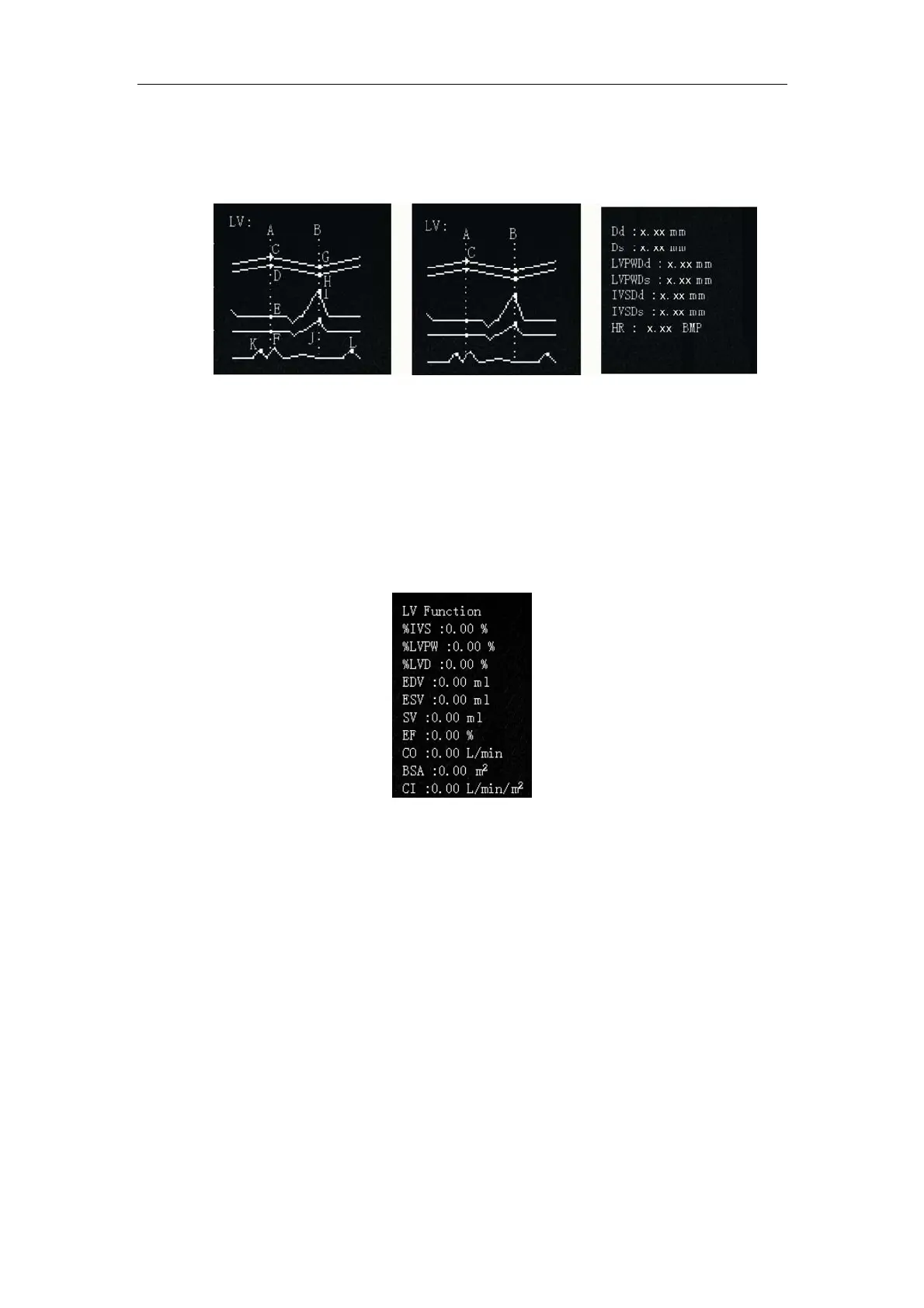
positions of points C and G, when fixing points D~F and points H~J.
The Meas/Calc result is displayed in seven lines in the measuring result page.
Fig. 8-15 Initial, Final and Result Page of LV measurement
8.3.10.6 LV function
Select LV FUNC in
Calc menu to calculate left ventricle function based on LV
measurement result and BSA calculation result.
The calculation result is displayed in 10 lines. See Fig. 8-16.
Fig.8-16 LV Function Display
8.3.11 Hip-joint Measurement
When the system is configured with a high-frequency linear array probe, press
Calc key,
the calculation menu “hip-joint, Report“ is displayed. Select hip-joint measurement,
and a cursor shows up. Press
Enter key to fix point A, and use the touchpad and press
Enter to fix point B, then the first line AB (baseline) is displayed; Fix the lines CD
(limbus acetabuli line) and EF (slope line) likewise. Having drawn three lines, press
Enter key, and you can switch between each fixed point to modify the lines.
The display result is: Angle α: The inclination between line AB and line CD
Angle β
: The inclination between line AB and line EF



 To Next Page