Cineloop, Image Storage and Print
9-3
Fig. 9-2
In the review screen, hotkeys can be used to operate the files. The hotkey functions are
shown in Fig. 9-3.
Fig. 9-3
9.3.4 Store Settings
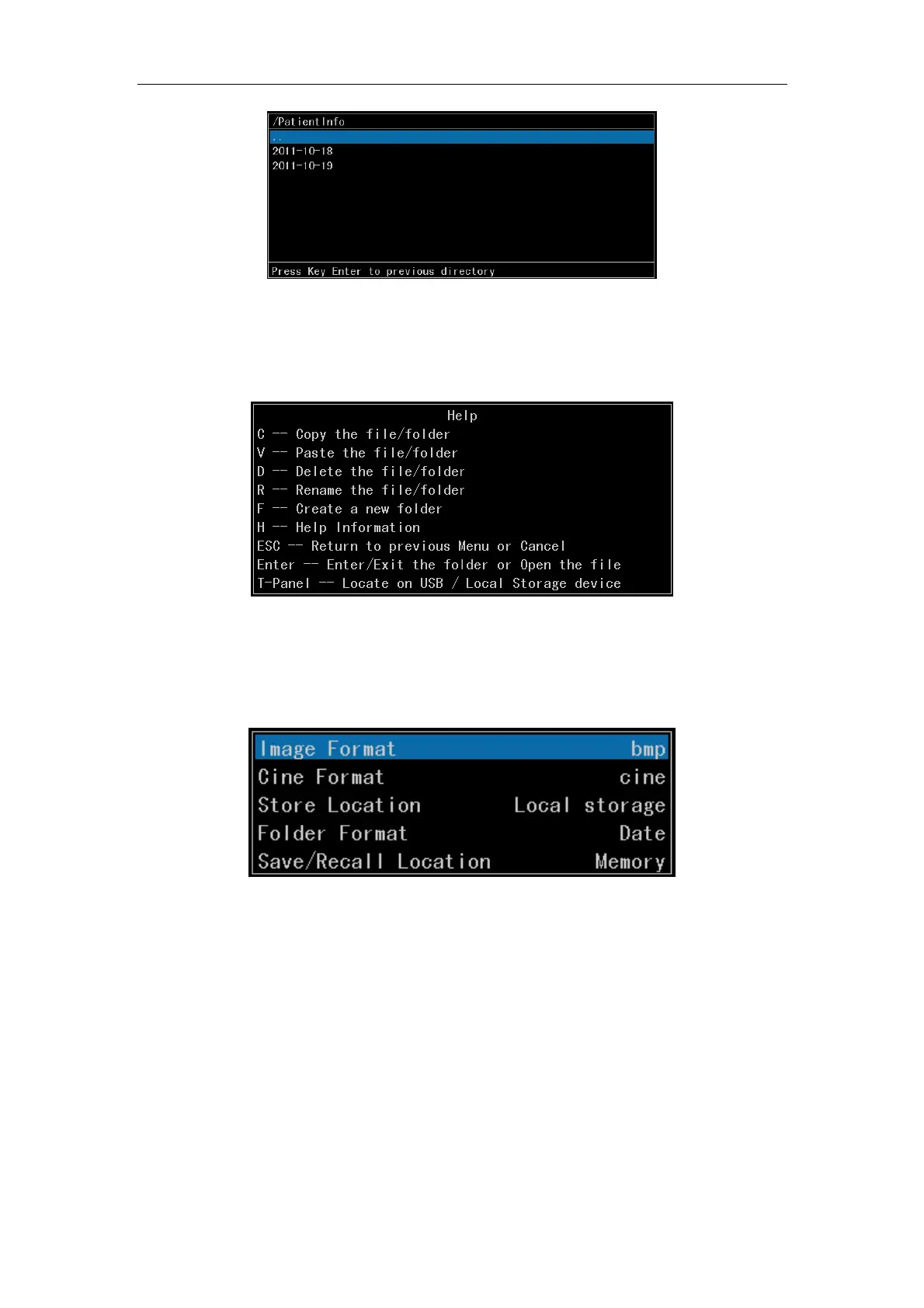
To set up default file format, store location, etc. when store quickly.
Fig. 9-4
a) Image Format
Two image formats can be stored: bmp and jpg;
b) Cine Format
Three cine formats can be stored: cine, cts and avi;
c) Store Location
Two store locations for selection: Local storage and USB storage.
d) Folder Format



 To Next Page