Introduction to Components
3-8
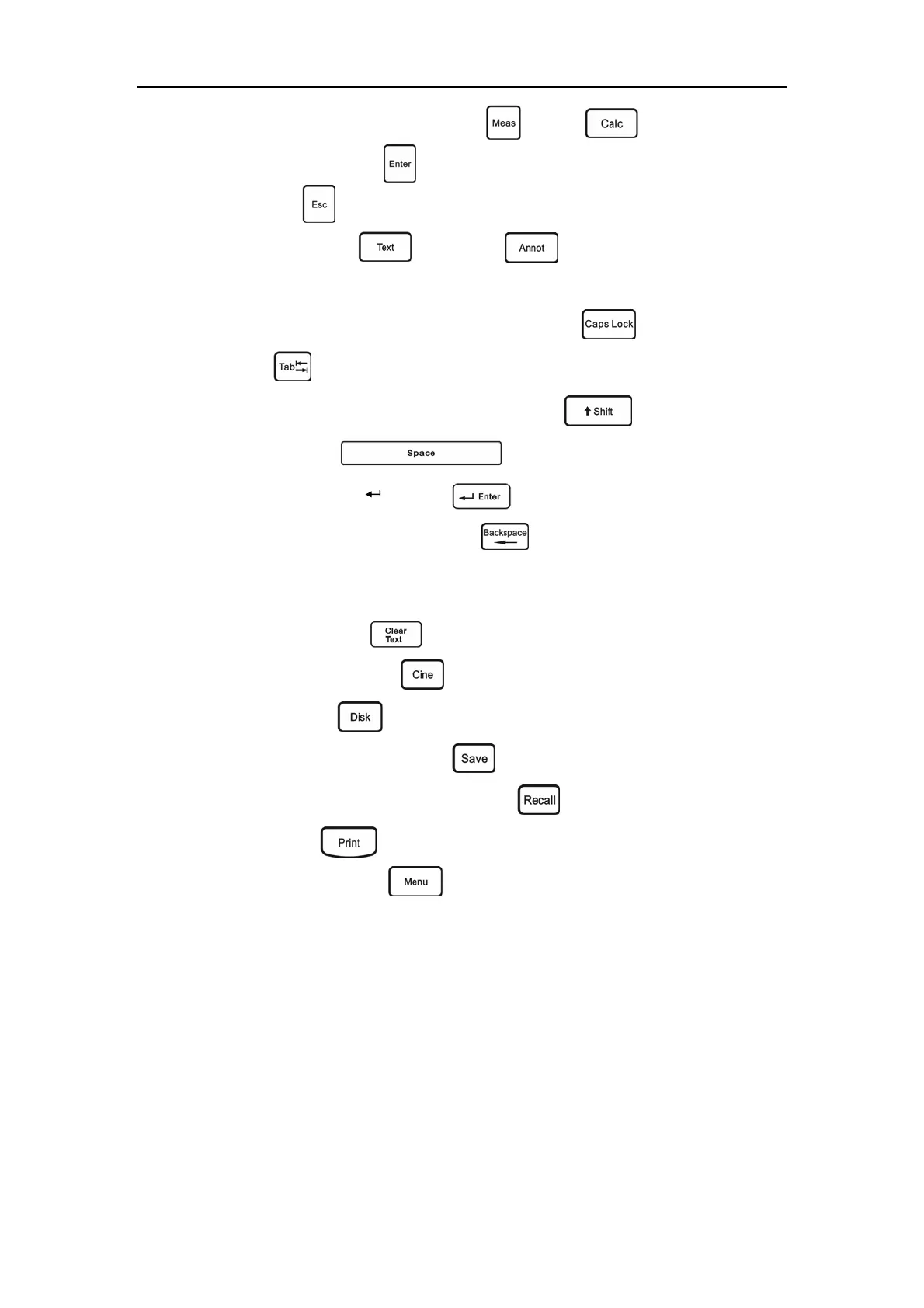
u) Measurement menu recall keys: Meas ( ), Calc( ).
v) Confirmation key:
Enter ( ).
w) Exit key:
Esc ( ).
x) Annotation key:
Text ( ), ANNOT ( ).
y) Alphanumeric keys: keys on top left of the operation panel.
z) Capital letter and small letter shift key:
Caps Lock( );
aa)
Tab key( )
bb) Upper/lower case of alphanumeric shift key:
Shift ( ).
cc) Space key:
Space ( ).
dd) Annotation newline key:
Enter ( ).
ee) Character delete key
Backspace ( ): It can be used to delete the
character in the front of the cursor in annotation state, or delete the traces drawn
while using the trace method to measure the circumference/area.
ff) Clear key:
Clear Text ( ).
gg) Cineloop control key:
Cine ( ).
hh) Storage key:
Disk ( ).
ii) Temporary image save key:
Save ( ).
jj) Temporary-saved image recall key:
Recall ( ).
kk) Print key:
Print ( ).
ll) System setup key:
Menu ( ).



 To Next Page