System Setup
5-18
【Note】: Before upgrading the system, please ensure that the main unit has sufficient
power supply to complete the upgrade process. It is strongly recommended that
the power adapter be used during upgrade, so as to avoid system failure due to
abrupt power breakdown in this process.
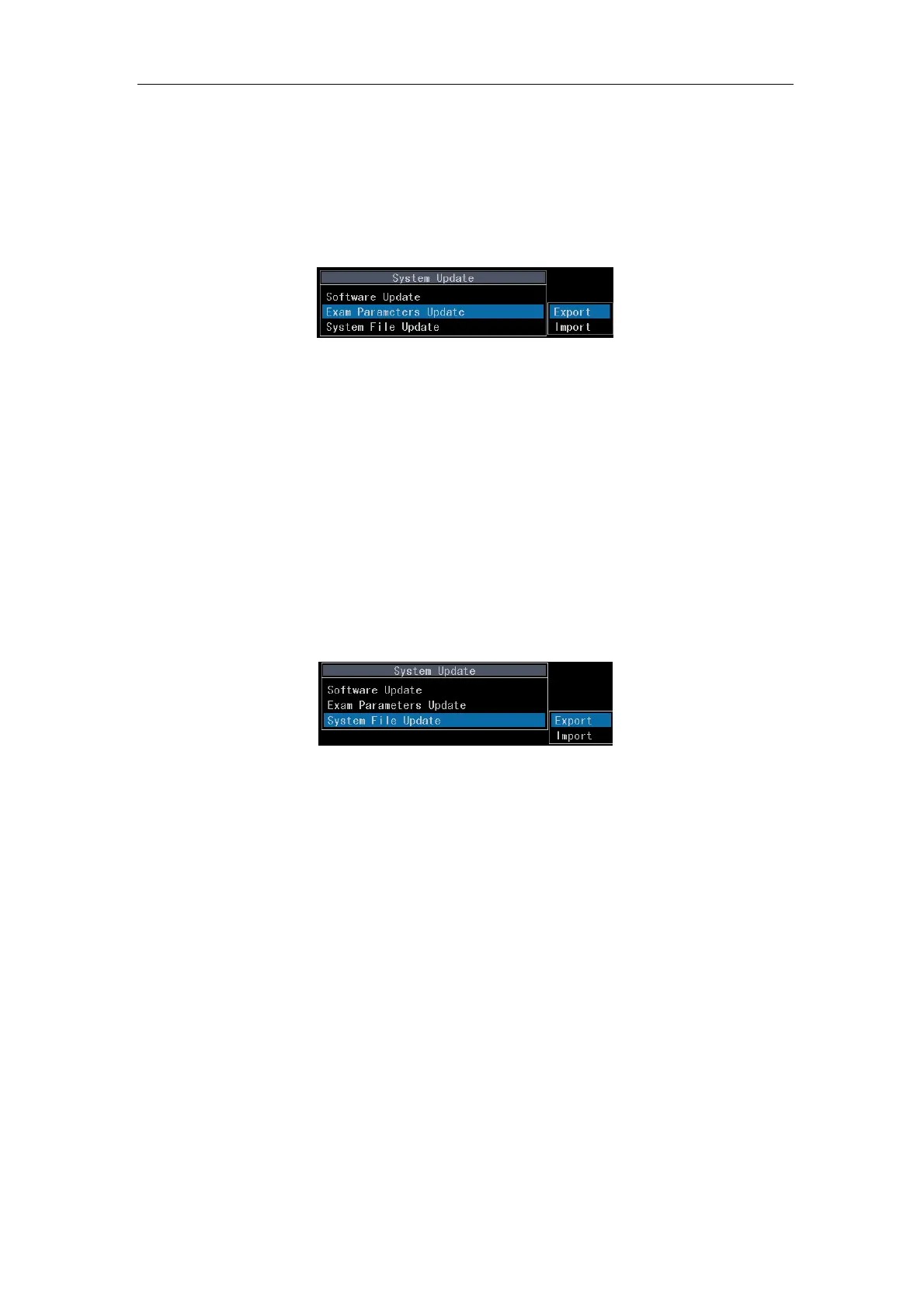
5.2.7.2 Exam Parameters Update
Fig. 5-12
a) Export: To export the exam parameters in the system to a USB disk.
b) Import: To import the exam parameters in a USB disk to the system. After successful
import, the system will shut off automatically.
【 Note】 : This function will update all exam parameters in the system (including
user-defined exam types). The export function will save the parameters under
the directory of UserSettings in the USB disk. The import function is only
available for the system of the same model.
5.2.7.3
System File Update
Fig. 5-13
a) Export: To export system file to the USB disk.
b) Import: To import system file from the USB disk to the system. When the import is
finished successfully, the system will be shut off automatically.
5.2.8 About Version
It displays the current software version of the system.



 To Next Page