System Setup
5-17
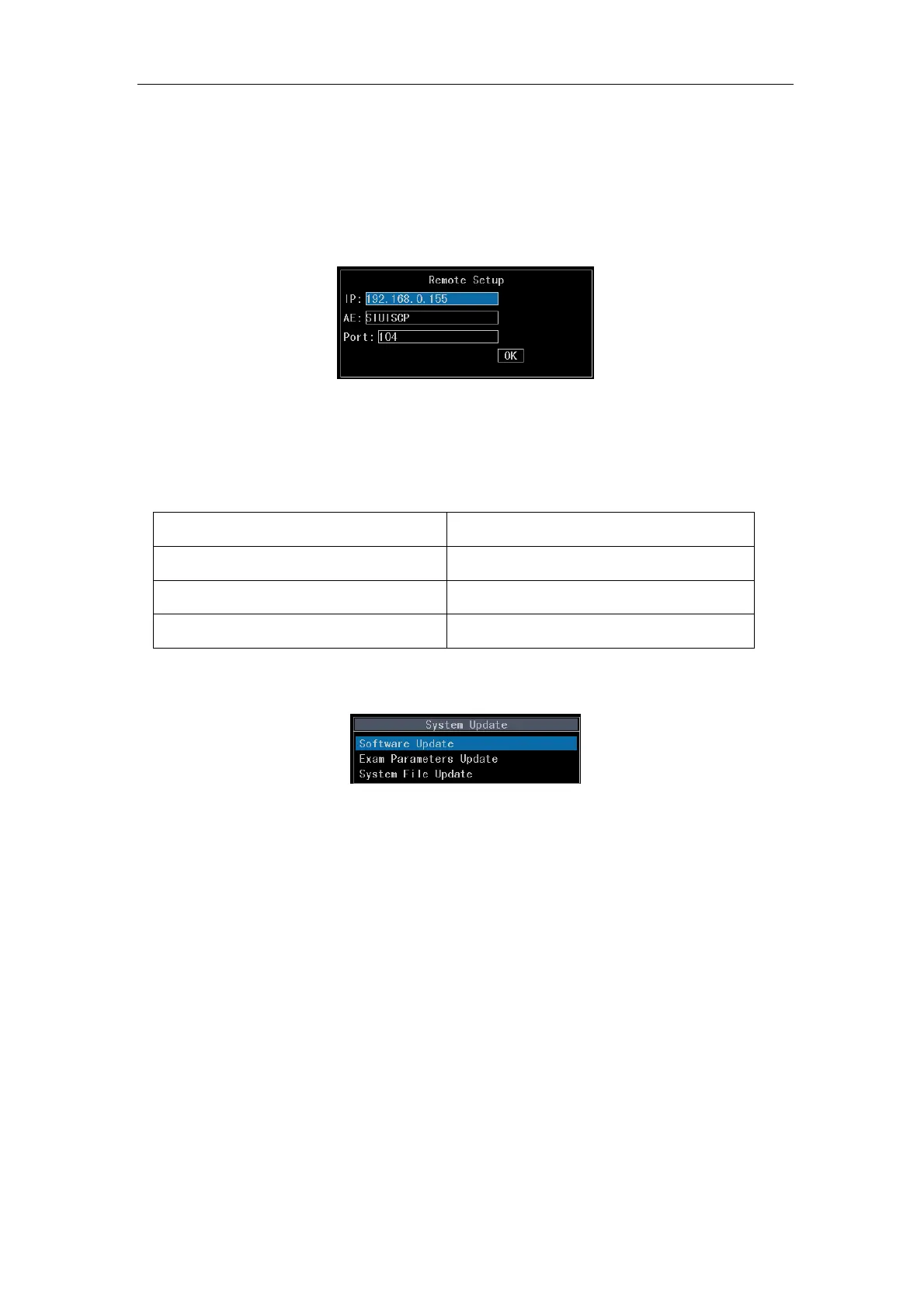
local system. Input an AE name of the remote system that corresponds to the IP
address in the AE edit box. Finally, input the port number of the remote system (the
IP address, the AE name and the port number can be found in Local of the remote
system). Move the cursor over OK and press
Enter to complete Remote setup.
Fig.5-10 Remote Setup Dialog Box
5.2.7 System Update
Table 5-8 System Update Menu
Menu Description
System Software Update To update system software
Exam Parameters Update To update exam parameters
System File Update To update system file
5.2.7.1 Select System Software Update and press Enter.
Fig. 5-11
a) If a USB disk containing system update files is plugged in the system, the screen will
prompt the system update progress. After the update, the system will be shut off
automatically.
b) If no USB disk is plugged, the screen will prompt Not found USB disk. Please exit by
pressing
Enter or Esc and insert the USB disk.
c) Insert the USB disk and press Enter. If the screen prompt Update failed, it means
there is no update files in the USB disk. Press
Enter or Esc to exit, and verify there
are upgrade files in the USB disk and then continue system update.



 To Next Page