Measurement and Calculation
8-17
8.3.2 Area/Circumference
8.3.2.1 Trace method
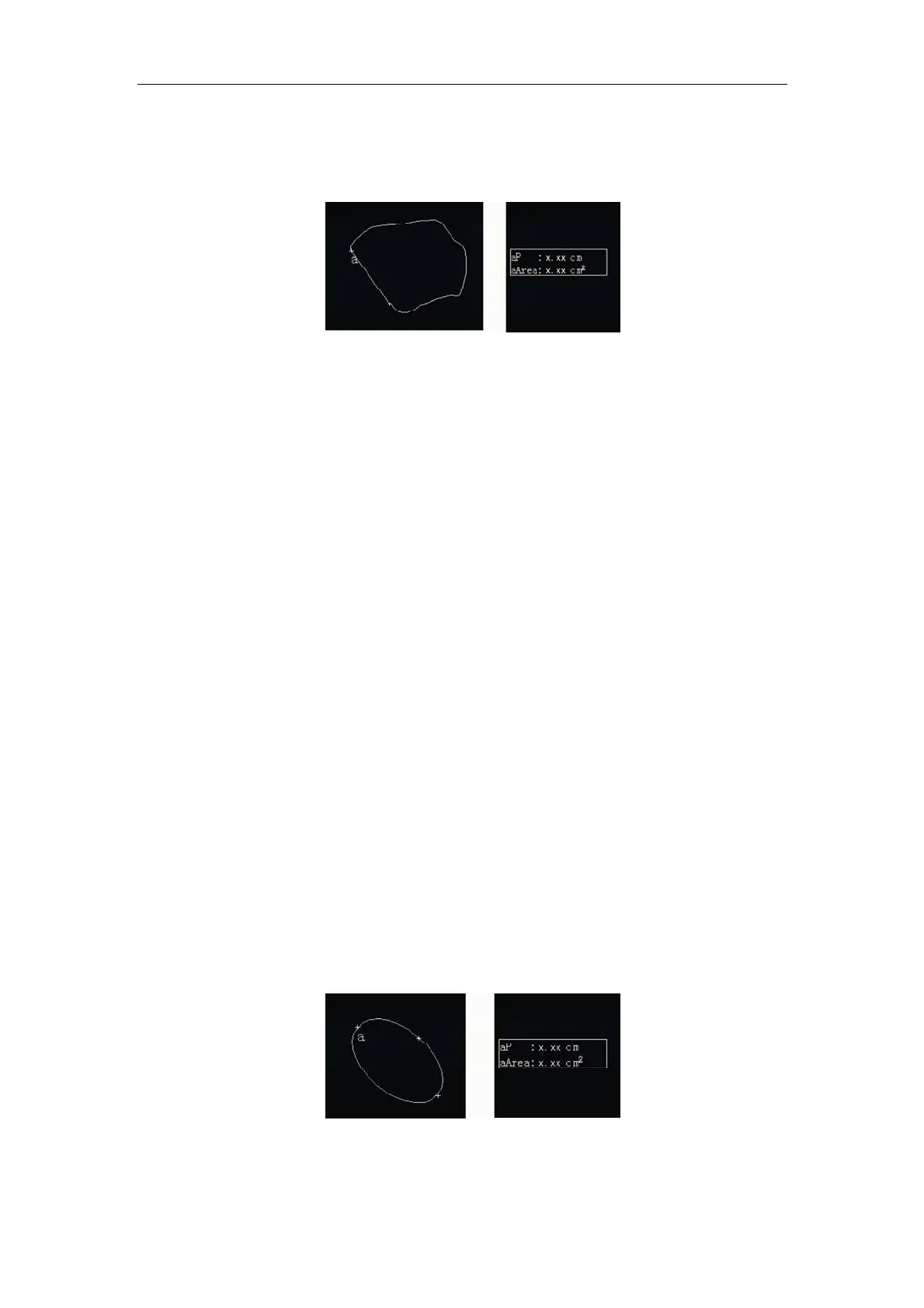
Fig. 8-2 Area/Circumference Measurement and Result with Trace Method
In the frozen state in B, 2B, 4B or B/M mode, press
Area key to measure the area and
the circumference of the selected part on the image. Entering area measurement screen,
a + cursor will appear in the center of the image. Use the touchpad to move the + cursor
over the desired measurement start position and press
Enter key to fix it. “aP:0.00cm,
aArea:0.00 cm
2
“ is displayed in the result area in two lines. Move the + cursor by
operating the touchpad to draw out a trace along the desired measured path. The length
of trace is the circumference, and the circumference value (aP) in the measurement
display area will change as the cursor moves. Press
Enter key to display an enclosed
area (If the start point is not coincides with the end point, the distance between these two
points will be linked by a straight line), and the area value will be displayed in the result
area. The user can use the
Backspace key to remove the line along the trace.
After pressing
Meas, select Area ratio(t) and fix the measurement start point by
pressing
Enter key, “Ratio-T:0.00, aArea: 0.00cm
2
, A Area:0.00cm
2
“ are displayed in
the result area in three lines. If %area redu(t) is selected, “A Redu: 0.00%, aArea:
0.00cm
2
, A Area: 0.00cm
2
” is displayed in the result area in 3 lines. aArea and A Area
are the area values of 2 areas drawn by the user. Ratio-T is the ratio between A Area
and aArea.
8.3.2.2 Ellipse method
Fig. 8-3 Area/Circumference Measurement and Result with Ellipse Method



 To Next Page