Measurement and Calculation
8-21
In B mode, histogram of a desired area can be acquired by calculation. Press Meas key
to enter measurement menu. Select Histogram and enter histogram calculation screen.
A transparent rectangular frame will appear in the center of the image. There is a result
box of histogram at the bottom right of the image. Move the rectangular frame with the
touchpad within the image area. Change the size of the frame by pressing
Value control
key.
8.3.5 Time
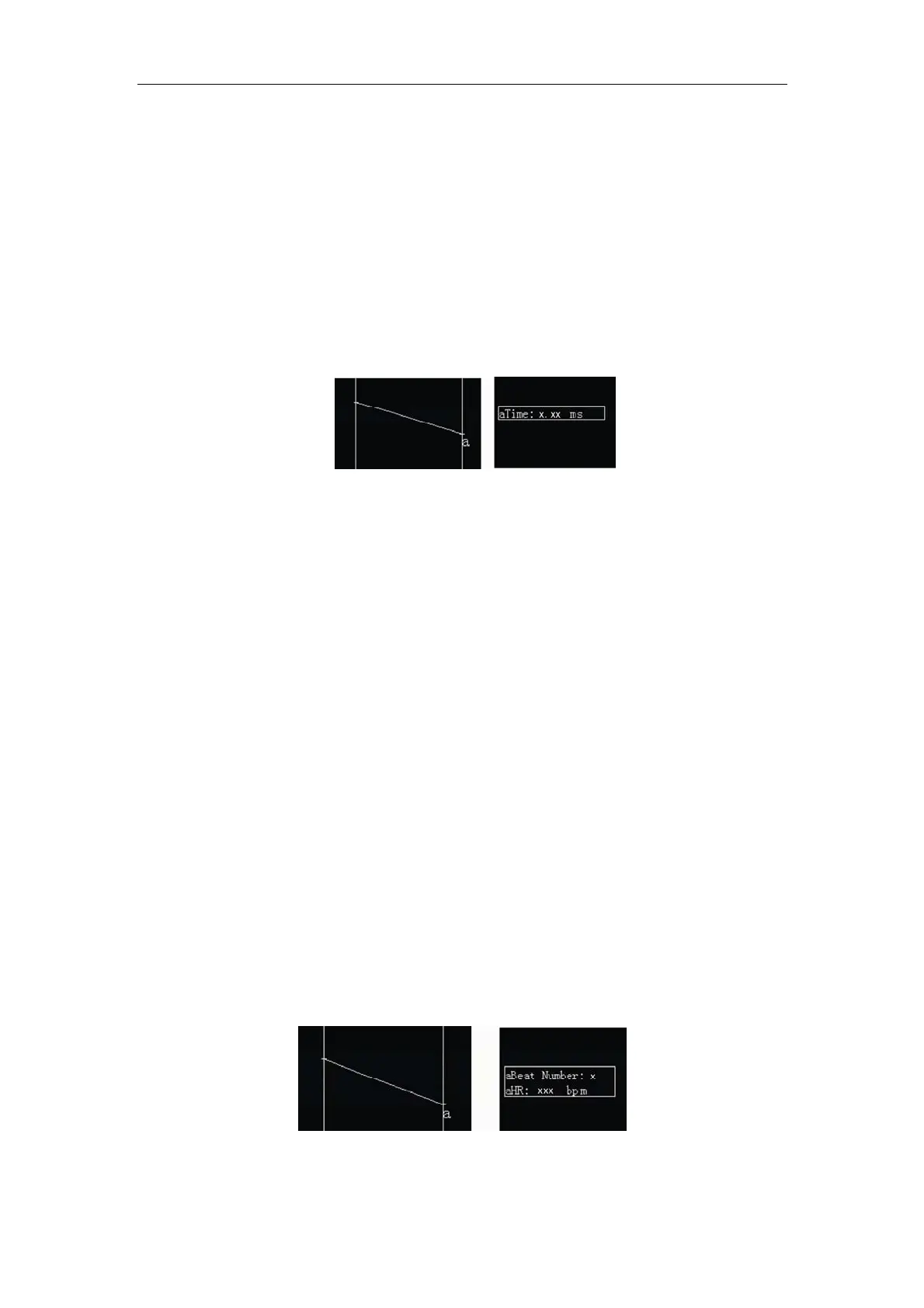
Fig. 8-6 Time Measurement and Result
In M or B/M mode, time between any two points on the image in M mode can be
measured after freezing. Press
Meas key and select Time to enter time measurement
screen. A vertical calipers with a + cursor will appear in the image center. Move the
touchpad and locate the+ cursor of the vertical calipers on the first point to be measured.
Press
Enter and the first vertical calipers and its + cursor of will be fixed. “aTime:
0.00ms“ is displayed in measuring result area. Move the touchpad and the second
vertical calipers with a + cursor will appear. The measured time is displayed in the
measuring result area and changed by the moving of the cursor. Place the + cursor of the
second vertical calipers on the second desired point to be measured and press
Enter.
The first vertical calipers and its + cursor are movable while the second vertical calipers
and its + cursor are fixed. Pressing
Enter to toggle the two vertical calipers and their +
cursors between the states of being fixed or movable. Press
Esc to save and exit
calculation and measurement.
8.3.6 Heart Rate
Fig. 8-7 Heart Rate Measurement and Result



 To Next Page