FT24 User Manual V1.1
21
2020 SIYI Tech All Rights Reserved
have to repeat binding before the next flight (except when your transmitter must be
bond with a new receiver).
Steps of Using Binding Button
*For FR Receiver
1. Power on the receiver. Press the binding button, receiver indicator turns to blink
red fast, receiver ready for binding.
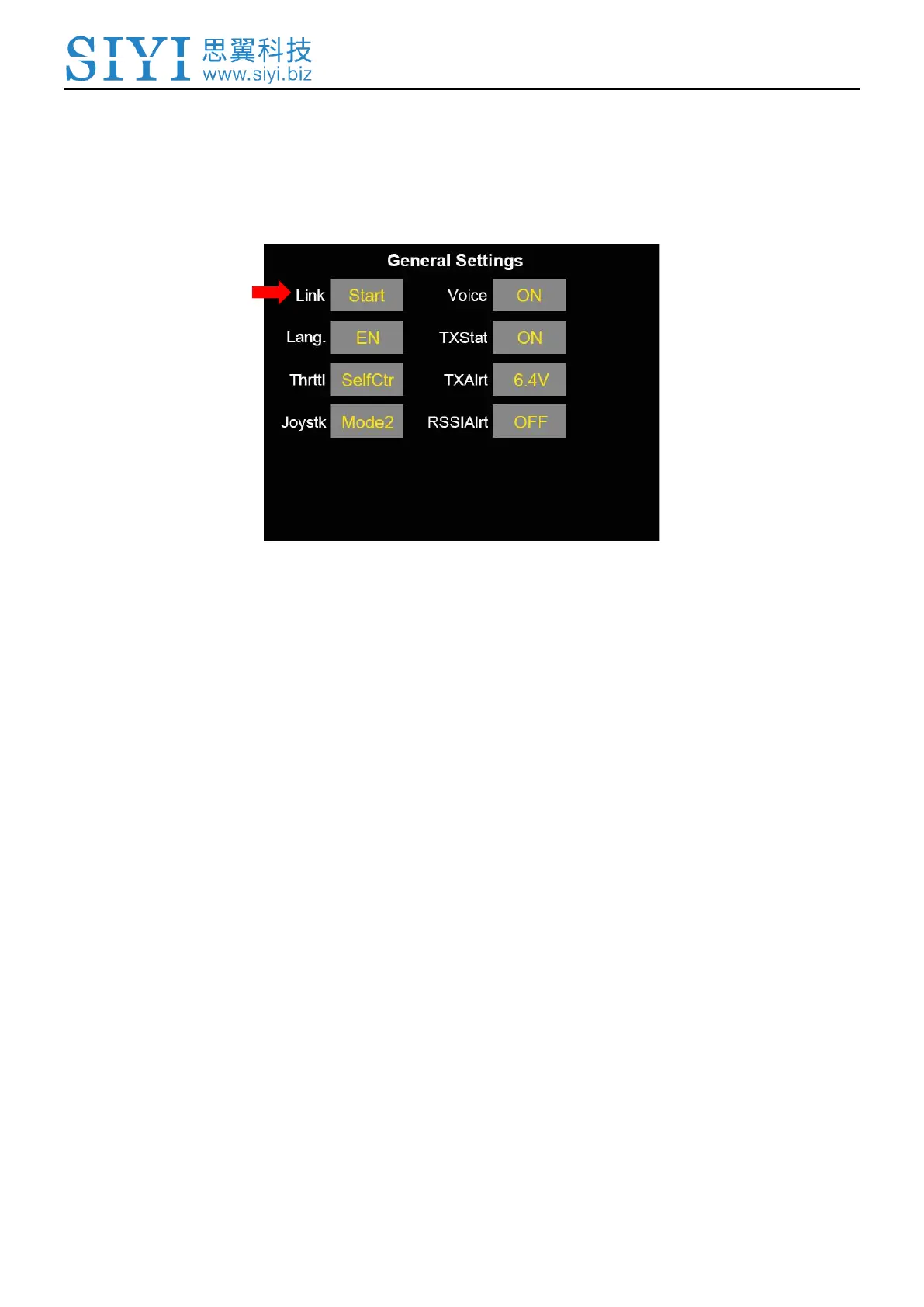
2. Go to “Transmitter Settings - System Settings - General – Bind (Start)”
3. Receiver/transmitter turns to blink green; communication is normal, binding is
successful.
Steps of Wireless Binding
*For FR / FR Mini Receiver


 To Next Page