FT24 User Manual V1.1
80
2020 SIYI Tech All Rights Reserved
2. Enter “Signal”, select S.BUS / PPM / PWM to switch among different signal
modes.
3. During switching, receiver status indicator blinks for different signal modes.
Yellow Once: S.BUS
Yellow Twice: PPM
Yellow Triple: PWM
4. After switching, receiver status indicator is back green. Blinking frequency
stands for signal strength. Faster it blinks, lower strength it is.
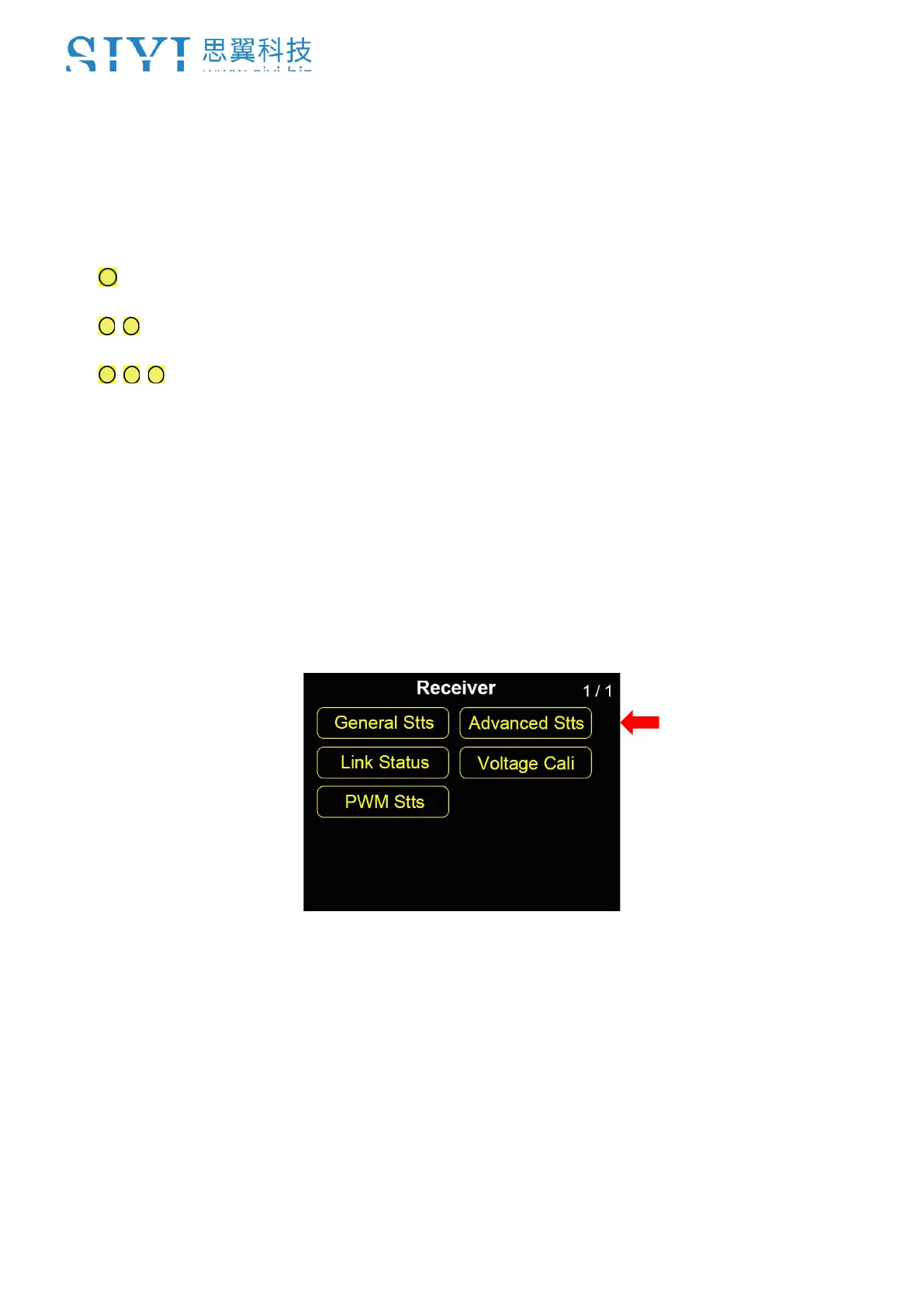
7.2 Advanced Settings
Advanced Settings is to setup baud rate for datalink/telemetry function. Range:
4800, 9600, 38400, 57600, 76800, 115200, 230400.



 To Next Page