FT24 User Manual V1.1
40
2020 SIYI Tech All Rights Reserved
⚫ And enter “Reset” icon to rest all channel mapping settings.
5.6 Channel Reverse
Users can reverse channel output in “Channel Reverse” page.
Steps
1. When your FT24 transmitter is bond to a new receiver, please check and if all
servos, buttons, and switches are mapped to correct channels as you need.
2. Please try to operate all joysticks, switches, and buttons on transmitter to
check if channel output direction of each channel is normal or reversed.
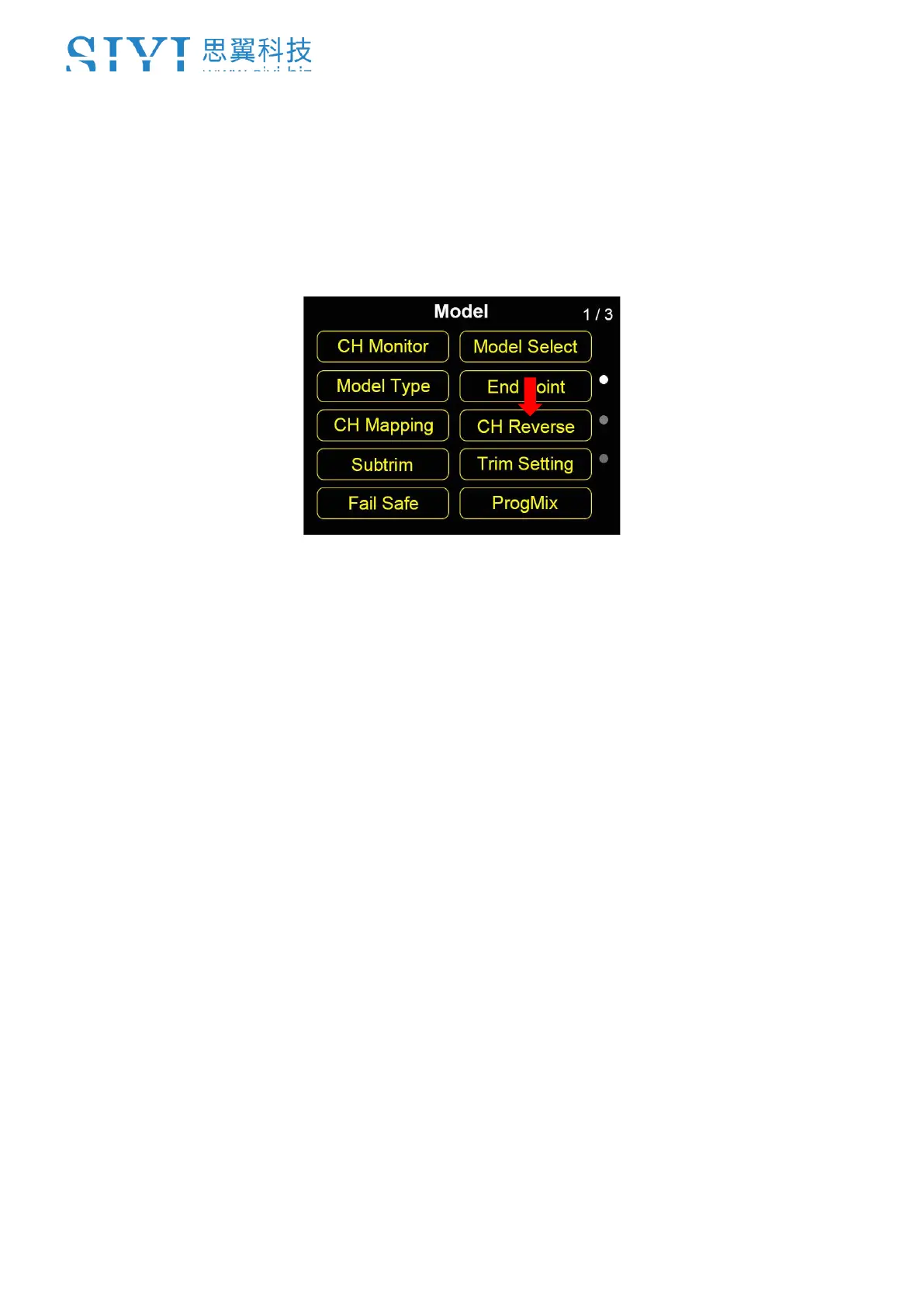
3. Go to “Model” page, enter “Channel Reverse”.
4. The page displays information as in the picture below. Enter a channel once to
select, twice to change it into “Normal” or “Reversed”.



 To Next Page