FT24 User Manual V1.1
73
2020 SIYI Tech All Rights Reserved
4. Enter to see “Confirm to export” dialog, then “Confirm” to finish.
Steps to Import
1. Connect FT24 transmitter to your PC through OTG Micro-USB cable and open
“SIYI Assistant” software.
2. Use an SD card reader to import the setting data which is already saved in your
SD card. File format is “.CFG”. Data of “System Settings” is named as
“SYS.CFG”. Data of “All Model” is named as “ALL.CFG”. Data of the “Current
Model” is named as “MODEL + X (model number).CFG”.
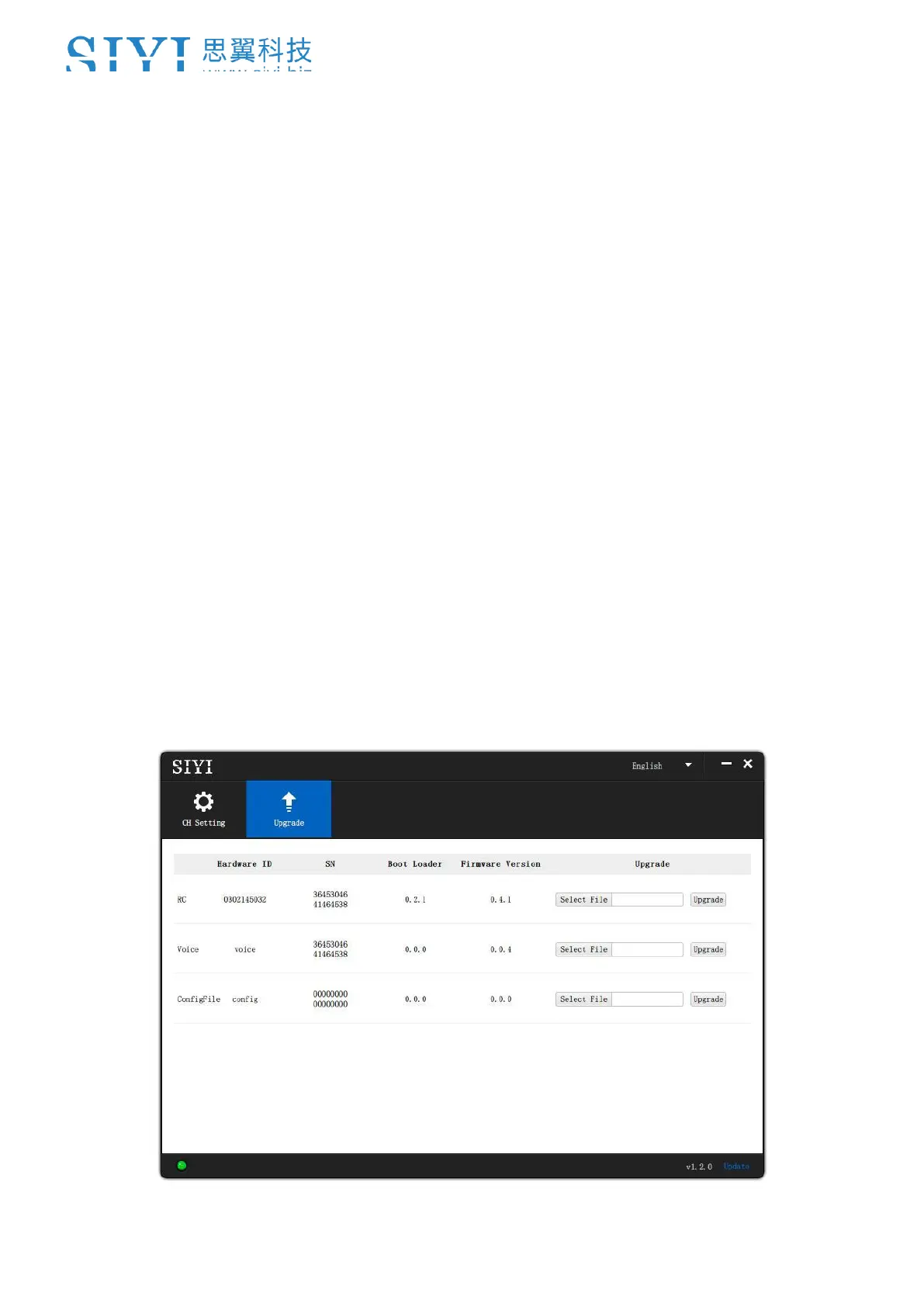
3. In “SIYI Assistant” software, go to page “Upgrade”. After “Config File”, click on
“Select File” to load the file.



 To Next Page