49
Skydio X2 Color/Thermal - Operator Manual © 2022 Skydio, Inc. All rights reserved.
Post-flight
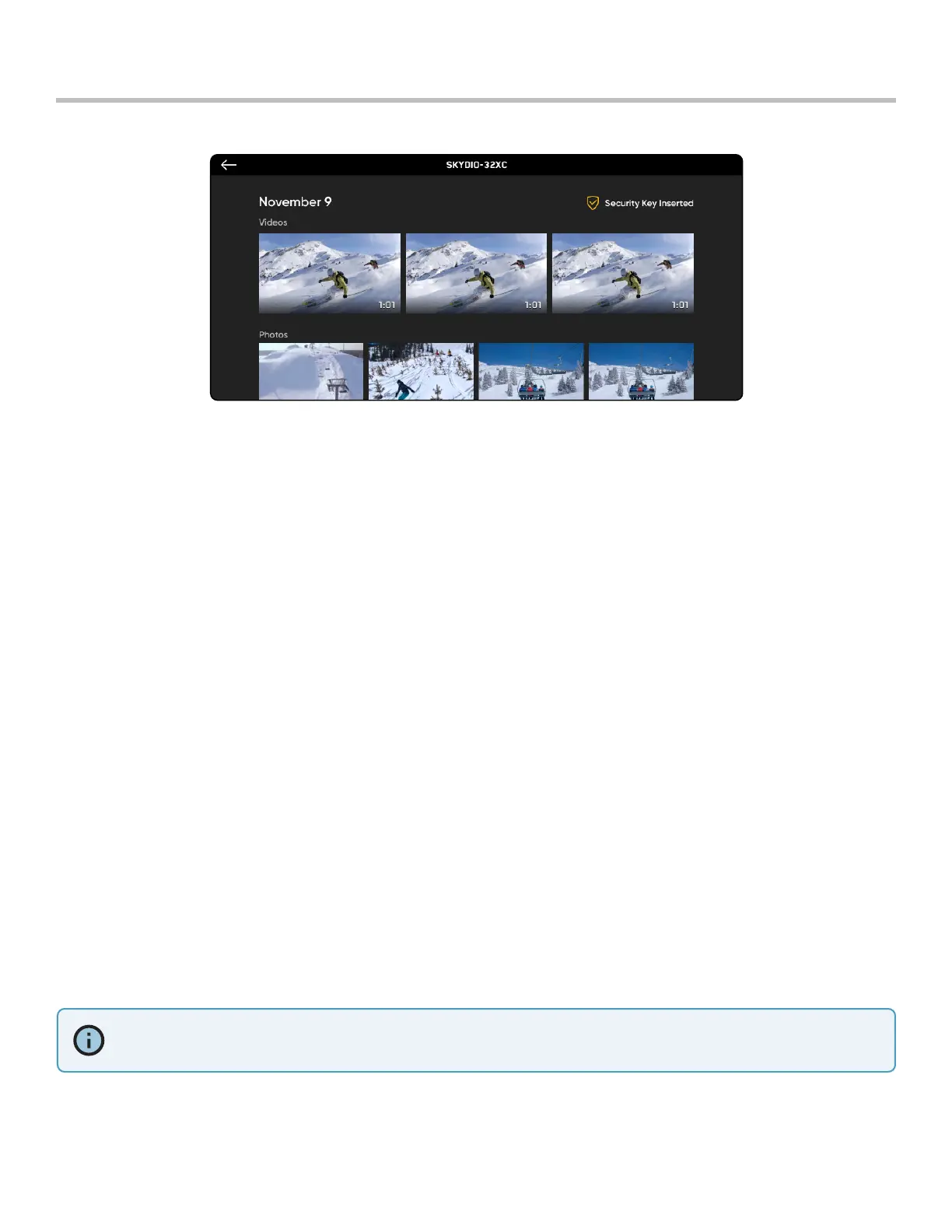
Reviewing and ooading media
INFO: Connecting via USB to a computer that does not supply charging power will cause Skydio X2 to run o of
battery power and may drain the battery.
Step 1 - Select the Review tab
Step 2 - Select an image or video to review it
• Interval photo mode - all photos captured will appear as a single stack of photos. Selecting the stack will
allow you to scroll through individual images one by one.
• only the JPG files will display
To view the images and videos captured:
Step 1 - Power on your Skydio X2
Step 2 - Connect X2 to your computer using the provided USB-C cable
Step 3 - Import your media
Windows - your Skydio X2 will serve as an external hard drive
Apple - use the Photos app or the Image Capture app to transfer
• download the DNG image files directly from the SD memory card
• images contain embedded EXIF data to enable post-flight analysis
Step 1 - Press and hold the image or video to enter selection mode
Step 2 - Select your desired media
Step 3 - Select delete
To transfer your media to your computer:
To delete media:



 To Next Page