216201ADA SJ643 TH & SJ843 TH
48
Section 4 – Pre-operation Function Tests
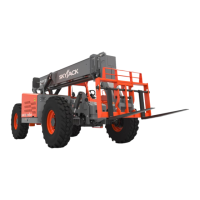
4.3-4 Test Boom Functions
WARNING
Ensure there are no personnel or obstructions in
test area and there is sufcient room to test all
telehandler functions.
1. Ensure the park brake is engaged.
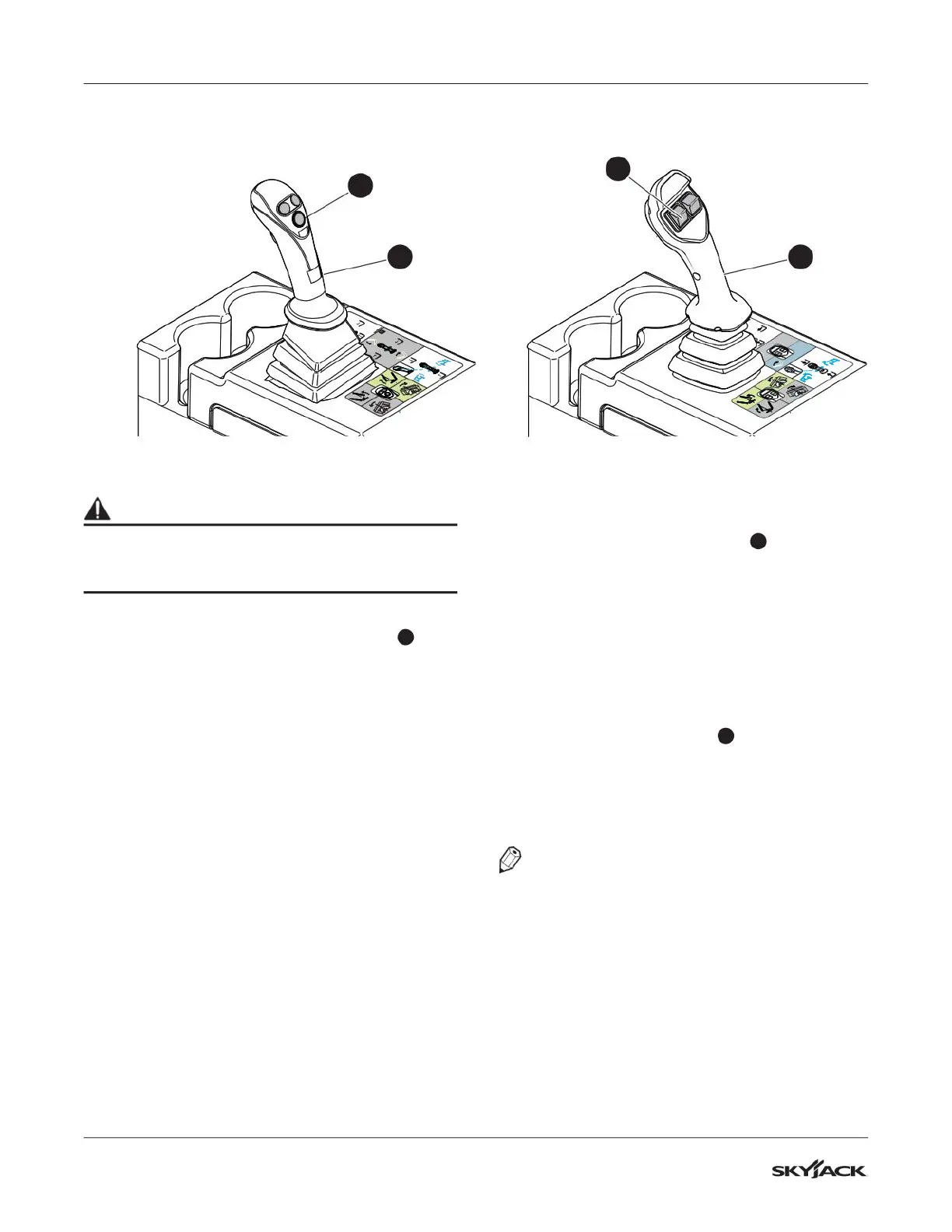
2. Raise the boom by moving the joystick
1
backward.
▪
Result: Boom should raise and boom angle
indicator should be functioning.
3. Extend the boom by moving the joystick to the
right.
▪
Result: Boom should extend and boom
extension indicators are visible.
4. Retract the boom by moving the joystick to the
left.
▪
Result: Boom should retract.
5. Lower the boom by moving the joystick forward.
▪
Result: Boom should lower.
6. Lower the boom until attachment is
approximately 2 feet above the ground.
4.3-5 Test Attachment Functions
Standard Multi-functional Joystick:
1. Tilt attachment forward by pressing and holding
the carriage tilt enable button
2
while moving
the joystick forward.
▪
Result: Attachment should tilt forward.
2. Tilt attachment backward by pressing and
holding the carriage tilt enable button while
moving the joystick backward.
▪
Result: Attachment should tilt backward.
Premium Multi-functional Joystick (If Equipped):
1. Tilt attachment forward by pressing and holding
the attachment tilt switch
3
up.
▪
Result: Attachment should tilt forward.
2. Tilt attachment backward by pressing and
holding the attachment tilt switch down.
▪
Result: Attachment should tilt backward.
NOTE
Ensure to test all attachment functions
if telehandler is equipped with optional
attachments. Refer to Section 3.6 and Section
5.13 for details about each attachment and
installation/operation.
2
1
3
1
Premium Multi-functional Joystick
(If Equipped)
Standard Multi-functional Joystick


 To Next Page