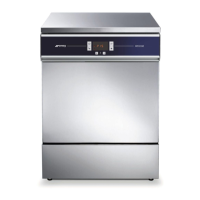
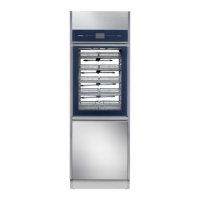
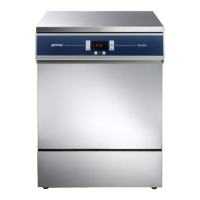
GW2145 - GW1160 - GW4060 - GW4190
4.5 SELECTING THE WASHING PROGRAMME
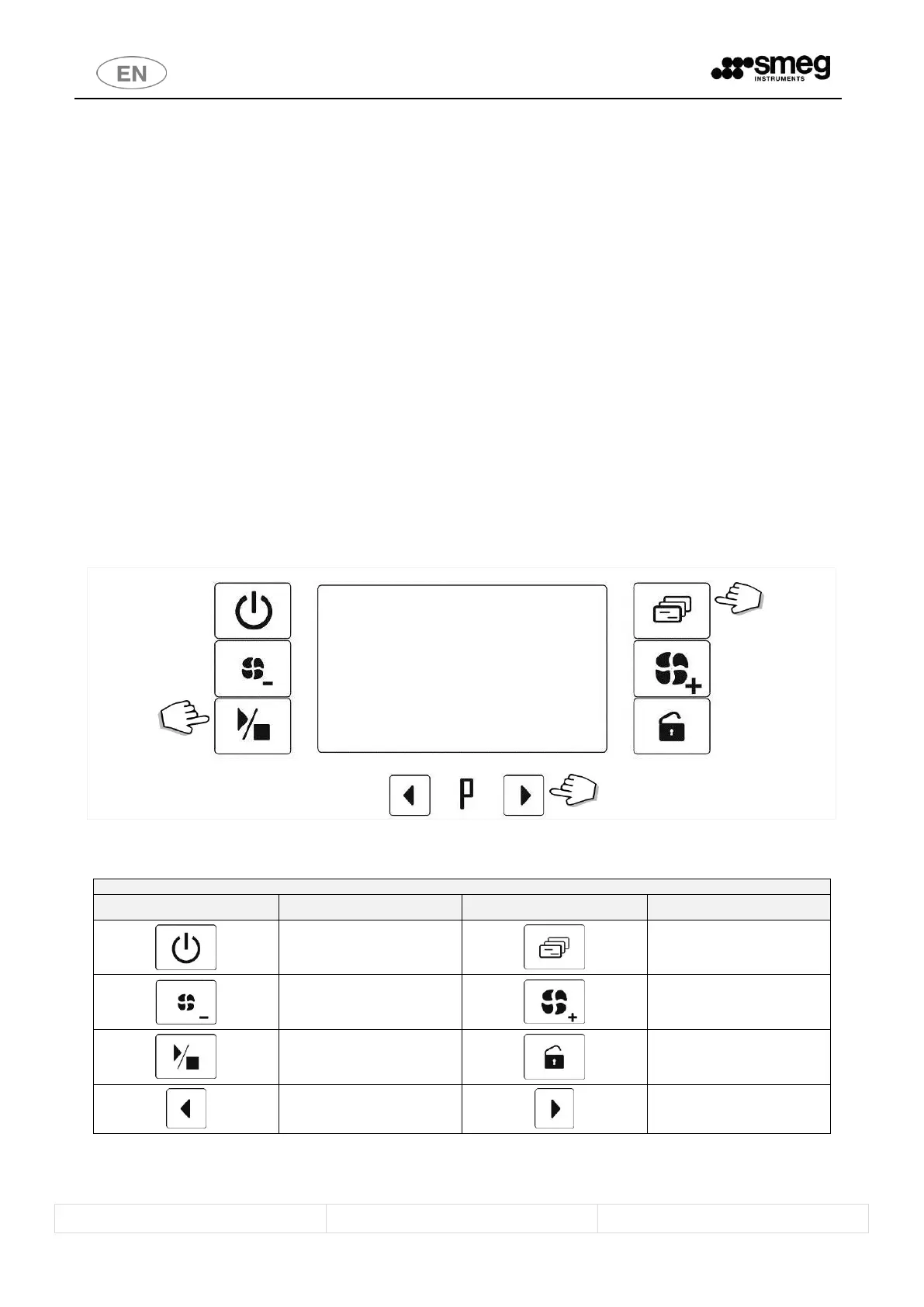
The device has an interface, with segment display and 10 LED-lit symbols, for user-device communications.
To run a program:
1. Close the door by shutting it against the appliance until the lock clicks shut. The buttons are only enabled
with the door closed.
2. If the appliance is off, switch it on by pressing the On/Off key (hold down for 2 seconds)
3. Use the Selection buttons to select the program.
4. Once the selection has been made, the Functions button can be used to scroll through the program
parameters.
5. Only for GW4060, GW4190 series: If the program includes a drying phase, its duration can be adjusted using
the Drying Decrease and Drying Increase buttons.
6. Press the Start/Stop button to start the cycle (hold it down for 2 seconds).
7. Two beeps sound to indicate the start of the cycle.
8. Once the selected program has been successfully completed, the display shows End“.
9. Interrupting the cycle: A cycle in progress can be interrupted by pressing the Start/Stop button. A
After the cycle has been interrupted, the options available vary depending on conditions in the chamber:
i. If the temperature in the chamber is below 40°C: the door can be opened. If the door is
closed again within 1 minute, the cycle can be restarted from the phase where it was
interrupted by holding down the Start/Stop button.
ii. If the temperature in the chamber is above 40°C: a reset cycle is required since the door
cannot be opened.
fig. 11 – Standard procedure for starting a cycle. 1 Select the program using the Selection buttons. 2 Check the program parameters: Functions
button. 3 Start the program: hold down the Start/Stop button.
Drying Decrease
(only for GW4060, GW4190)
Drying Increase
(only for GW4060, GW4190)


 To Next Page