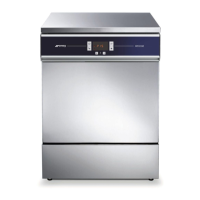
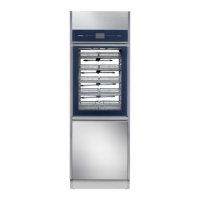
GW2145 - GW1160 - GW4060 - GW4190
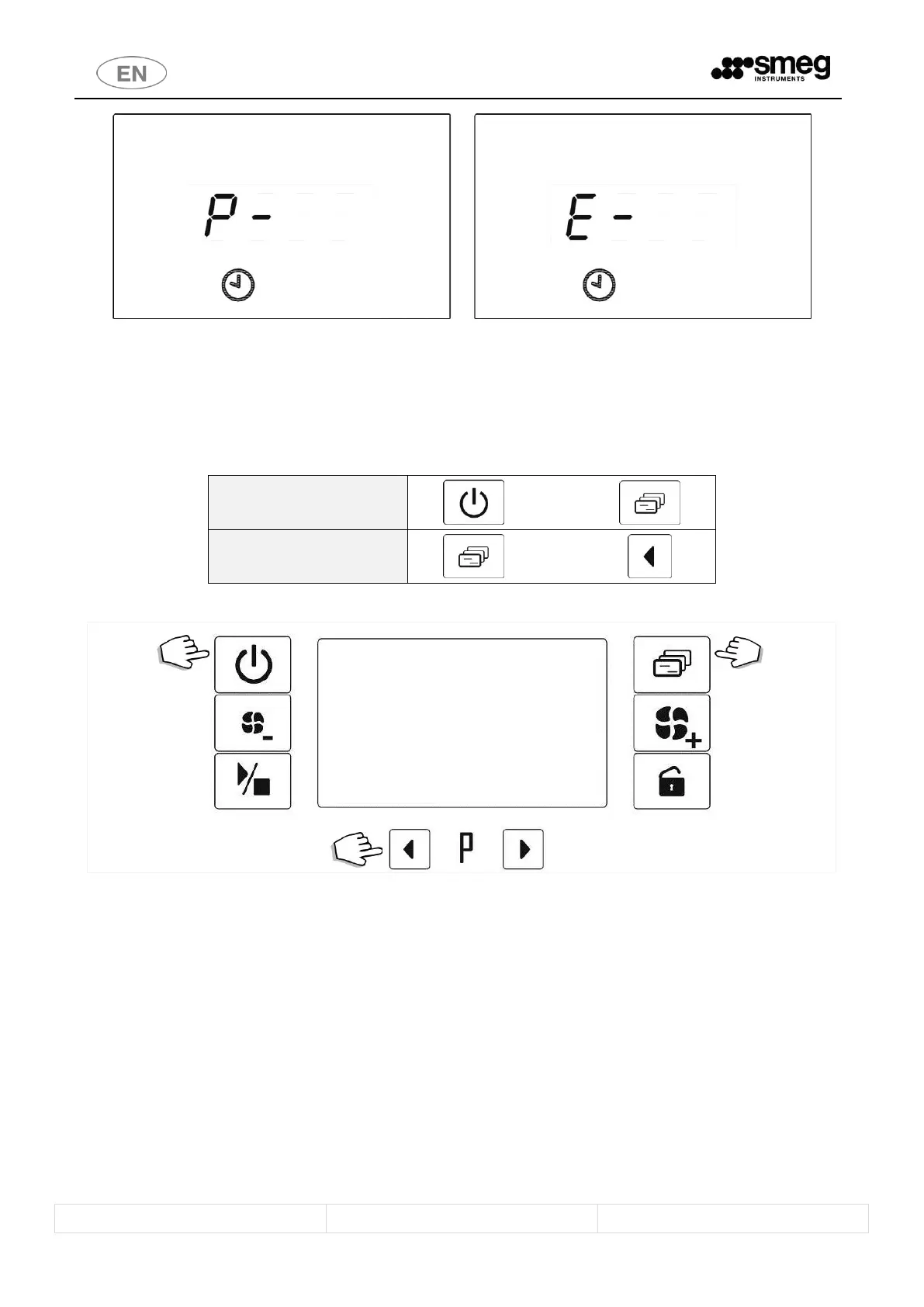
fig. 25 – RESET: during the RESET the display shows “ P- “. At the end of the RESET cycle, “ E- “ appears on the display.
4.13 PRINTING THE CYCLE AND APPLIANCE PARAMETERS
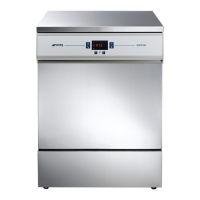
If the Smeg “WD-PRINTE” accessory has been installed, it is possible to force printing of the data relating:
1. To the last cycle performed: by pressing the 1 On/Off and 2 Functions keys simultaneously.
2. To the setup parameters, by pressing the 3 Functions and 4 LH Selection keys simultaneously.
Commands are only accepted if the door of the device is closed.
fig. 26 – Standard procedure for forcing printing.
Last cycle data: use “On/Off”+”Functions” keys; Parameters: use “Functions”+”LH Selection” keys.
5 SETUP MODE - “FUNCTIONS”
The appliance has setup procedures for modifying its operating parameters.
The setup mode can be accessed by pressing the “Functions” button and requires a password.
For reasons of security and responsibility, 4 levels of password are available to access different levels of functions and
settings::
1. USER Level (1111)
2. SUPERUSER Level (provided by the installation engineer)
3. ENGINEER Level
4. SMEG Level


 To Next Page