GW2145 - GW1160 - GW4060 - GW4190
The first 2 digits of the display show the program number and the second 2 the “on” or “oF” value
(e.g. “06:on”) depending on whether or not the program currently selected is enabled.
By default: all programs are enabled, “on”. To disable a program, set “of” next to its number (e.g.
“06:oF”) using the Modify buttons.
At least 1 program is always enabled; the superuser can disable up to 15 of the 16 programs
available.
The procedure is similar to that in use for the setup parameters.
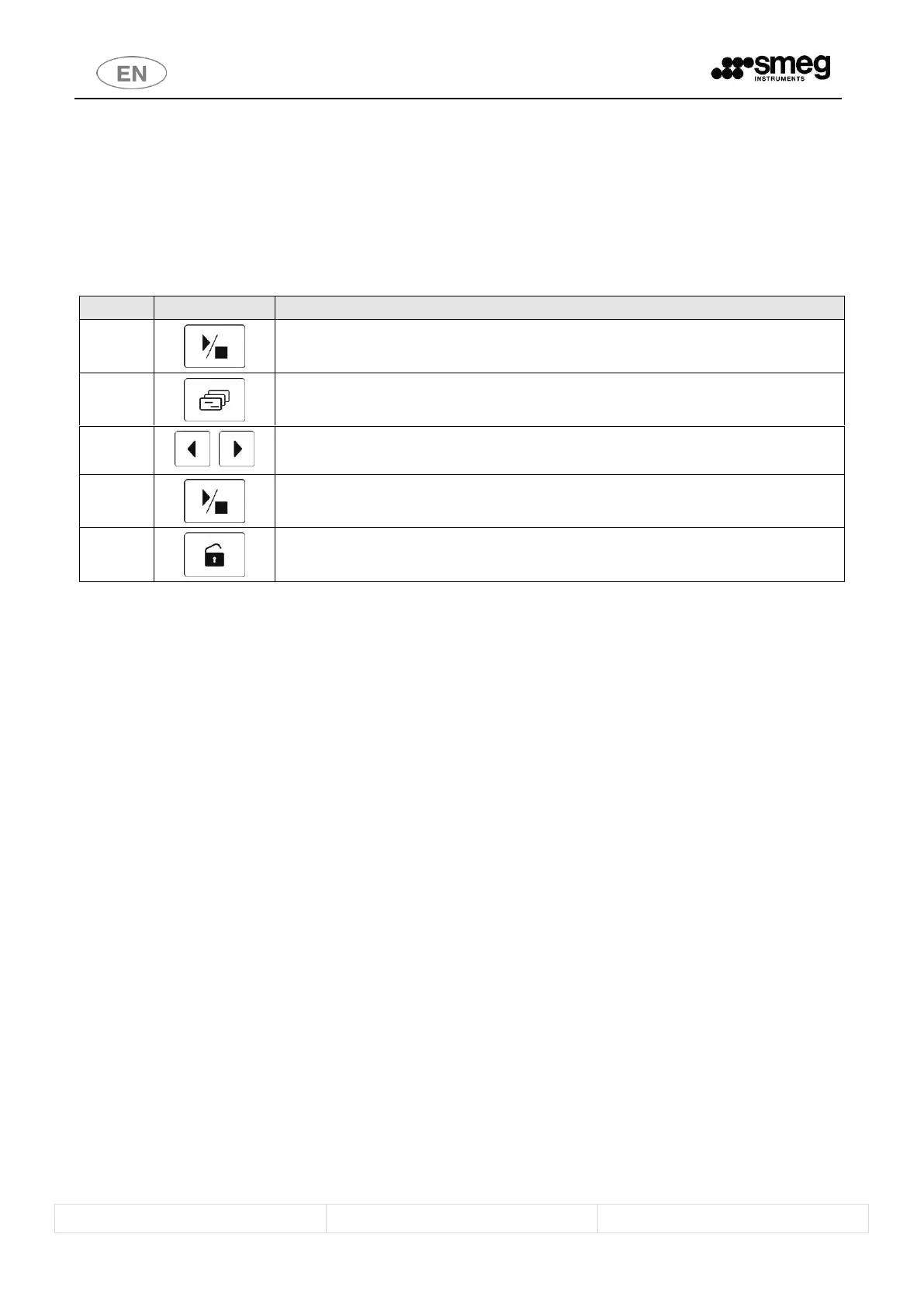
Start / stop – hold down to access the option.
To access the PrEn parameters, hold down until the “PrEn” setup option appears on the display.
Functions – quick press - Selects the programs to be enabled/disabled.
Buttons for Selection - Modification of the selected parameter (switch from “on” to “oF” to
disable display of the program on the screen).
Start / Stop – hold down to confirm the modification.
Door opening – hold down: to quit the screen used for display/modification.



 To Next Page