5.9 END OF CYCLE
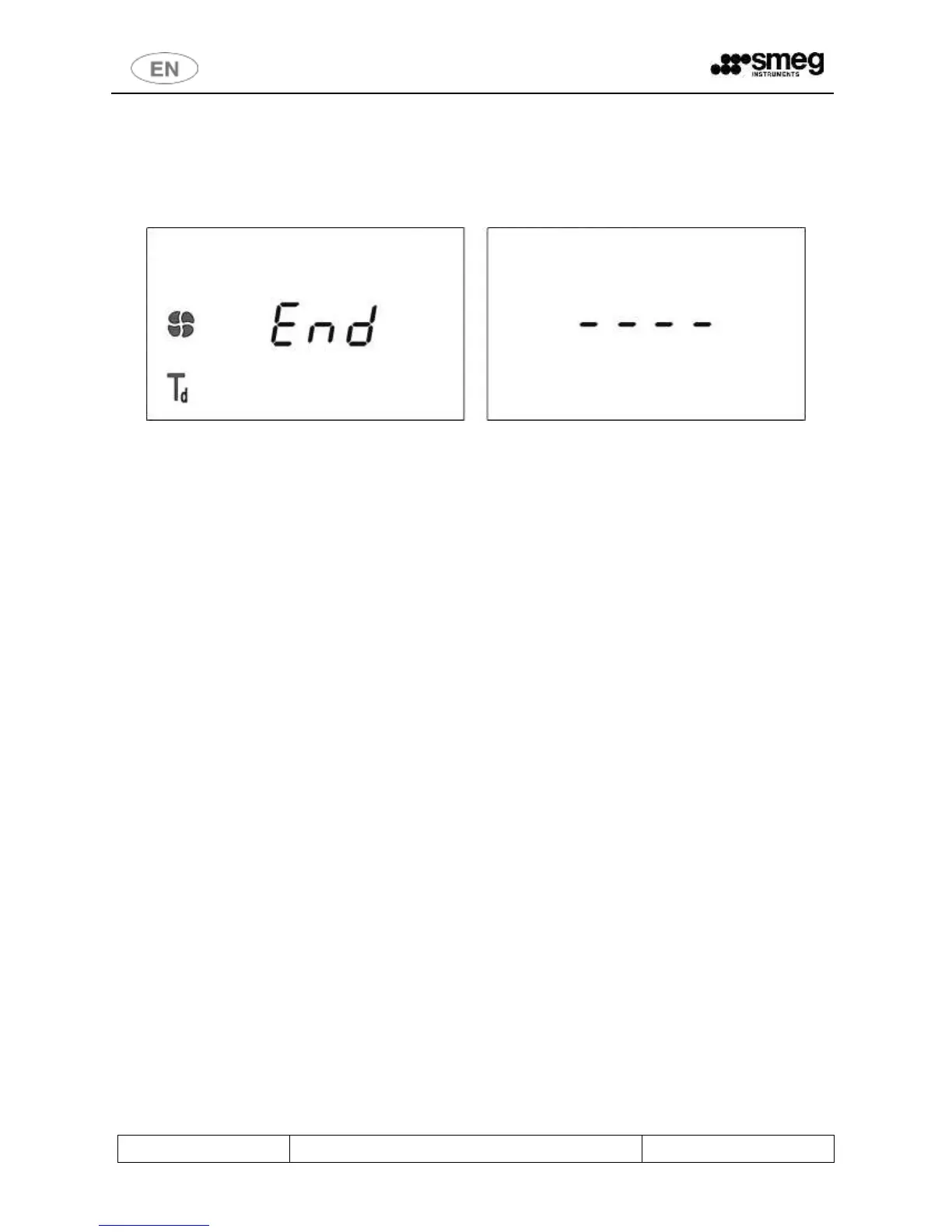
Once the selected program has been successfully completed, the display shows “End“.
“End” only appears if the washing phases have been performed and been completed correctly; it does not appear if
the program has been interrupted or if an error which may affect the cycles’ effectiveness has occurred.
A beep sounds to indicate the end of the cycle.
fig. 18 – End of cycle, display screen. The word End indicates that the washing process has been completed correctly. If automatic opening is enabled:
the door is released automatically and the 4 dashes appear on the display.
WD Series
Automatic door opening at the end of the cycle cannot be set; an operative must be present.
Wait about 10 minutes with the door open before removing the processed load, to allow the material in the washing
chamber to cool, and if necessary to dry.



 To Next Page