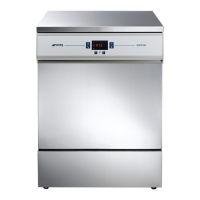
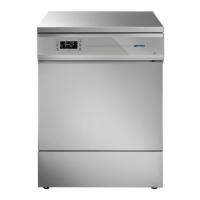
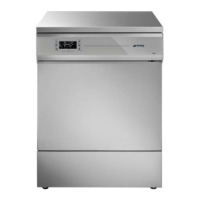
WD2145-WD1160-WD4060-WD4190
9.2.1 WD2145 - filter elements
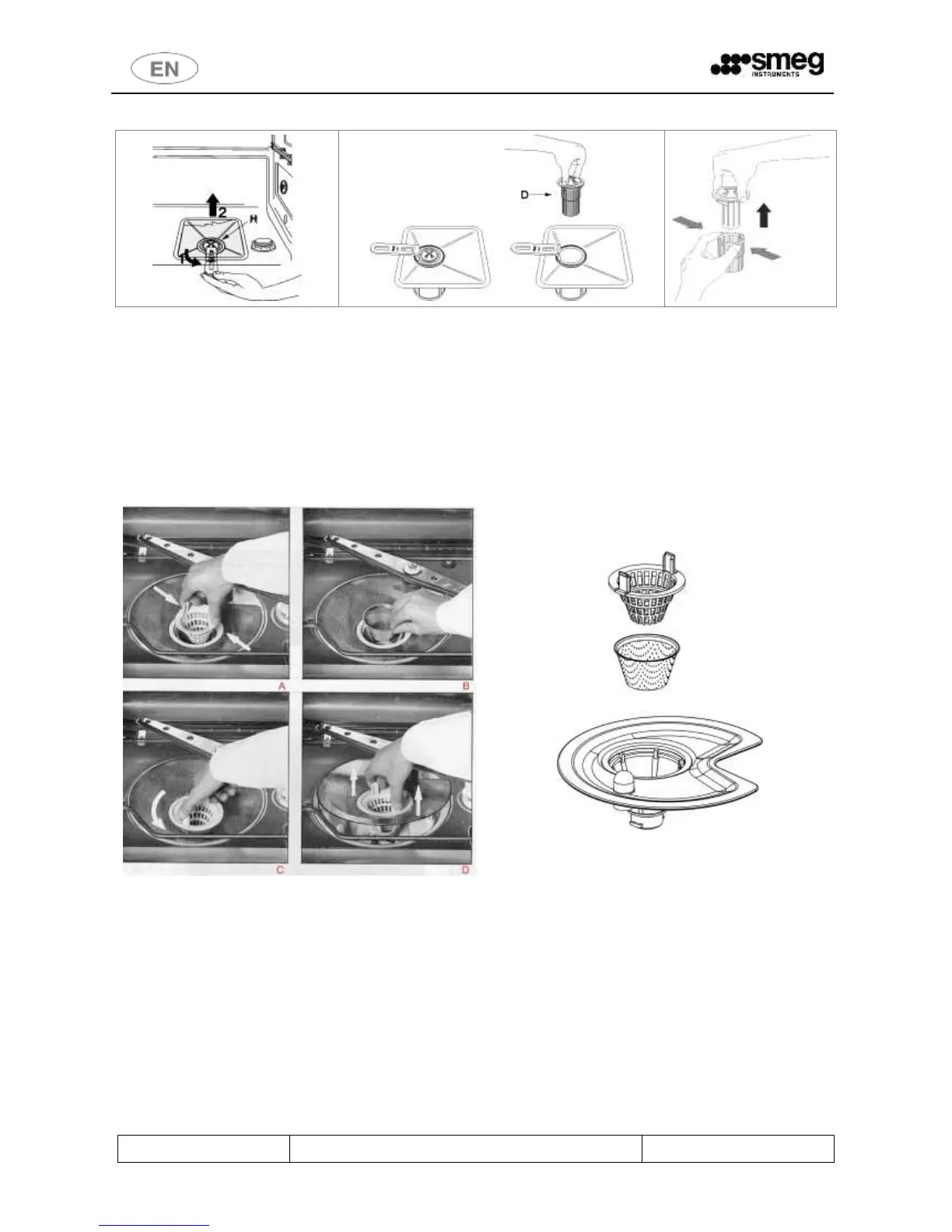
The central filter “D” should be inspected regularly and cleaned if necessary. To remove it, take hold of the handle,
turn anti-clockwise and lift.
Push the central filter “D” up from below to extract it from the micro-filter and separate the two parts of the plastic
filter by pressing the body of the filter in the zone shown by the arrows.
Lift out the central filter.
9.2.2 WD1160, WD4060, WD4190 - filter elements
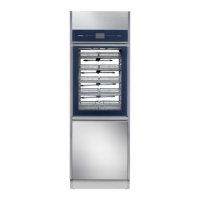
fig. 45 – Draining filters in the chamber; dismantling procedure and detailed view.
Coarse conical filter
To remove the coarse filter, press the "tabs" of the filter and pull upwards (A, fig. 45). Clean the filter and replace it.
Conical fine filter
This is located underneath the conical coarse filter (B) and should be checked and cleaned whenever the coarse filter
is inspected. Clean with a brush and hot water for effective removal of deposits.
External circular filter
To remove this filter:
Hold of the “tabs” of the coarse conical filter and turn it anticlockwise (C).


 To Next Page