10.6 DATA CONNECTION
The device has a data communication port which can be used for one of the following functions:
1. Connection to an optional external “WD-PRINTE” printer. The printer produces a brief report with the key
cycle data.
2. PC connection for digital data storage and interaction with the appliance by means of the “TRACELOG”
program.
Reference should be made to the specific instructions of the above accessories for any connection details.
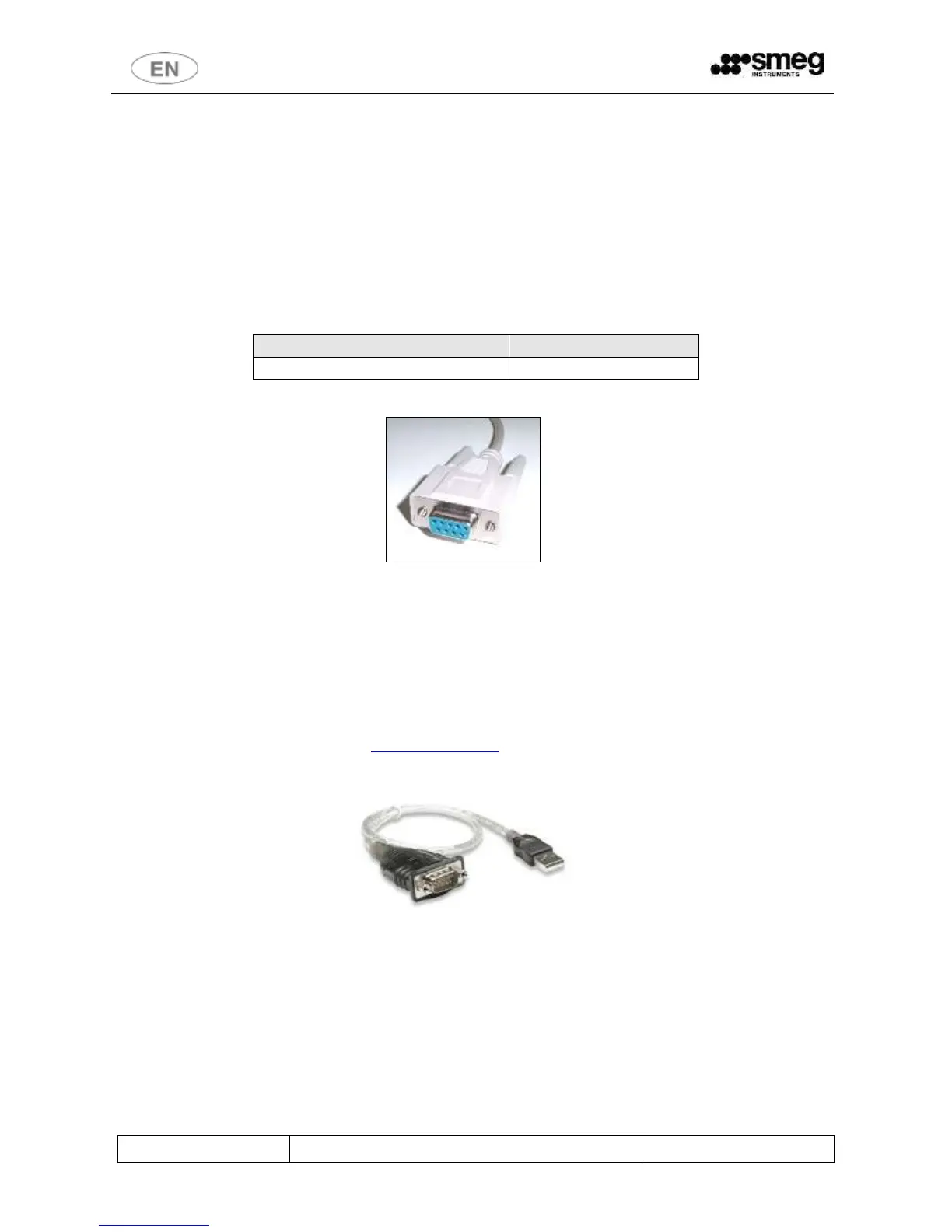
The RS-232 cable used for the connection must have the following characteristics:
fig. 55 – – RS-232 female connector
Not all PC models have serial ports:
In these cases a USB/SERIAL adapter accessory must be used.
When choosing the accessory, bear in mind the following characteristics:
Adapter: USB female –> RS-232 serial, 9 pins, MALE
(USB port; Type B female -> RS232 ports; 9-pin male).
Device driver compatible with the operating system of the PC used.
Contact your dealer for advice/explanations: instruments@smeg.it
fig. 56 – USB/serial adapter – guideline illustration.



 To Next Page