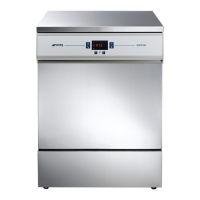
WD2145-WD1160-WD4060-WD4190
d. Once the 4 characters of the password have been entered, confirm by holding down the Start/Stop button (3).
I. If the password entered is correct, the system accesses the first menu item
II. If the password is not correct, two beeps signal the error.
III. 5 seconds after the last button is pressed, the system automatically quits the Setup menu.
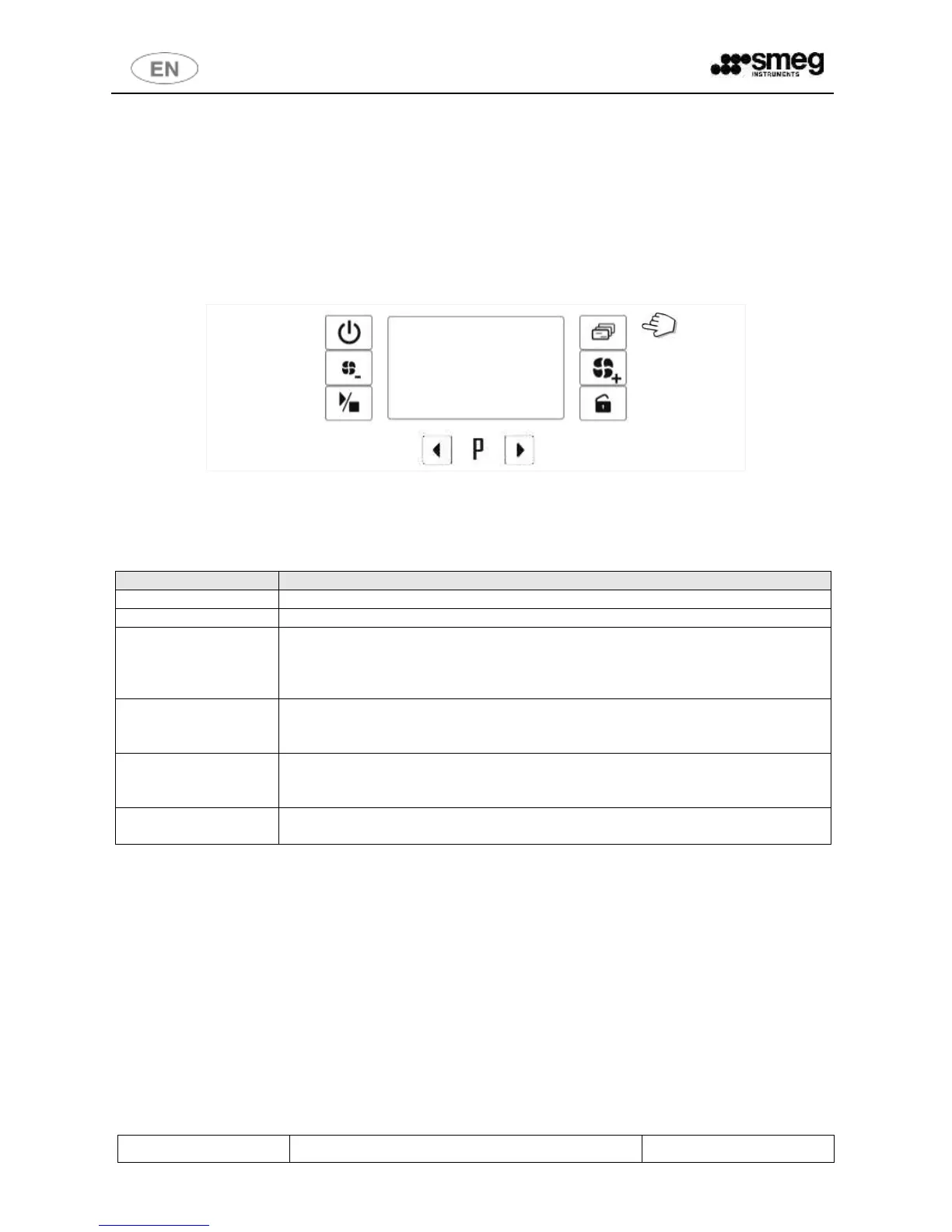
e. Once the Setup mode has been accessed, the various items available can be scrolled using the Functions button
(5).
f. Note on WD4060, WD4190 series: a short press on the button Drying + (6) has the same meaning of the short
press on button Functions (5) in the following cases:
I. When entering password, to switch from one character to the next.
II. Going into the setup mode, to scroll through the various items available.
fig. 29 – Functions button: hold down to access the Setup mode.
Le voci accessibili dal menù di SETUP sono riportate nella tabella seguente. Per passare da una voce alla successiva:
pressione breve del tasto 5 - Funzioni.
Appliance parameter setup - detailed explanation provided below in “Set” Parameters
Date and time - detailed explanation provided below in “Cloc” Parameters
Drying filter counter.
Press the Start/Stop button to display the number of absolute filter hours left before the
maintenance message appears. The initial default setting is 500. The value is in units.
(Display only parameter, cannot be modified).
Appliance operating hour counter for maintenance. Press the Start/Stop button to display
the number of cycles left before the maintenance message appears. The initial default
setting is 900. The value is in units. (Display only parameter, cannot be modified).
Appliance total operation counter (display only parameter, cannot be modified)
[The parameter is displayed on two consecutive display screens from firmware version
1.11.0.32. The value in thousands is indicated by the suffix "t", in units with the suffix "u"]
Setting which allows display and selection only of the washing programs actually of
interest.


 To Next Page